An access group is a membership level: the content it locks, who can open it, and what everyone else sees instead. You make one for each thing you offer, under Smart Members → Access Groups.
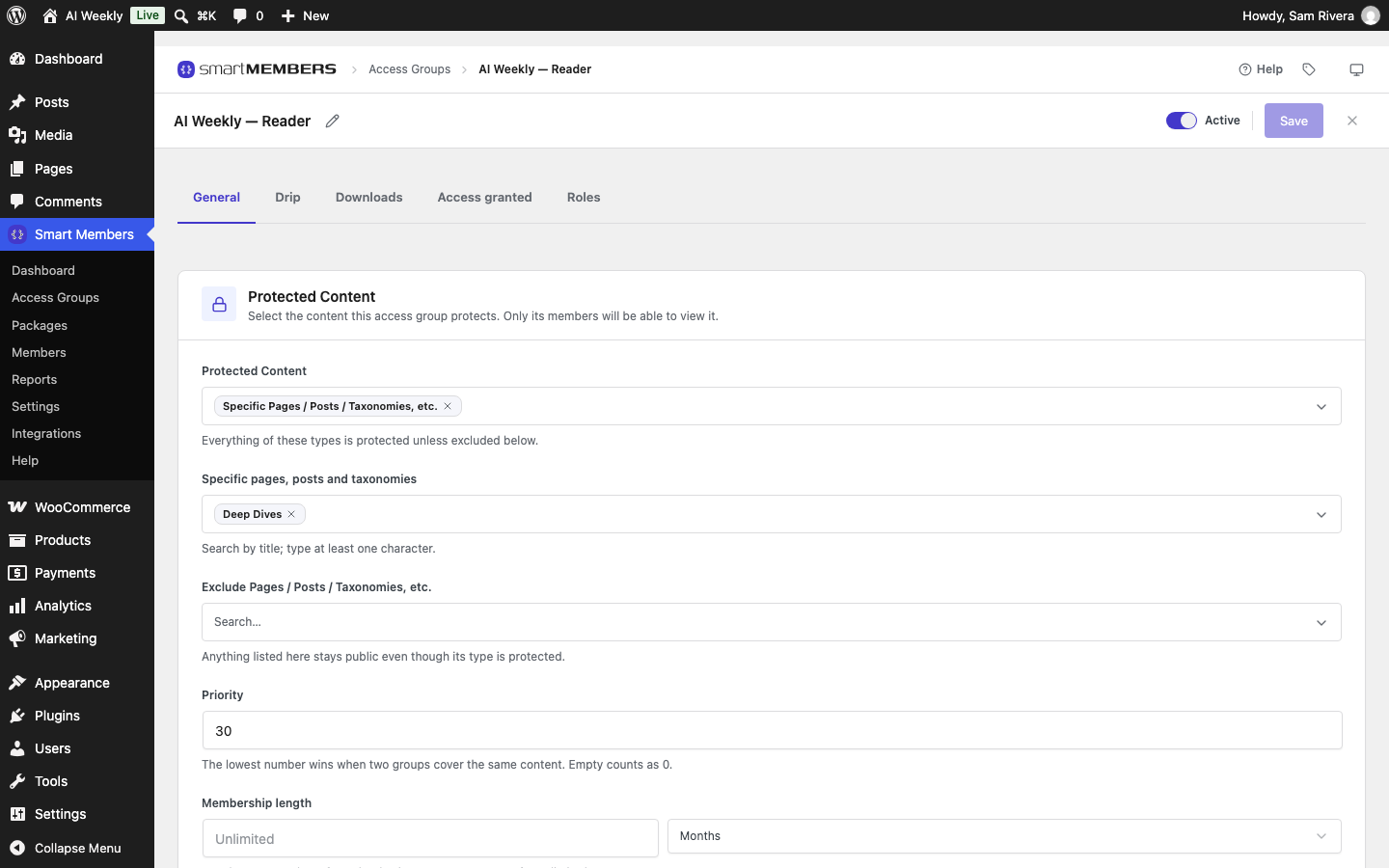
The AI Weekly groups
| Access group | What it locks | How people get in |
|---|---|---|
| AI Weekly — Free | Member Notes | Creating a free account |
| AI Weekly — Reader | Deep Dives | Buying Reader, $9.00 |
| AI Weekly — Pro | Video Updates and a PDF | Buying Pro, $29.00 |
| Build With AI | A six-lesson course | Added by the site owner |
Content in no group is public. One person can belong to several groups.
The tabs of a group
| Tab | What it does |
|---|---|
| General | Protected Content picks what the group locks, with Priority and Membership length. Create and edit an access group |
| General → Unauthorized Access | What people without access see: a Redirect, a Message or another Page/Post. Unauthorized access |
| Drip | Opens content later: days after joining, or on a date. Drip content |
| Downloads | Files only members can download. Protected downloads |
| Access granted | The ways in: By hand, On registration, On purchase. Access granted |
| Roles | Gives members a WordPress role while they are in the group. Role sync |
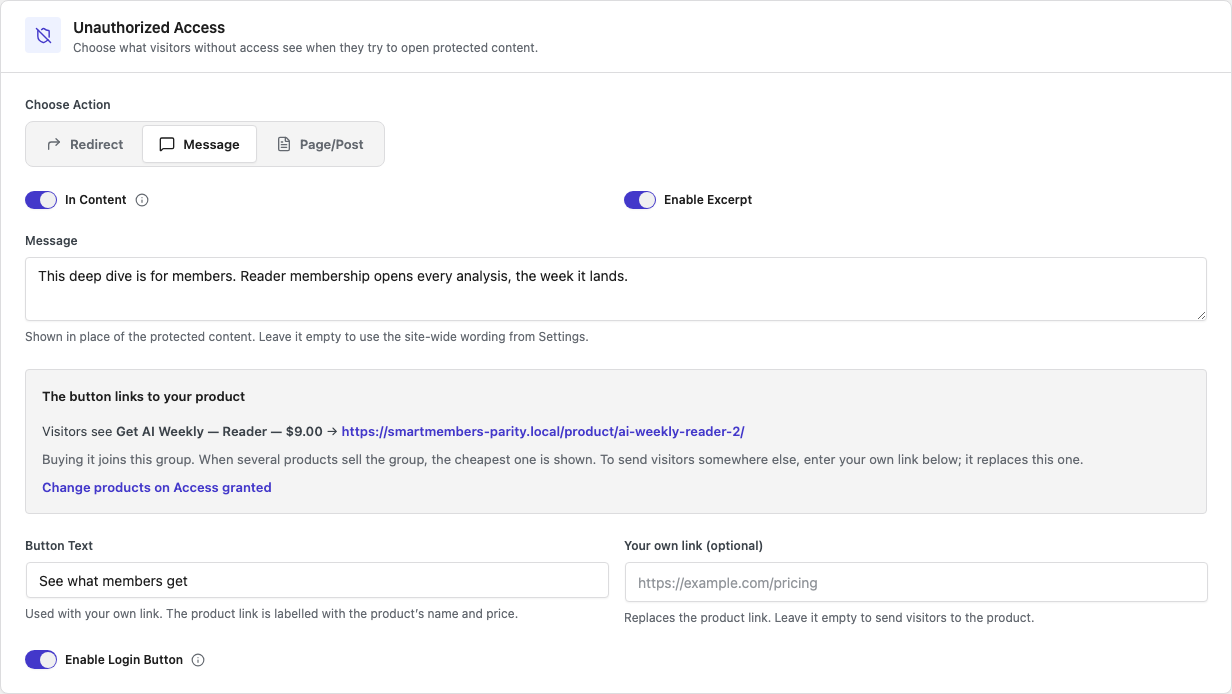
What visitors and members see
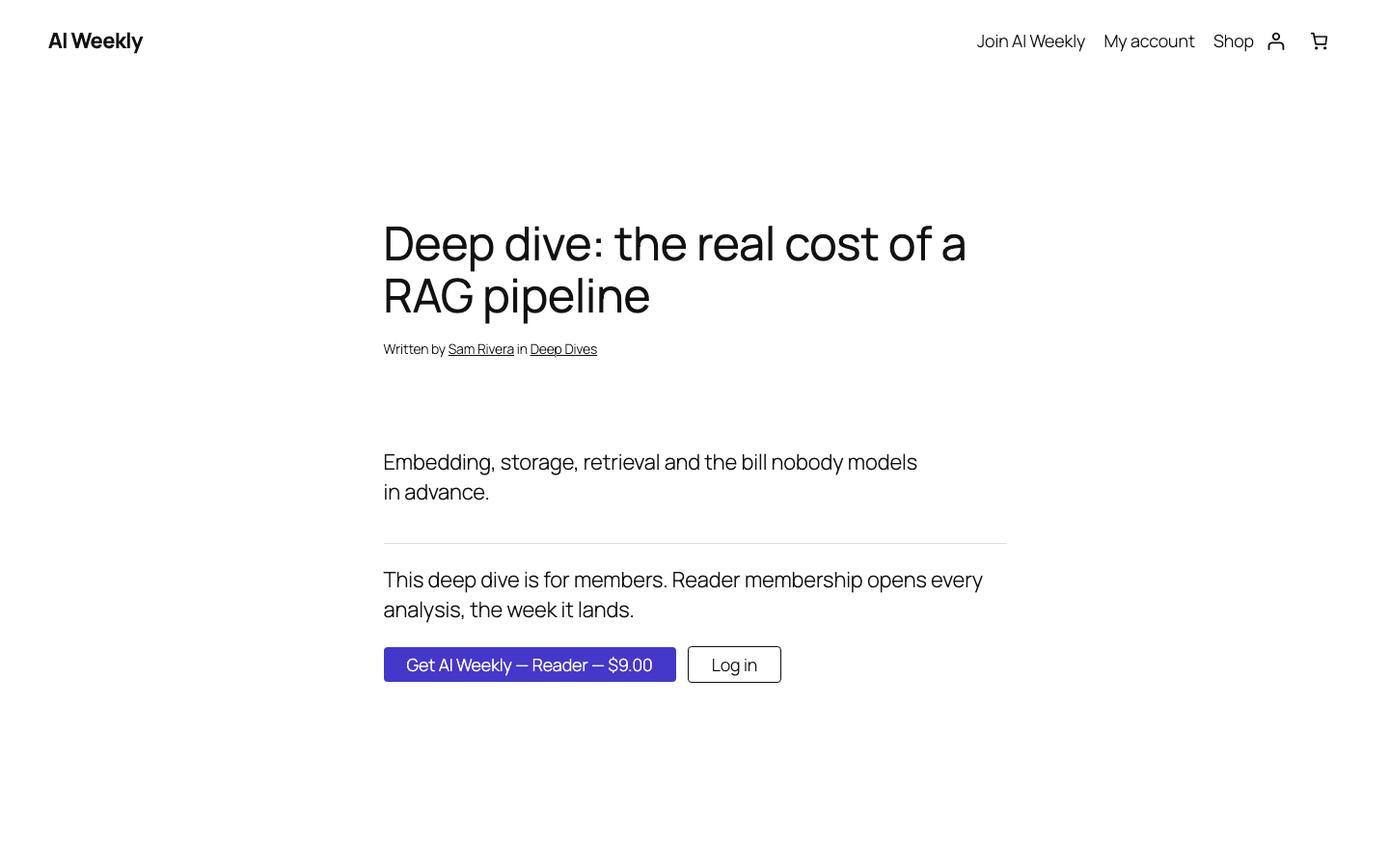
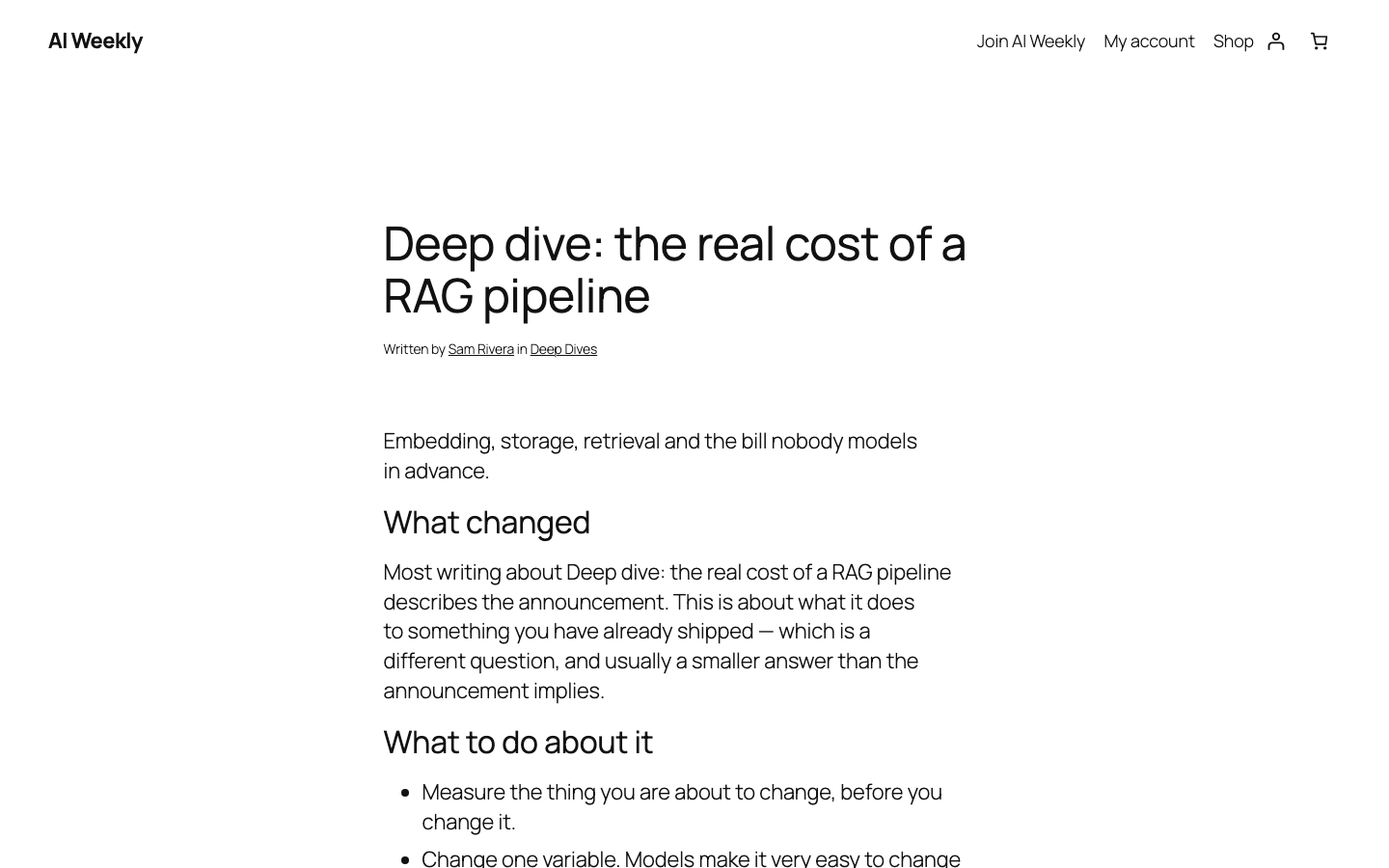
When a membership ends, the person sees the refusal like any visitor.
When two groups lock the same post
- An exclusion wins outright. If any group excludes the post, it is public.
- Any one group is enough. A member of either group can read it.
- The more exact rule wins. A single post beats a category, which beats a whole kind of content, which beats the entire website.
- For a member, the group that opens soonest wins. This only matters with drip.
- Then the lowest Priority number wins. This decides which refusal a visitor sees.
Inactive groups
An inactive group locks nothing. Its members stay, and switching it back on restores their access.
Warning: Switching a group off makes its content public straight away.