Smart Members is a WordPress plugin that decides who can open what on your site. You choose which posts, pages and files are for members only, and how people become members.
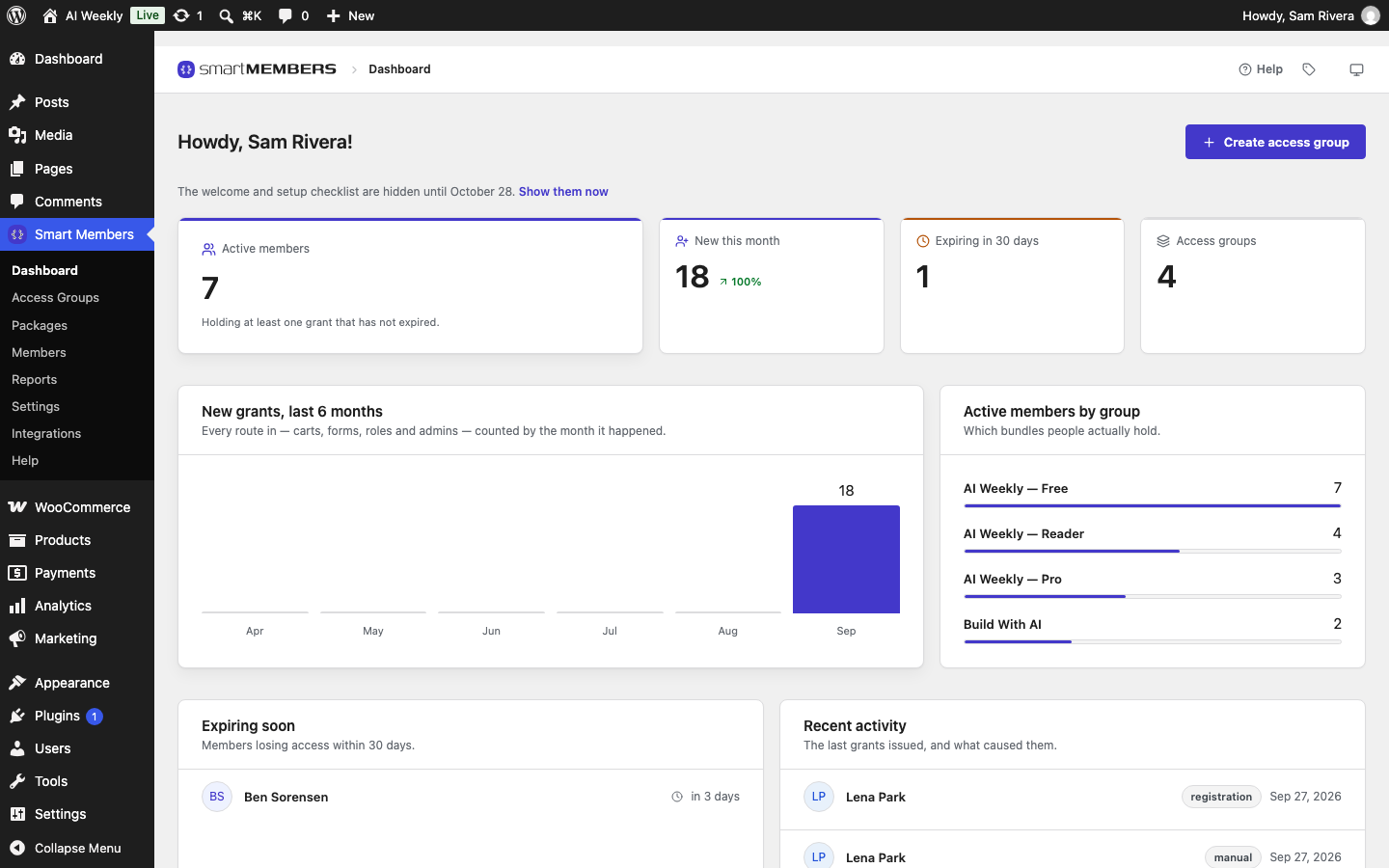
Smart Members does not take payments. WooCommerce takes the money; Smart Members gives access when the order goes through. A level can also open on a free sign-up, or only when you add someone.
The words you will see
| Word on screen | What it means |
|---|---|
| Access group | A membership level: a set of content, and who can open it. |
| Protected Content | Posts, pages or files only members of a group can open. |
| Grant / Revoke | Giving someone access to a group, and taking it away. |
| Membership length | How long access lasts after it starts. Empty means it never ends. |
| Priority | Which group's rules win when a post belongs to more than one. Lowest wins. |
| Unauthorized Access | What a visitor without access sees instead. |
| Drip | Releasing content over time, counted from the day each person joins. |
| Package | A WooCommerce product that gives access to a group when bought. |
The Smart Members menu
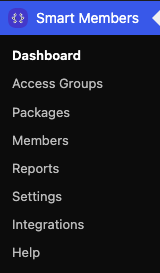
| Screen | What it is for |
|---|---|
| Dashboard, Reports | Who has access and what expires soon. |
| Access Groups | Your membership levels. Most of your setup happens here. |
| Packages | Every WooCommerce product that gives access. |
| Members | Everyone with access; give, remove or block it. |
| Settings | Choices for the whole site. |
| Integrations | Connections to your other tools. |
| Help | Setup checklist, sample data, Features, plugin log. |
Outside the menu: hiding part of a page, the sign-in and member pages, emails and the developer tools.
How a visitor becomes a member
A visitor who opens a Deep Dive sees a teaser and a way in.
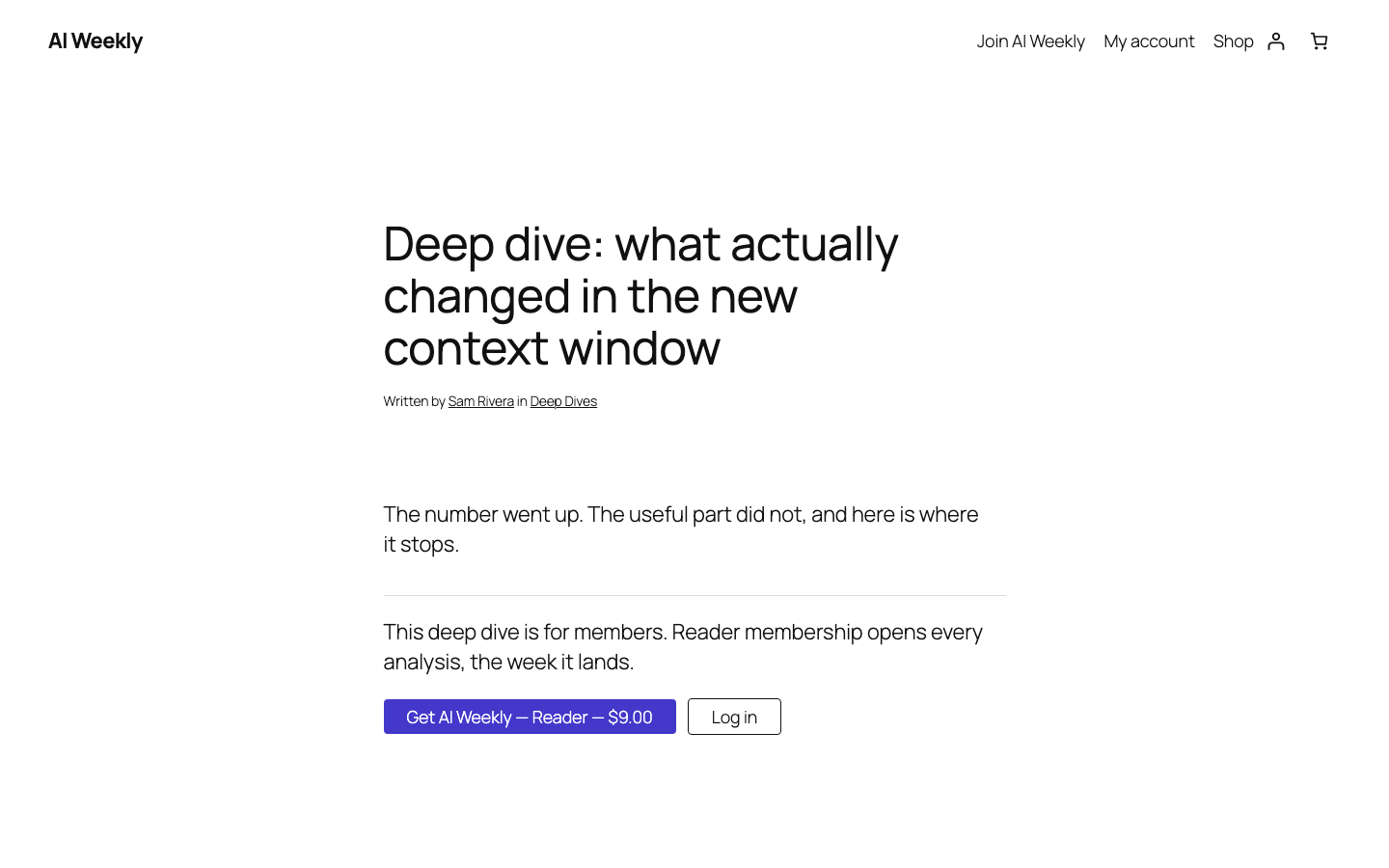
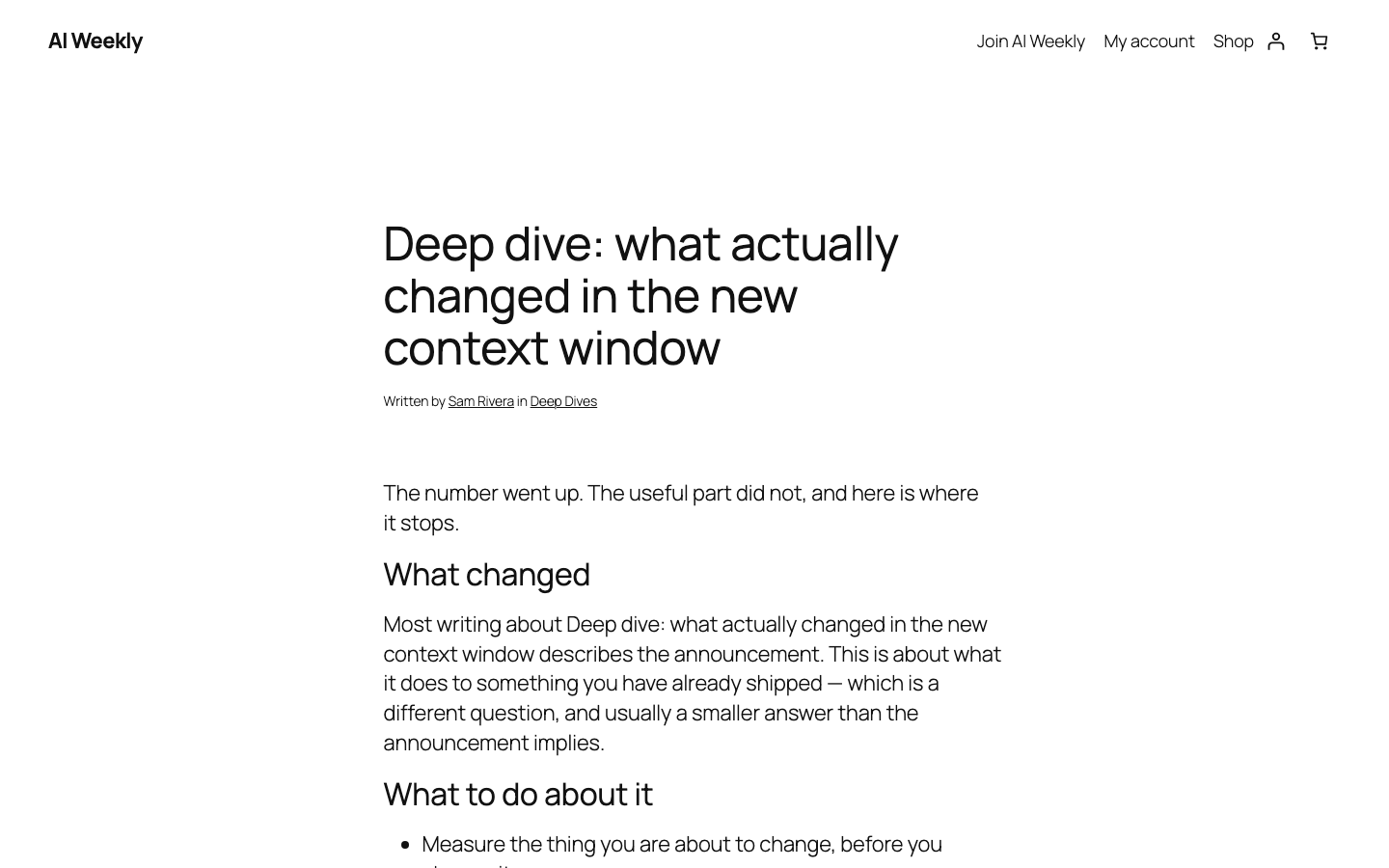
Once they buy AI Weekly — Reader, the same address shows the whole post.
Every member has a dashboard page listing their memberships.
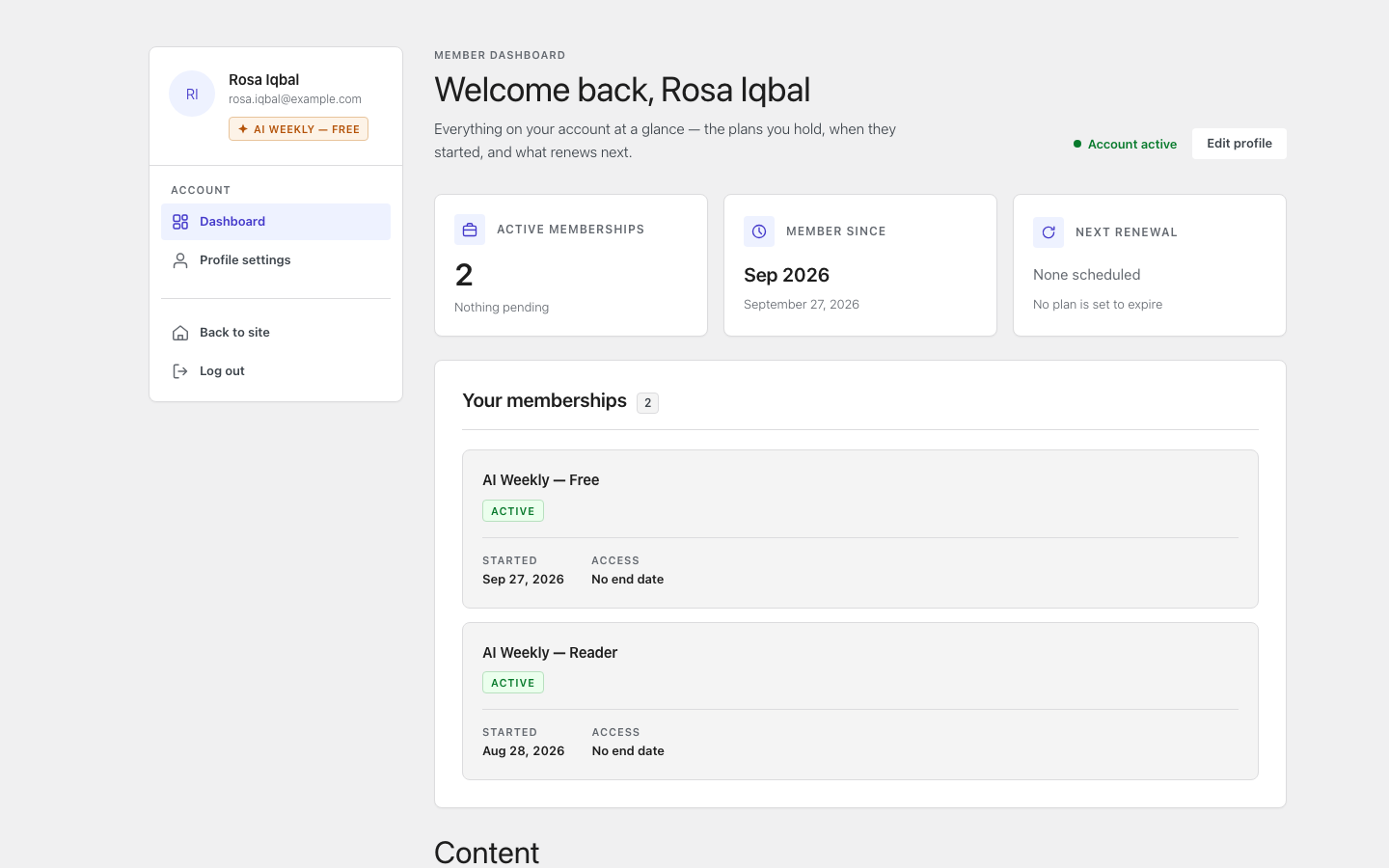
Access ends when the Membership length runs out or the order is refunded. The account stays.
Note: You always see everything as the owner. To see what a visitor sees, use a private browser window.