Smart Members has two screens of numbers. The Dashboard is the quick daily look; Reports holds the longer lists behind it.
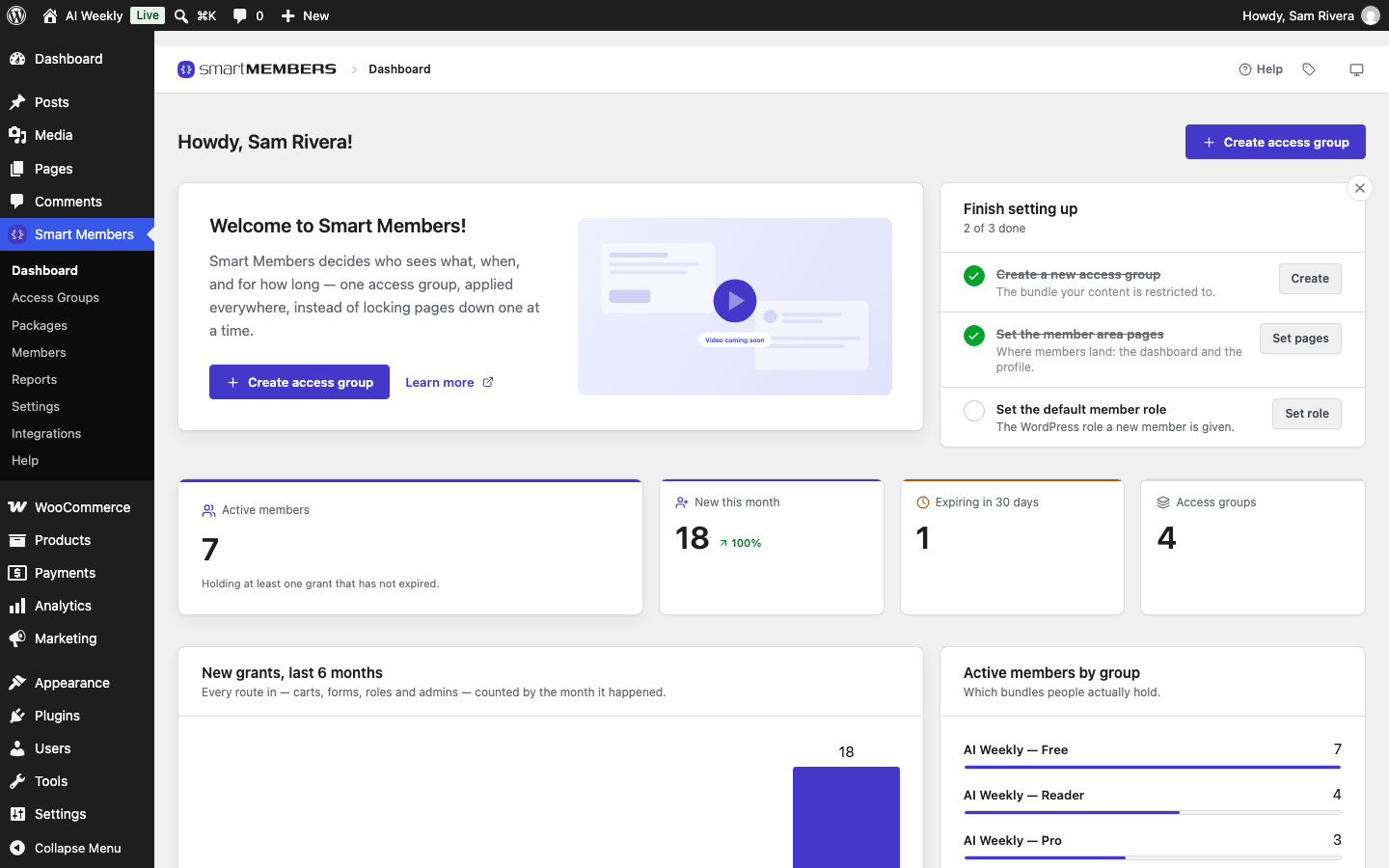
Both count grants: one person's access to one group, with where it came from and when it ends. The figures are current whenever you open the page.
Dashboard
Smart Members → Dashboard shows a setup checklist until setup is done, then four figures and four short panels. See Dashboard.

Reports
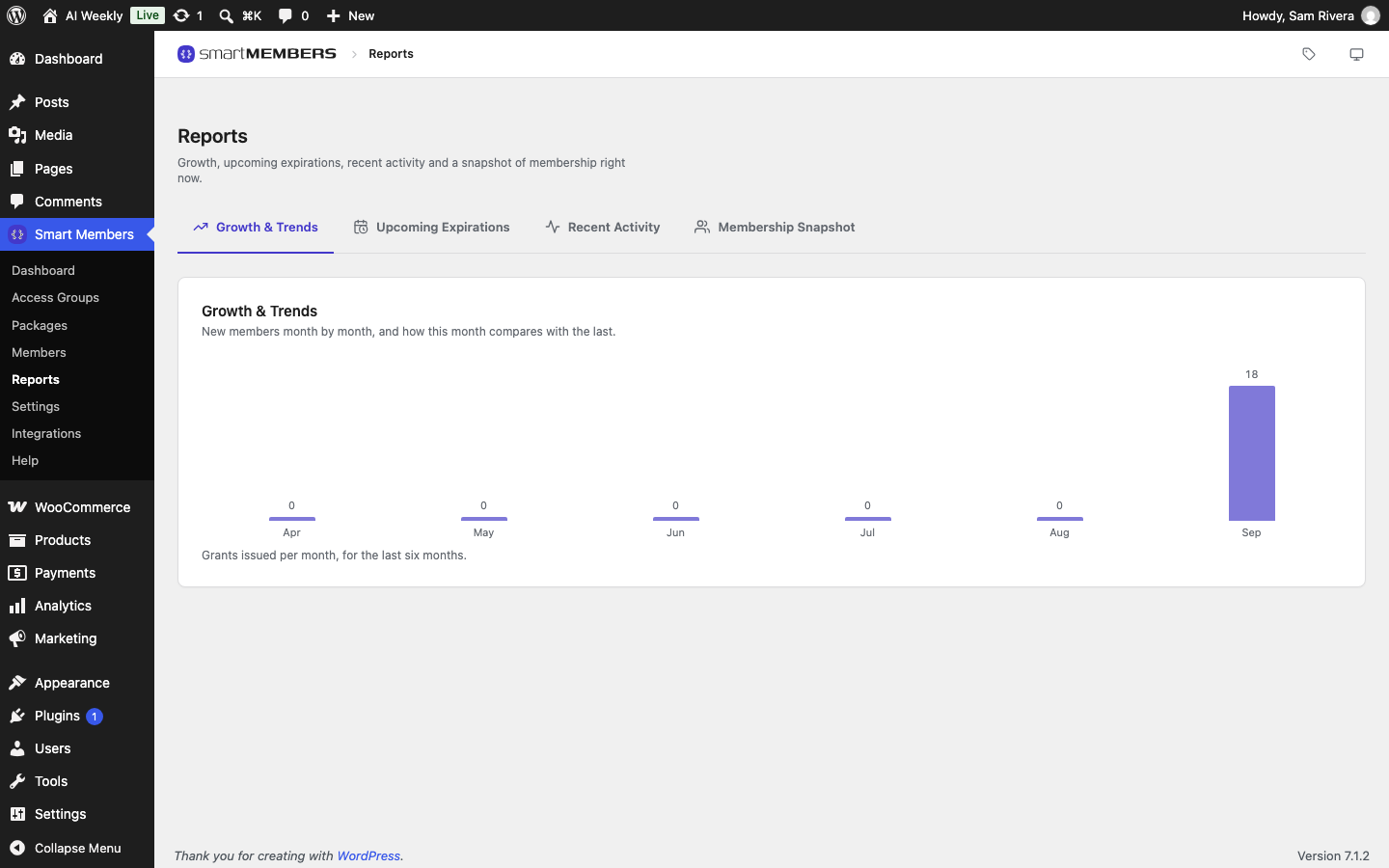
Smart Members → Reports has four tabs, each a fuller version of one Dashboard panel with up to 100 rows. See Reports.
Which screen answers what
| Your question | Dashboard | Reports tab |
|---|---|---|
| How many people have access now? | Active members | — |
| Is access growing? | New grants, last 6 months | Growth & Trends |
| Who is about to lose access? | Expiring soon | Upcoming Expirations |
| What happened lately? | Recent activity | Recent Activity |
| Which level is most popular? | Active members by group | Membership Snapshot |
How the numbers are counted
- Active means working today: not cancelled, and not past its end date.
- Active members counts people; New this month and Expiring in 30 days count grants. Ken Adeyemi is one member with four grants.
- Blocked members still count, because a block pauses access without ending it.
- For revenue, use WooCommerce → Analytics.