Email templates are where you rewrite the three emails Smart Members sends members: access ready, access ending soon, and access ended. You can change each one's subject and body, or switch it off.
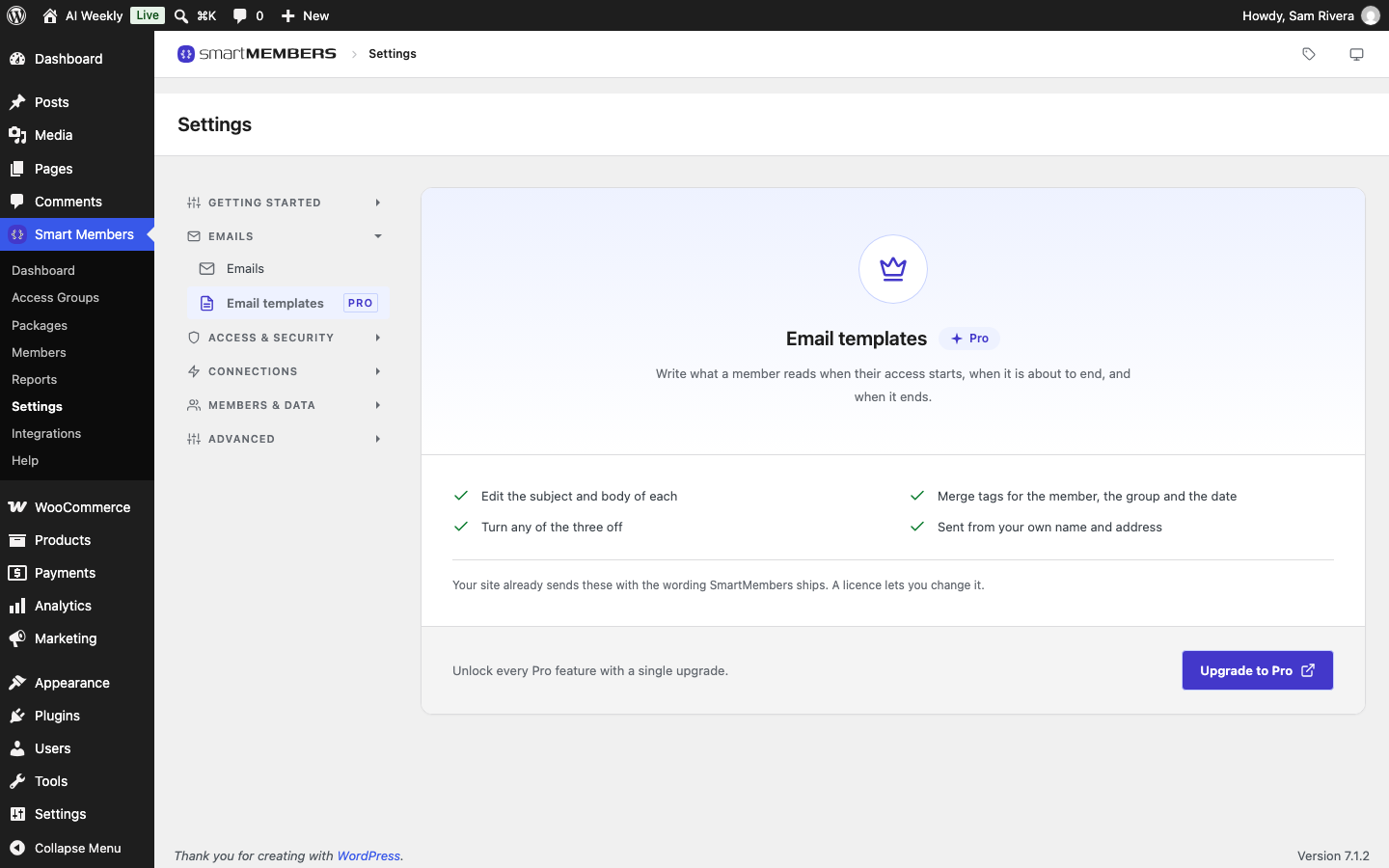
Pro: Email templates need Smart Members Pro. Without it, members get all three emails with the standard wording.
Where to find it
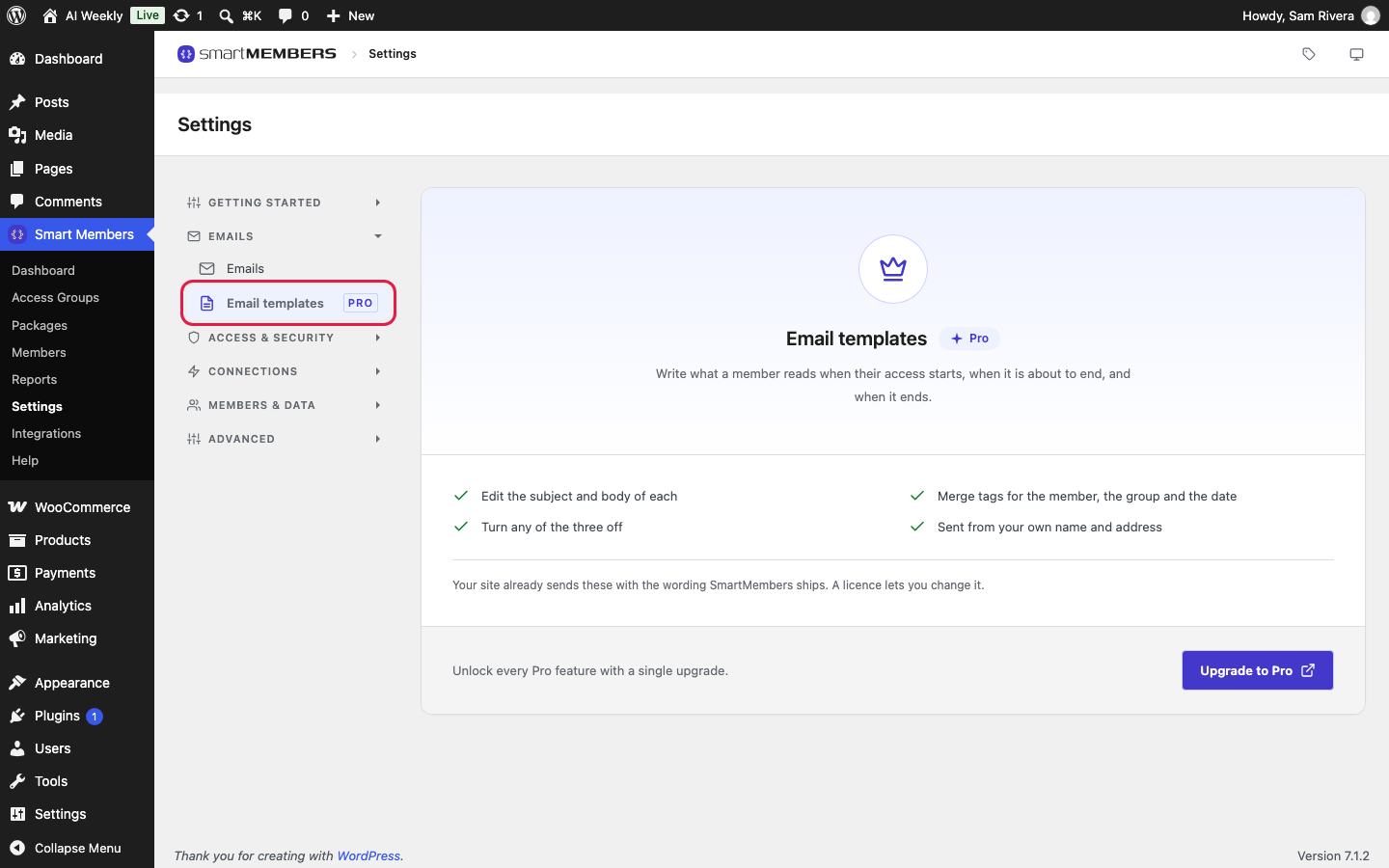
Go to Smart Members → Settings and click Templates under EMAILS (Email templates, marked PRO, without Pro). The sender comes from Email settings.
The three emails
| Section | When it is sent | Standard subject |
|---|---|---|
| Access granted | Someone gets access to a group, or an ended membership starts again. | Your access is ready |
| Access expiring | Once, in the 7 days before a membership's end date. | Your access is expiring soon |
| Access revoked | Access reaches its end date, you take it away, or a refund or cancellation ends it. | Your access has ended |
Settings in each section
| Option | What it does | Example (AI Weekly) |
|---|---|---|
| Send this email (Enabled) | Switches the email on or off. On by default. | Leave all three on. |
| Subject | The subject line. Empty means the standard subject. | Welcome to {group_name} |
| Body | The email itself. Empty means the standard wording. Wrap each paragraph in <p> and </p>. | <p>Hi {member_name},</p><p>The Deep Dives are waiting: {login_url}</p> |
Merge tags
A merge tag is a word in curly brackets that is replaced with the member's details. They work in Subject and Body.
| Merge tag | Becomes |
|---|---|
{member_name} | The member's display name, such as Rosa Iqbal |
{member_email} | The member's email address |
{group_name} | The access group the email is about, such as AI Weekly — Reader |
{expiry_date} | The end date. Empty when there is none, and in Access revoked. |
{login_url} | Your site's login page |
Write your own wording
Write each email
Fill in Subject and Body in each section: a welcome, a reminder with {expiry_date}, and a short thank-you.
Save and test
Click Save changes. Give a spare account of your own access to a group and read the email that arrives.
Good to know
- Back to the standard wording: clear Subject and Body and save.
- One template serves every group;
{group_name}makes it read right for each. - Keep formatting simple. Links (
<a href="…">) work; email apps show fancy layouts differently. - If your licence lapses, the emails keep your saved wording.