Reports are the full lists behind the Dashboard: monthly growth, who is about to lose access, the latest grants, and how many members each level has. Each shows up to 100 rows, with the access group on every row.
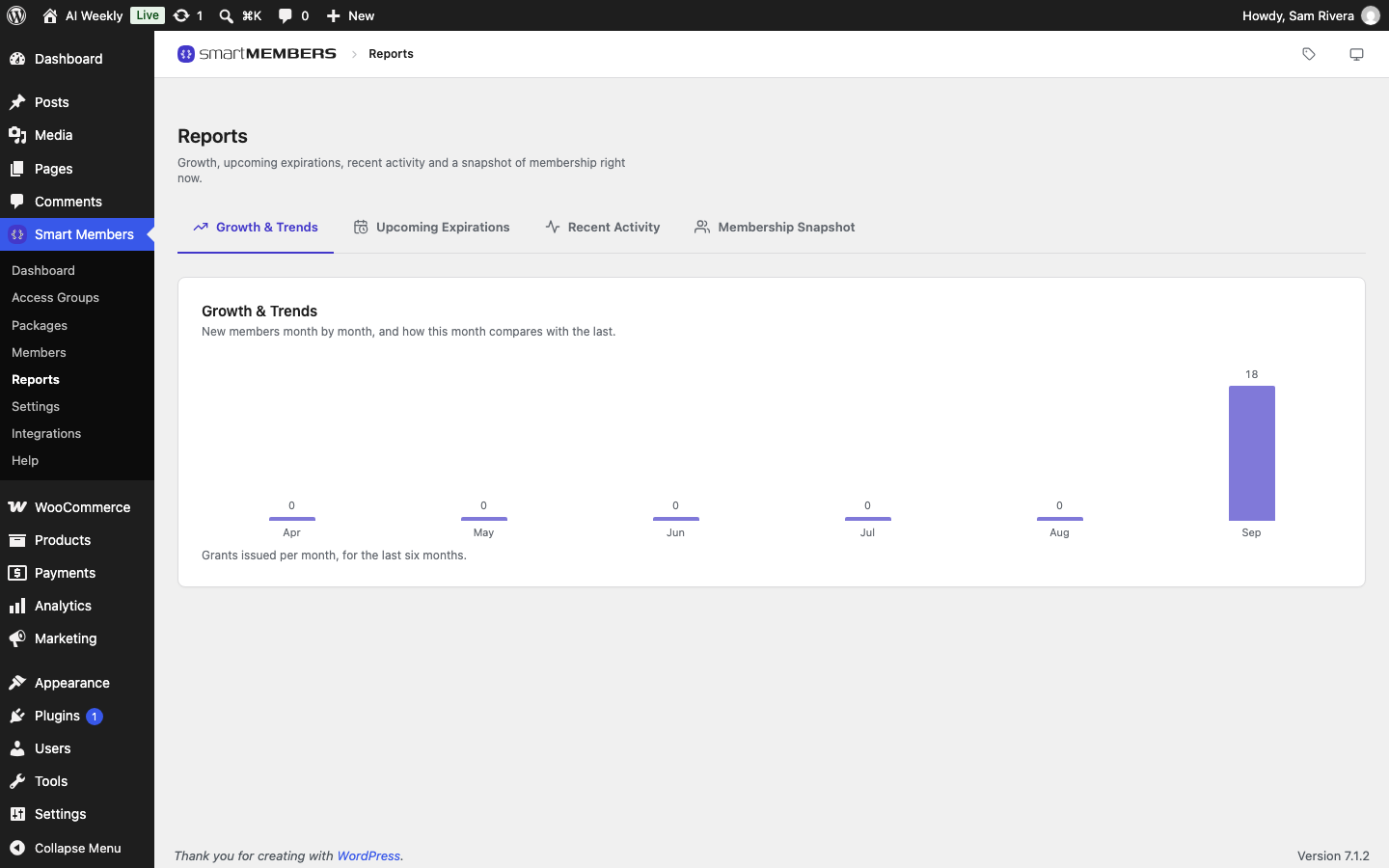
Go to Smart Members → Reports. Each tab has its own web address, so you can bookmark the one you use most.
Growth & Trends
One bar per month for the last six months, counting new grants from every source: purchases, registrations, grants by hand and imports.
Upcoming Expirations

One row per grant ending in the next 30 days: the Member, the Access group, and when it Expires, with the days left. Subscription access only appears if it has an end date.
Recent Activity
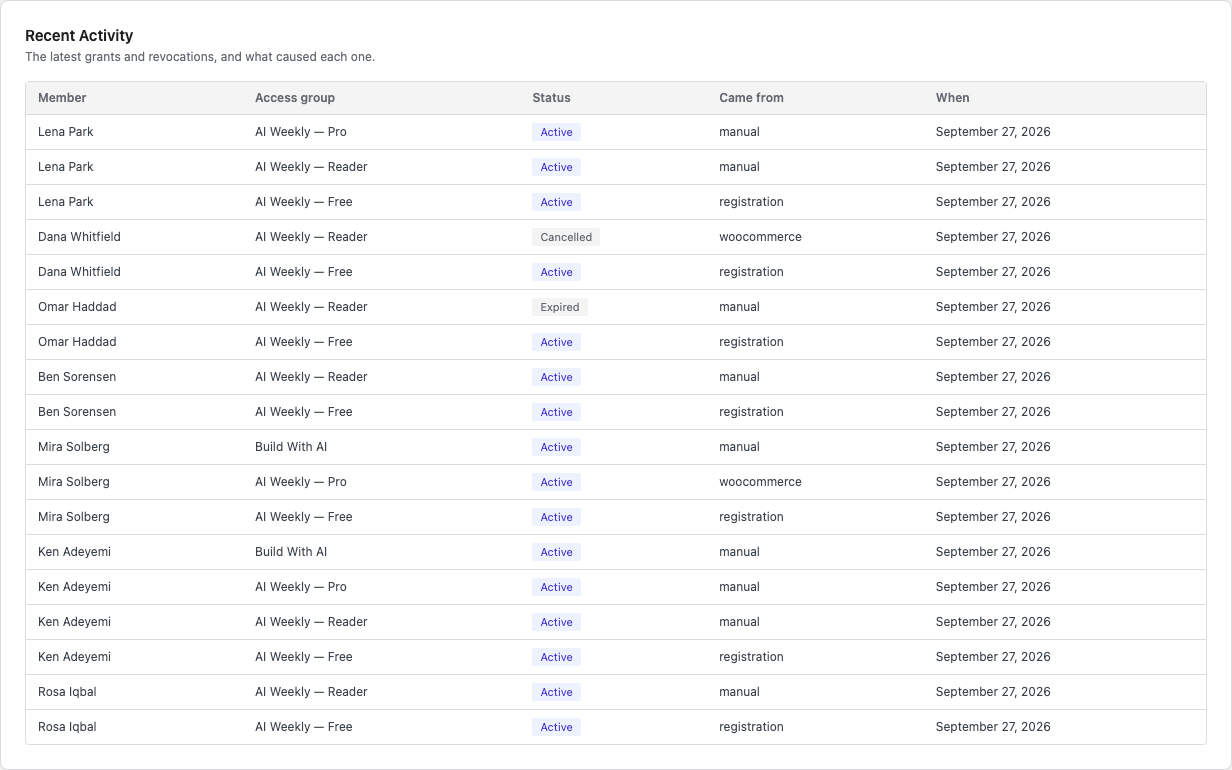
One row per grant, newest by the date it was given. A member with two grants appears twice.
| Column | What it shows |
|---|---|
| Status | The grant's status now: Active, Cancelled (ended by a refund, a cancellation or a person), Expired (its time ran out), and so on. |
| Came from | How access was first given: woocommerce (bought), registration, manual (given by hand) or import. |
| When | The date access was given. |
Membership Snapshot
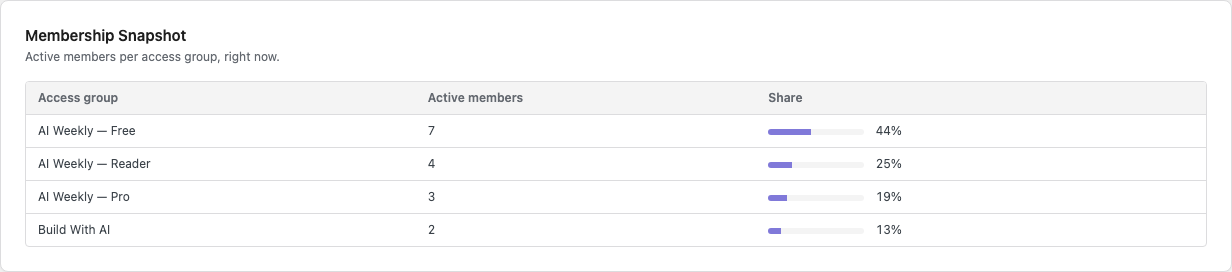
| Column | What it shows |
|---|---|
| Active members | People whose access to this group works today, blocked members included. |
| Share | This group's part of all memberships. Someone in three groups counts three times. |
Chase renewals and check purchases
Open Upcoming Expirations
Once a week, email each member in the list, starting from the top.
Match orders in Recent Activity
Look for woocommerce rows on the dates of your recent orders.
Look up a missing order
If an order has no row, open that customer in Smart Members → Members and check their groups.
Each report is worked out when you open it; reload to refresh.