Content restriction hides one part of a page from people without access and leaves the rest of the page open. On AI Weekly, a free news post carries a box only Readers see, and visitors get an invitation in the same spot.
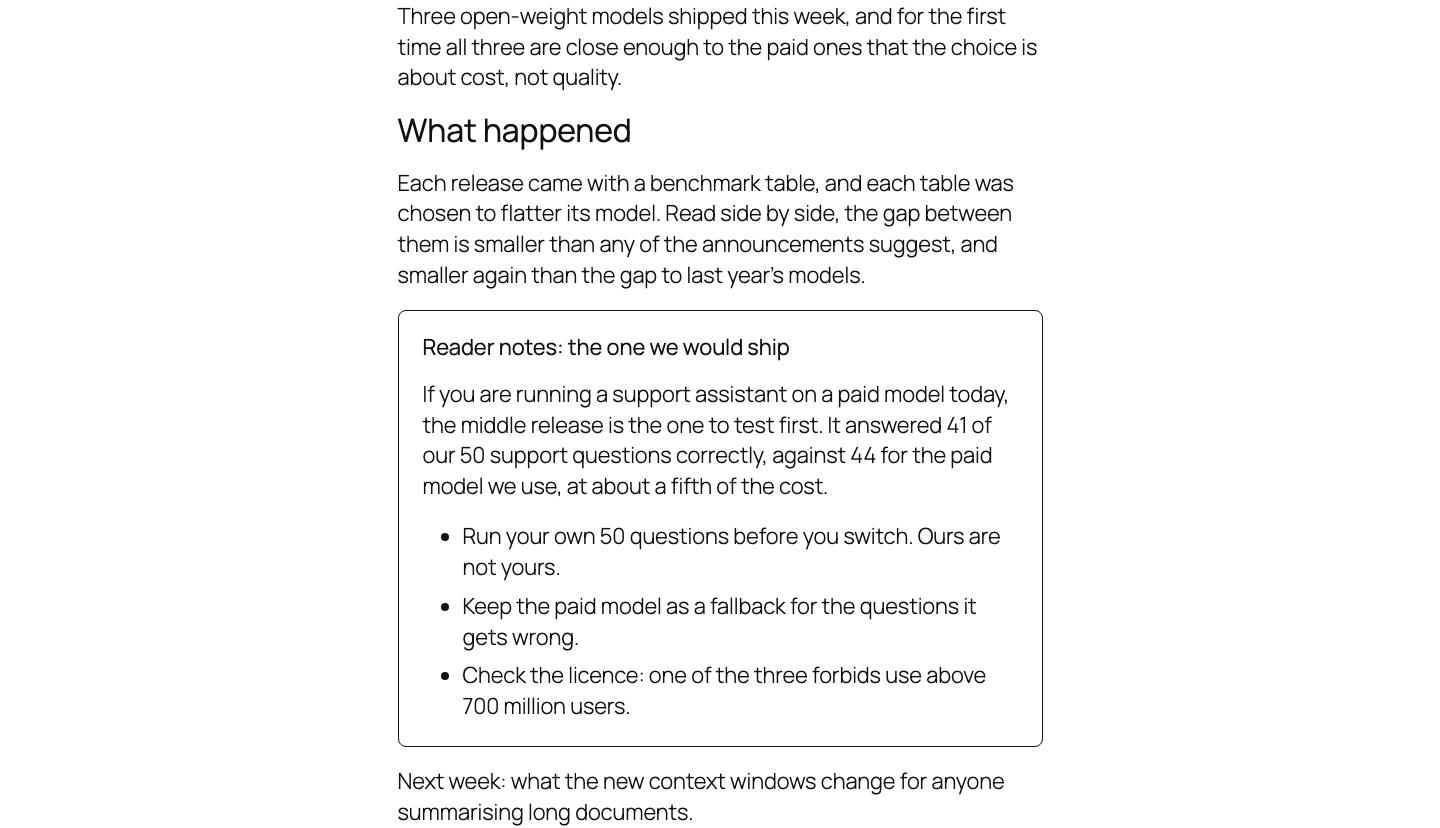
A whole post or part of a page
An access group is a membership level (Access groups overview). It locks whole posts, pages, categories, web addresses or the entire site. The tools below lock one part of a page.
| Lock a whole post | Hide part of a page | |
|---|---|---|
| Where you set it | Smart Members → Access Groups, on the group | In the editor, on the part itself |
| What a refused visitor sees | The group's refusal: a message, a teaser, a redirect or another page | Nothing, unless you add your own invitation |
The four tools
Restrict a block
Every block has a Visible to setting in its Advanced panel: show it to Members of these groups, or to Everyone except these groups. See Restrict a block.
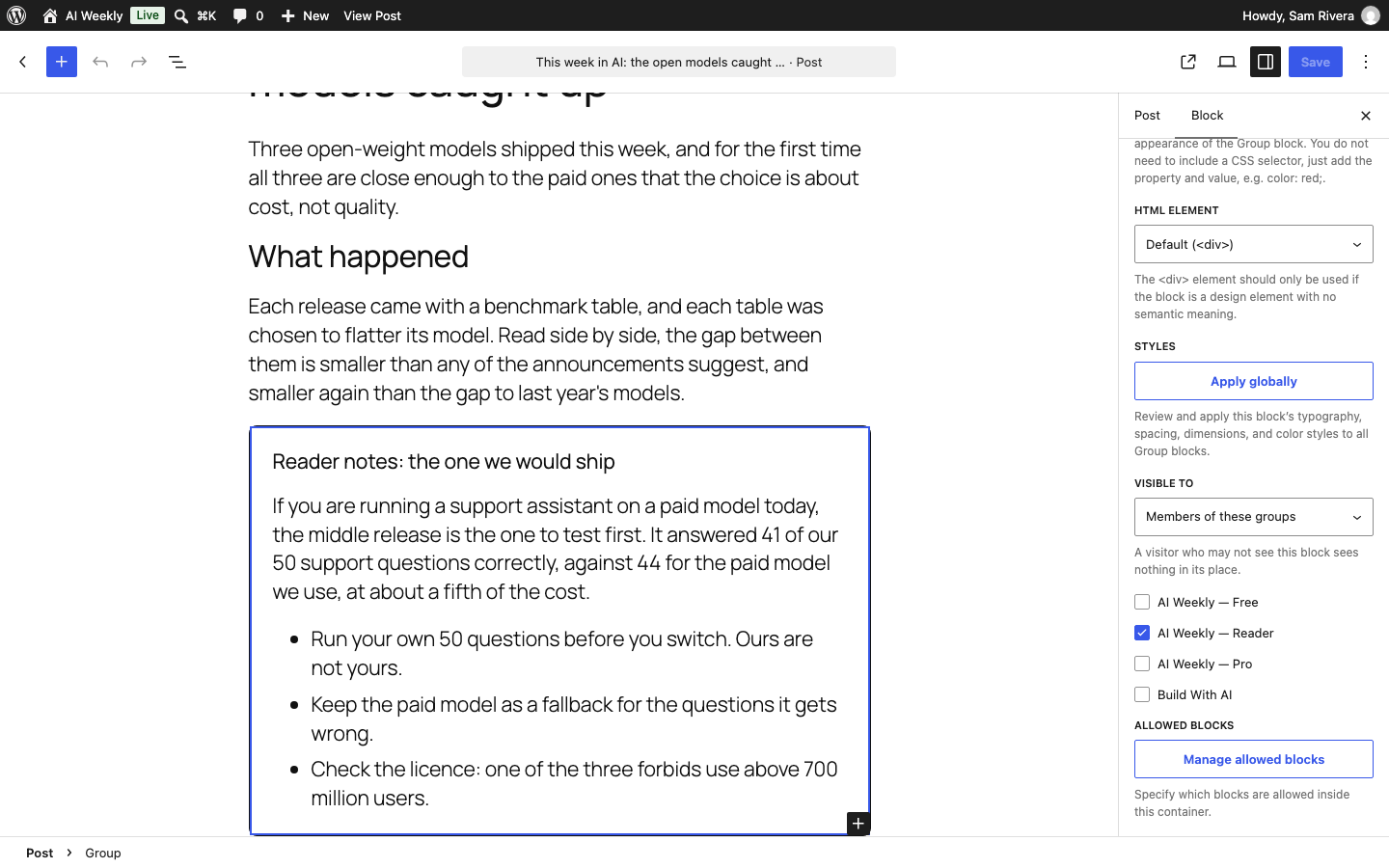
Restriction shortcodes
A shortcode is a short code in square brackets you paste into a page. [smartmembers_restrict] wraps a passage only members see; [smartmembers_else] inside it holds what everyone else sees. They also work in the classic editor and widgets. See Restriction shortcodes.
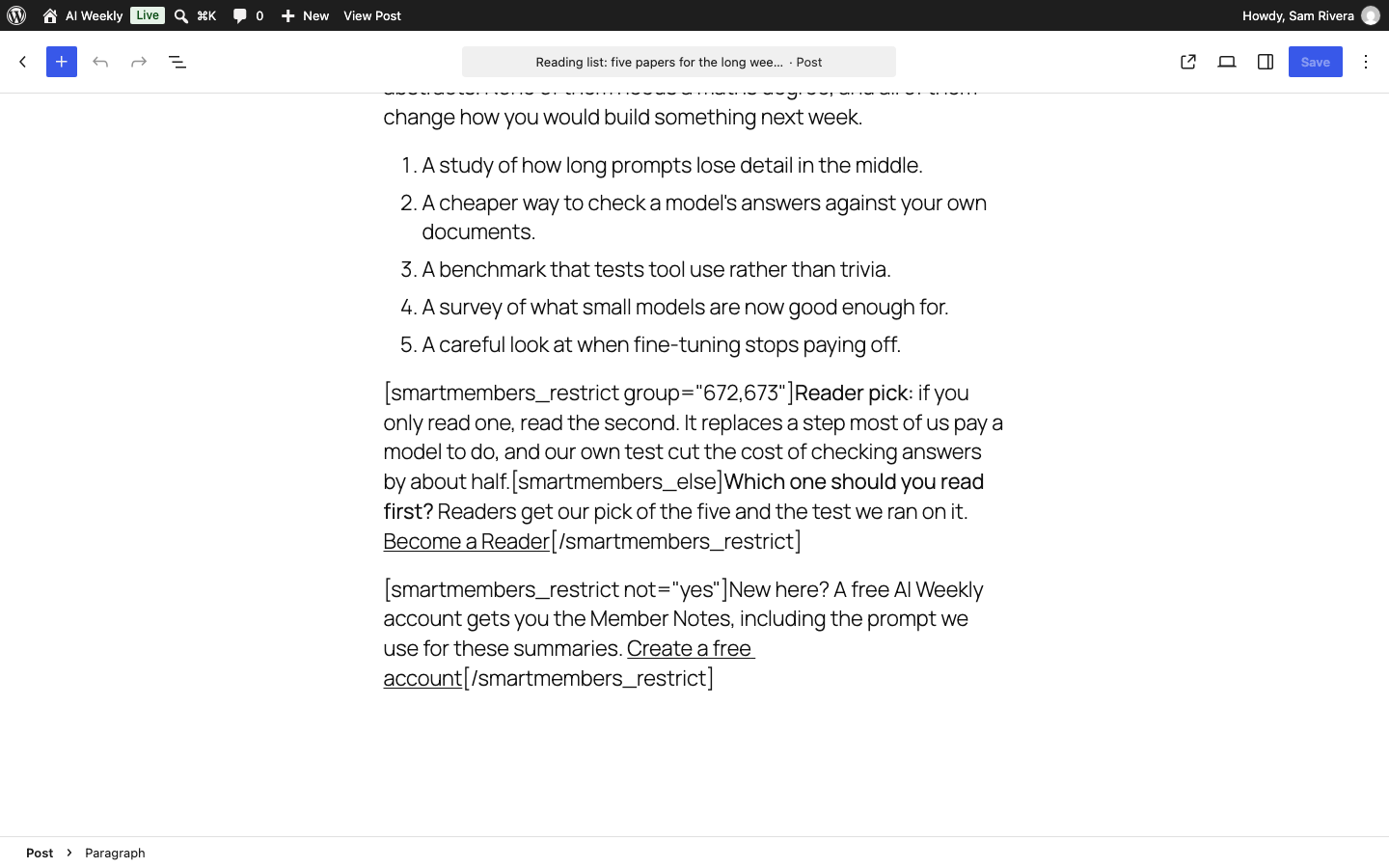
Access groups in the block editor (Pro)
A panel on the editor's Post tab locks the whole post to the groups you tick. See Access groups in the block editor.
Elementor restriction (Pro)
Every part of an Elementor page gets a Smart Members section on its Advanced tab: Everyone, Members only or Non-members only. See Elementor restriction.
Rules for hidden parts
- Any one group is enough. Choose Reader and Pro, and a member of either sees the part.
- No group chosen means any member — anyone in at least one group.
- Only current access counts. A membership that has ended, is paused or is blocked counts as none.
- The hidden part is removed, not covered. It never reaches the visitor's browser.
- Check as a member. The editor shows everything, and administrators see the visitor's version.
Tip: Pair every hidden part with an invitation: an "everyone except Readers" box with a Become a Reader button.