The General tab is the first tab under Smart Members → Settings. It holds the fallback button for refused visitors, a contact link for blocked members, your currency, and a shop switch for locked products.
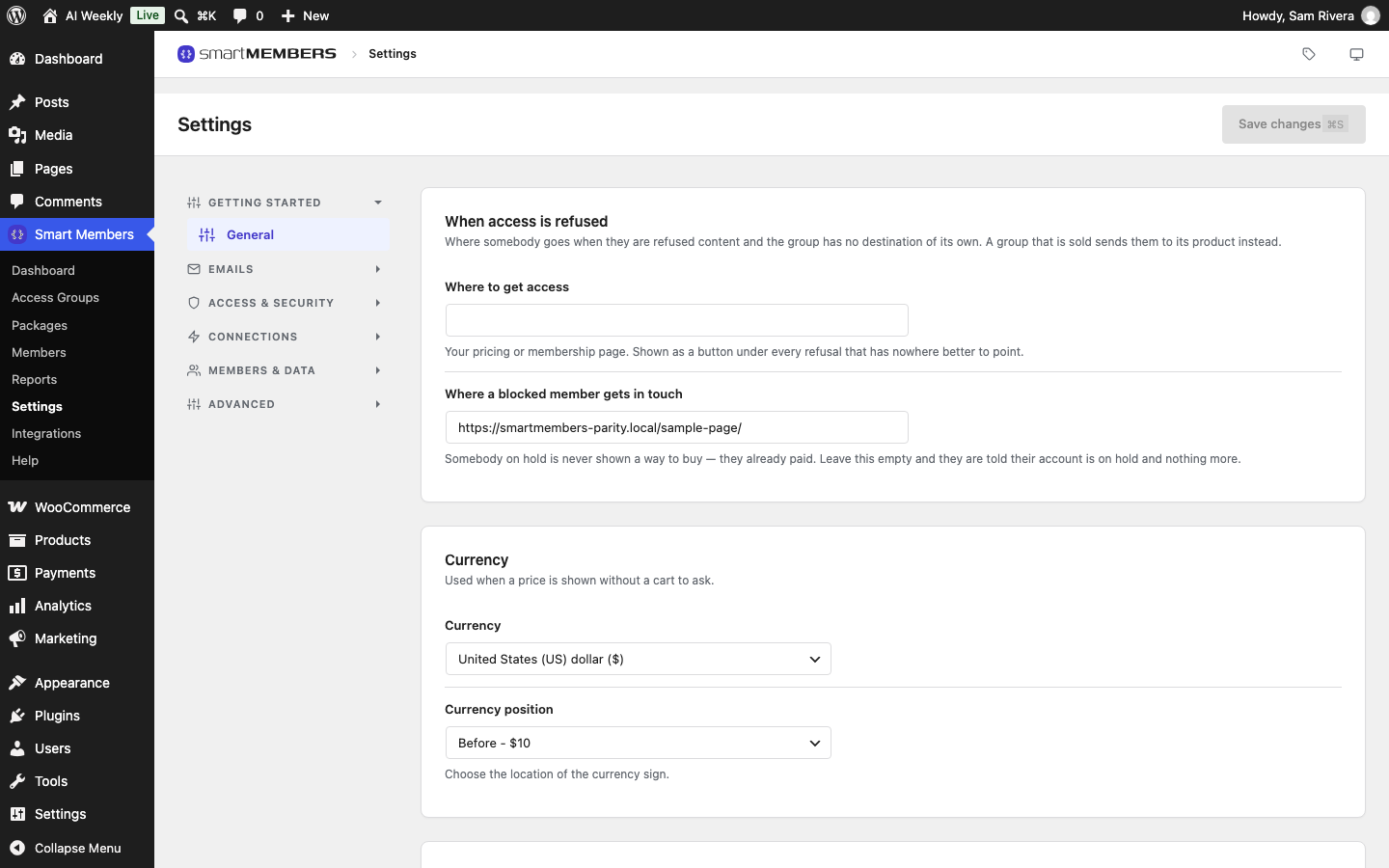
When access is refused
These addresses are used when someone is refused content and the group has no destination of its own. Both take any web address.
| Option | What it does |
|---|---|
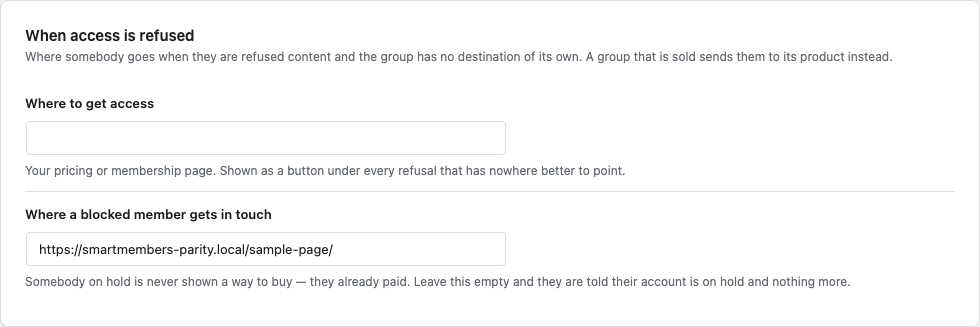
| Where to get access | Your pricing or membership page, such as Join AI Weekly. It becomes the button under a refusal when the group has no link and no product. Empty (the default) means no button. |
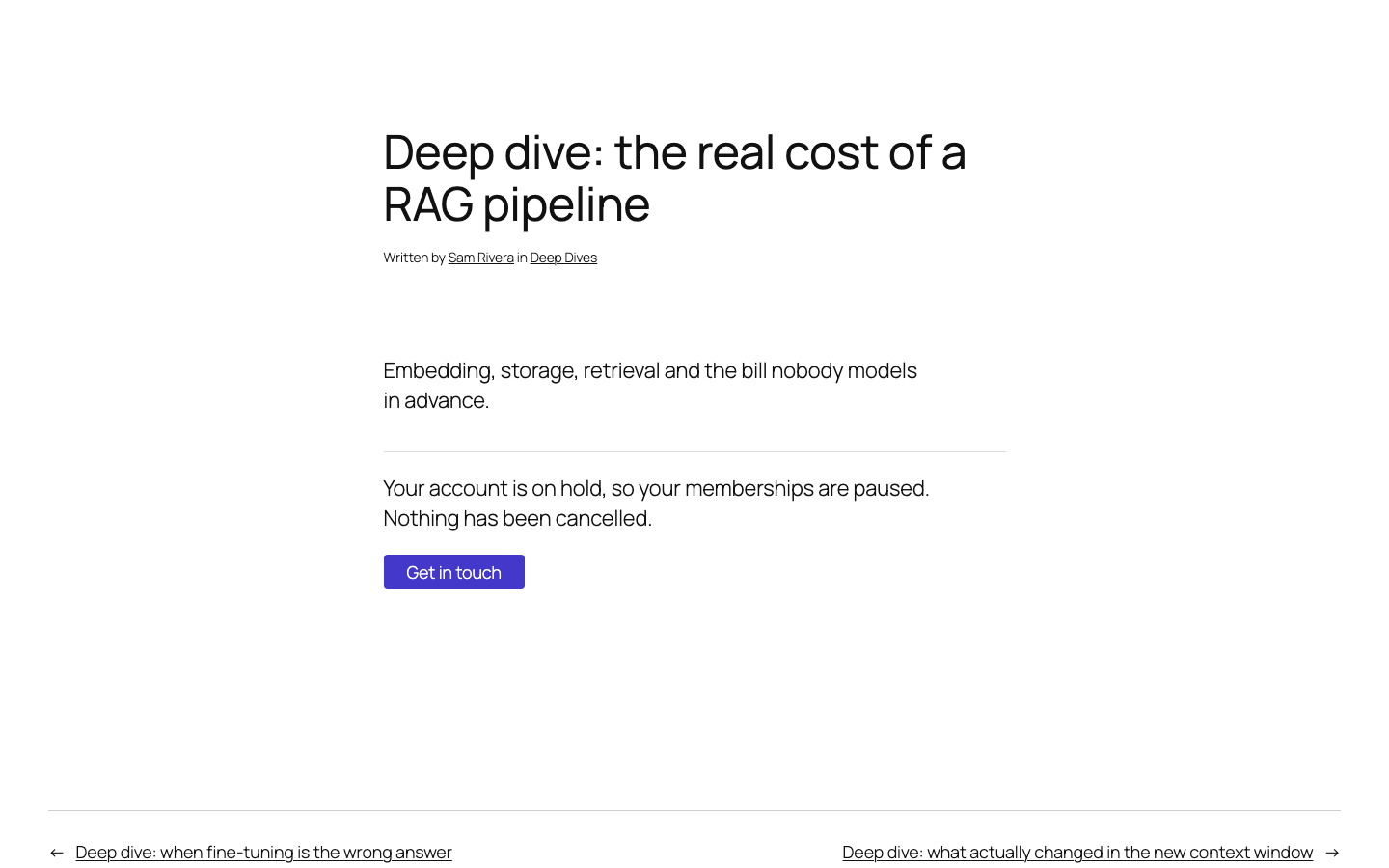
| Where a blocked member gets in touch | A contact page. A blocked member then sees a Get in touch button. Empty (the default) means they only read that their account is on hold. |
Set a fallback page
- Copy the address of your pricing or membership page from the browser.
- Paste it into Where to get access, and a contact page into Where a blocked member gets in touch.
- Click Save changes.
Which button a refusal shows
A refusal shows at most one button, the first that applies:
- A blocked member: Get in touch.
- A paused member: Resume your membership. A member waiting for a lesson: See what you already have. Both lead to the member dashboard.
- The group's own link, from Your own link (optional).
- The product that sells the group, with its name and price.
- Where to get access from this tab.
To see which button a group uses, open it: under Unauthorized Access a box names it. See Unauthorized access: what visitors see.

What a blocked member sees
Lena Park's account is on hold. On a Deep Dive she reads that her memberships are paused, with a Get in touch button.
Currency
| Option | What it does |
|---|---|
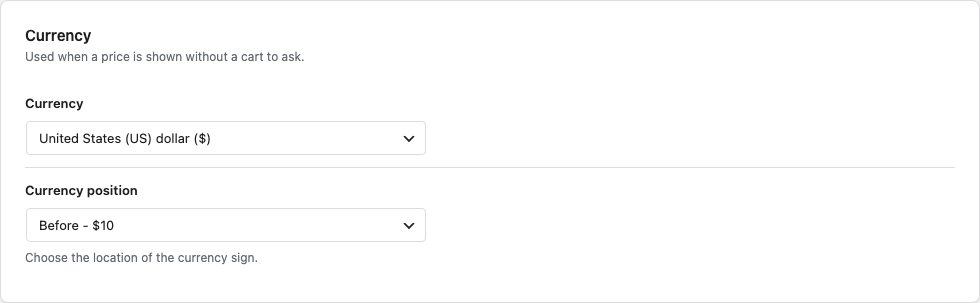
| Currency | The currency Smart Members shows prices in when there is no shop. Default: United States (US) dollar ($). |
| Currency position | Before - $10 (default) or After - 10$. |
Shop
Hide restricted products keeps products an access group protects out of the shop, category pages and search for people without access. It is off by default. See WooCommerce settings.