An import gives a whole spreadsheet of people access in one go, for example when AI Weekly moves 400 paying readers over from another tool. Each row names a person and the access group they should hold.
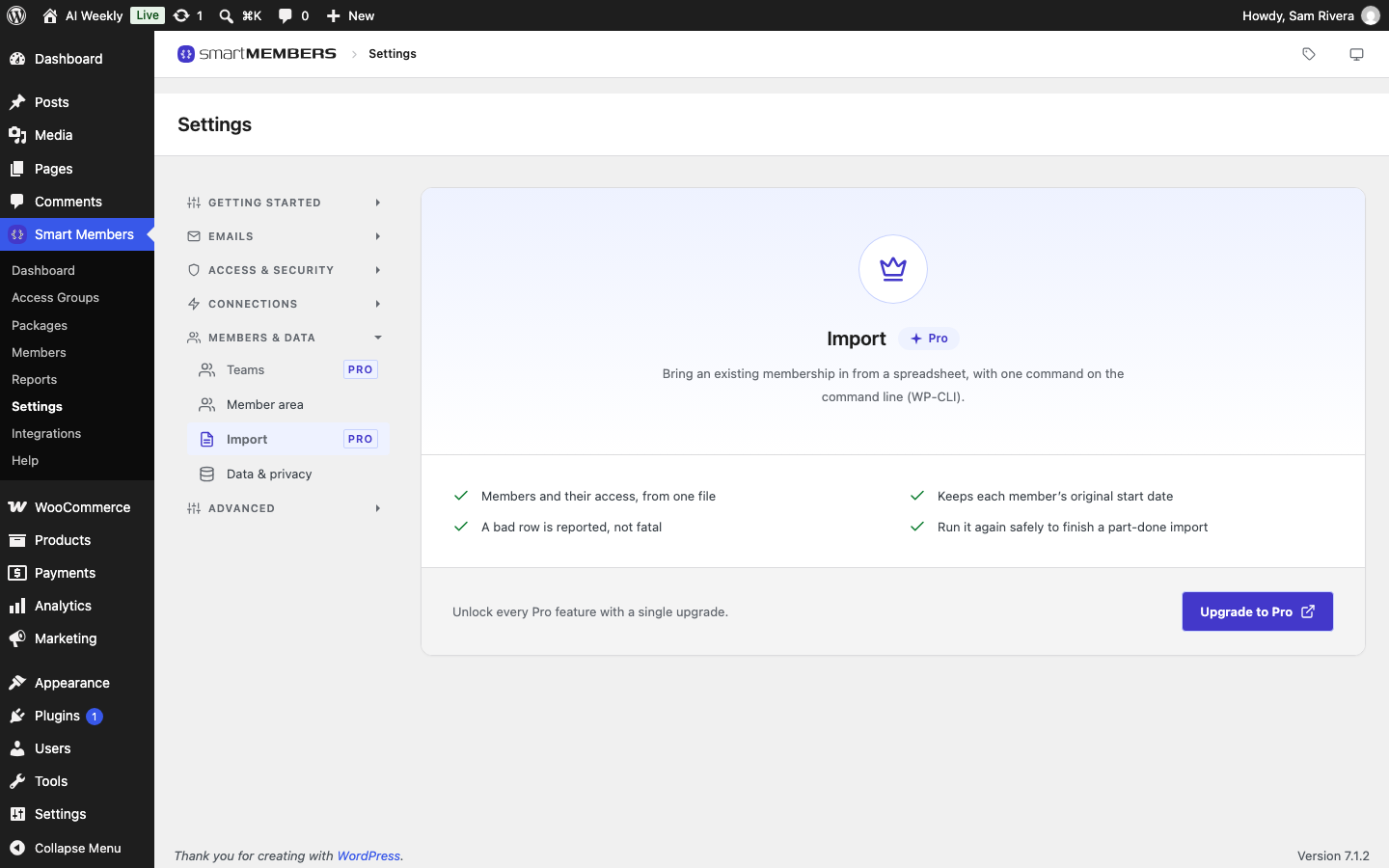
Pro: Importing needs Smart Members Pro and runs from the command line on your web server. Your developer or host runs one command.
Create your access groups first (Create and edit an access group).
Import settings
Go to Smart Members → Settings → Members & data → Import.
| Option | What it does |
|---|---|
| Create WordPress users | On by default. A row whose email has no account creates one, with a random password. Turn it off to import only existing accounts. |
| Email imported members | Off by default. When on, each new account gets WordPress's new-account email, with a link to set a password. |
Prepare the file
Save your spreadsheet as a CSV file, with column names in the first row.
| Column | Needed? | What to put in it |
|---|---|---|
email | Yes | The member's email address. This finds an existing account. |
group | Yes | The access group's exact name, or its ID number. |
first_name, last_name | No | Used for a new account. |
start_date | No | When access began, as 2026-03-01. Empty means the day of the import. |
end_date | No | When access ends. Empty means the group's Membership length, counted from the start date. |
Other columns are ignored. A member who holds two groups needs two rows:
email,first_name,last_name,group,start_date,end_date
priya.nair@example.com,Priya,Nair,AI Weekly — Reader,2026-03-01,2027-03-01
tom.becker@example.com,Tom,Becker,AI Weekly — Pro,2026-05-12,
tom.becker@example.com,Tom,Becker,Build With AI,2026-05-12,
Tip: Names with a long dash, like AI Weekly — Reader, must use the same dash. If unsure, use the group's ID number.
Run the import
Do a dry run
Upload the CSV to your server and run this. It counts the rows for each group name and changes nothing.
wp smartmembers import members.csv --dry-runCheck the group names
A misspelled group name shows up as its own line.
Import for real
Run the same command without --dry-run:
wp smartmembers import members.csvRead the report
It counts imported, users created and skipped, then lists each problem row.
For one run, --create-users, --no-create-users and --notify override the settings.
What happens to each row
| The row | What happens |
|---|---|
| Email matches an account | That person gets the group. Their name and password stay. |
| No account | An account is created, or the row is skipped if creating users is off. |
| Group not found, switched off or full | Skipped, with the reason. |
| A date can't be read | Imported without that date, with a warning. |
Running the same file again is safe: rows already imported are updated, not copied.
After the import
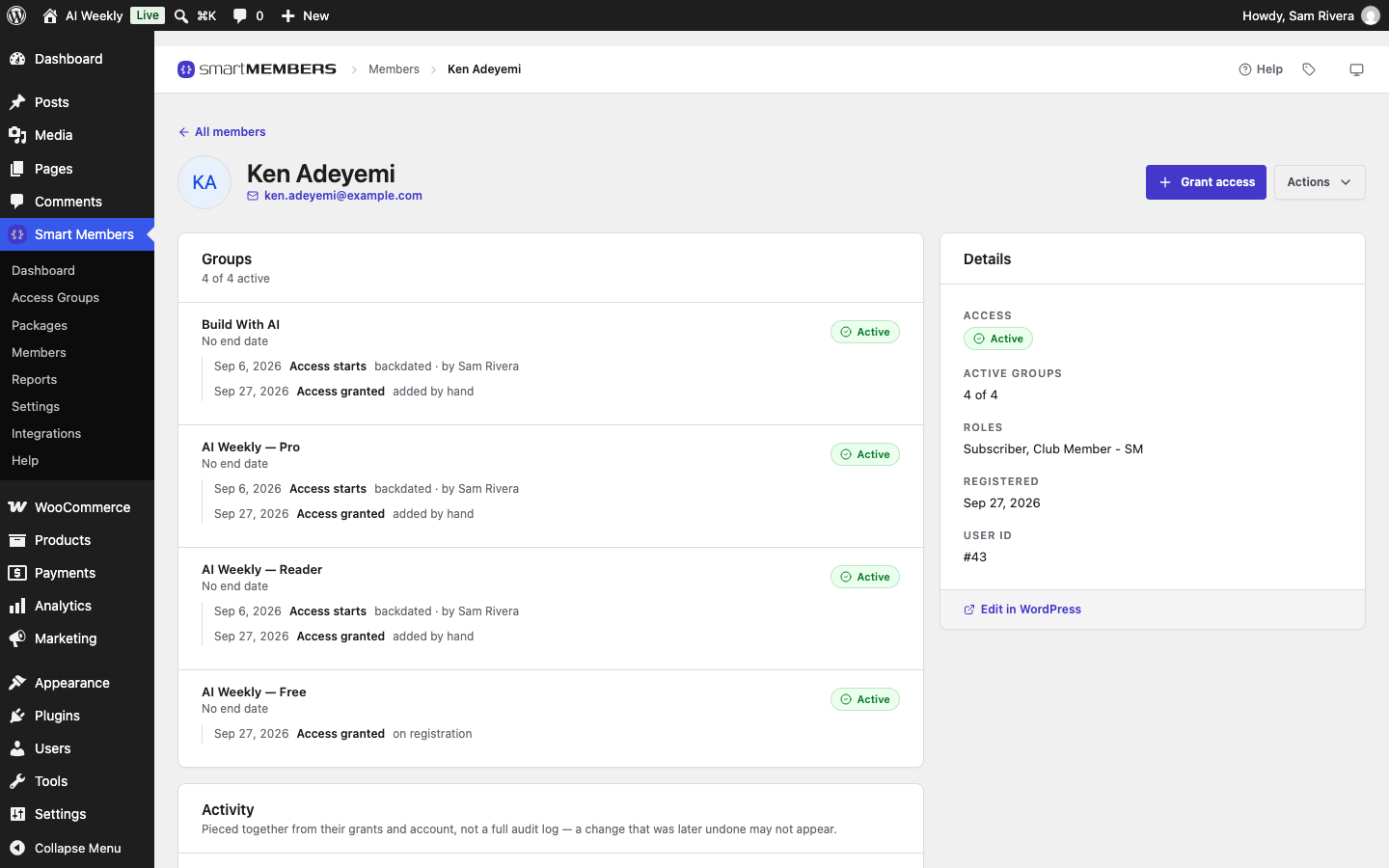
On each imported member's page, the group history says "imported from a file".
A 12-month group with a start date and no end date ends 12 months after the start date. New accounts must set a password before logging in, so turn on Email imported members or point them to the lost-password link.