The Members area shows who has access to which membership level, how they got it, and until when. It is also where you give or take away access by hand.
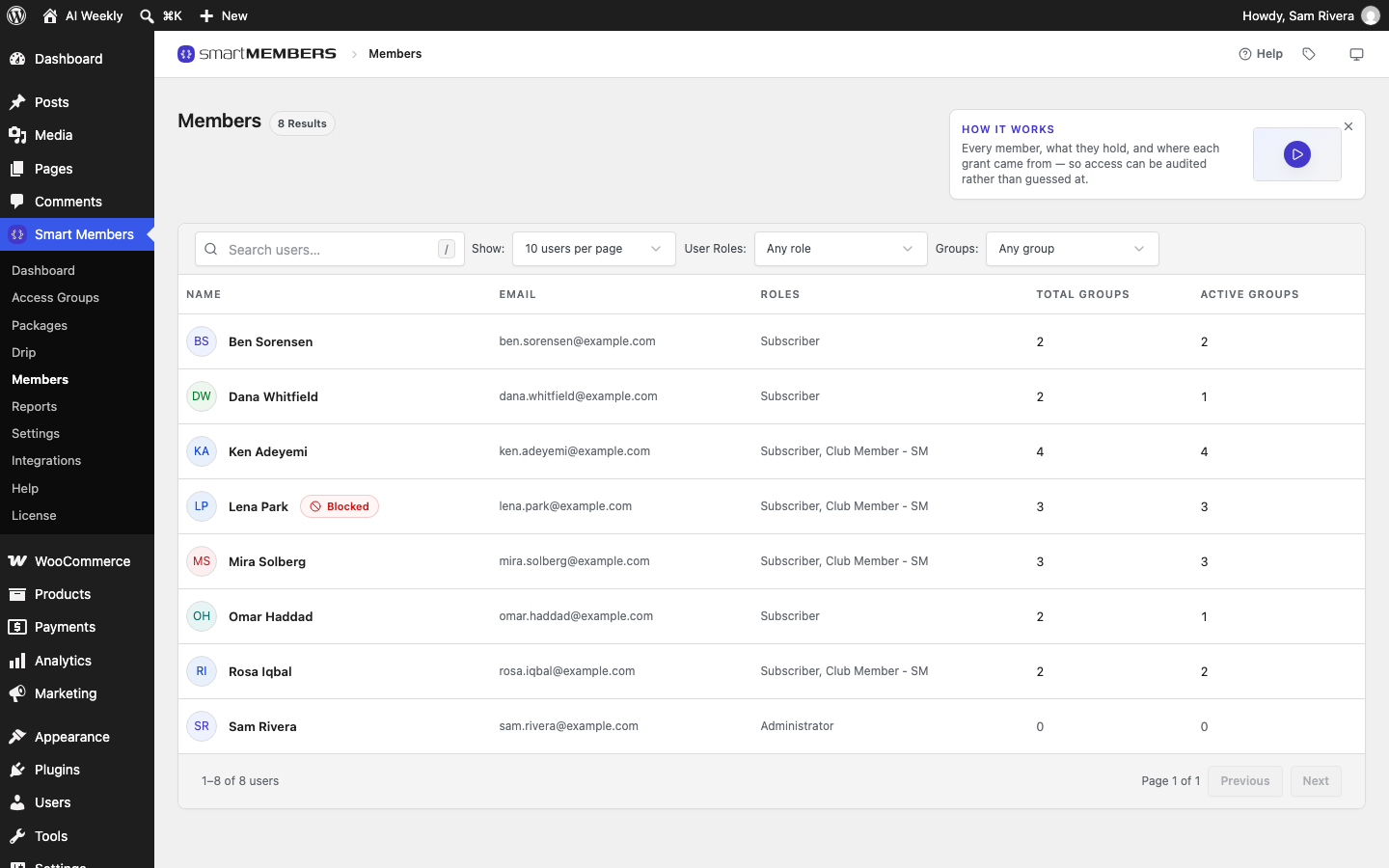
A member is anyone with access to at least one access group, such as AI Weekly — Reader. Each piece of access is a grant: which group, where it came from, and when it ends.
How people get access
- On registration — a group set to welcome new accounts lets them in.
- On purchase — they buy a WooCommerce product linked to a group.
- By hand — you click Grant access on their page.
- From a file (Pro) — you import a spreadsheet of members.
Registration and purchase are set on the group's Access granted tab; see Access granted: how people join a group.
The Members list
Go to Smart Members → Members to see every account on your site. When Total Groups and Active Groups differ, something ended. See Members list.
A member's page
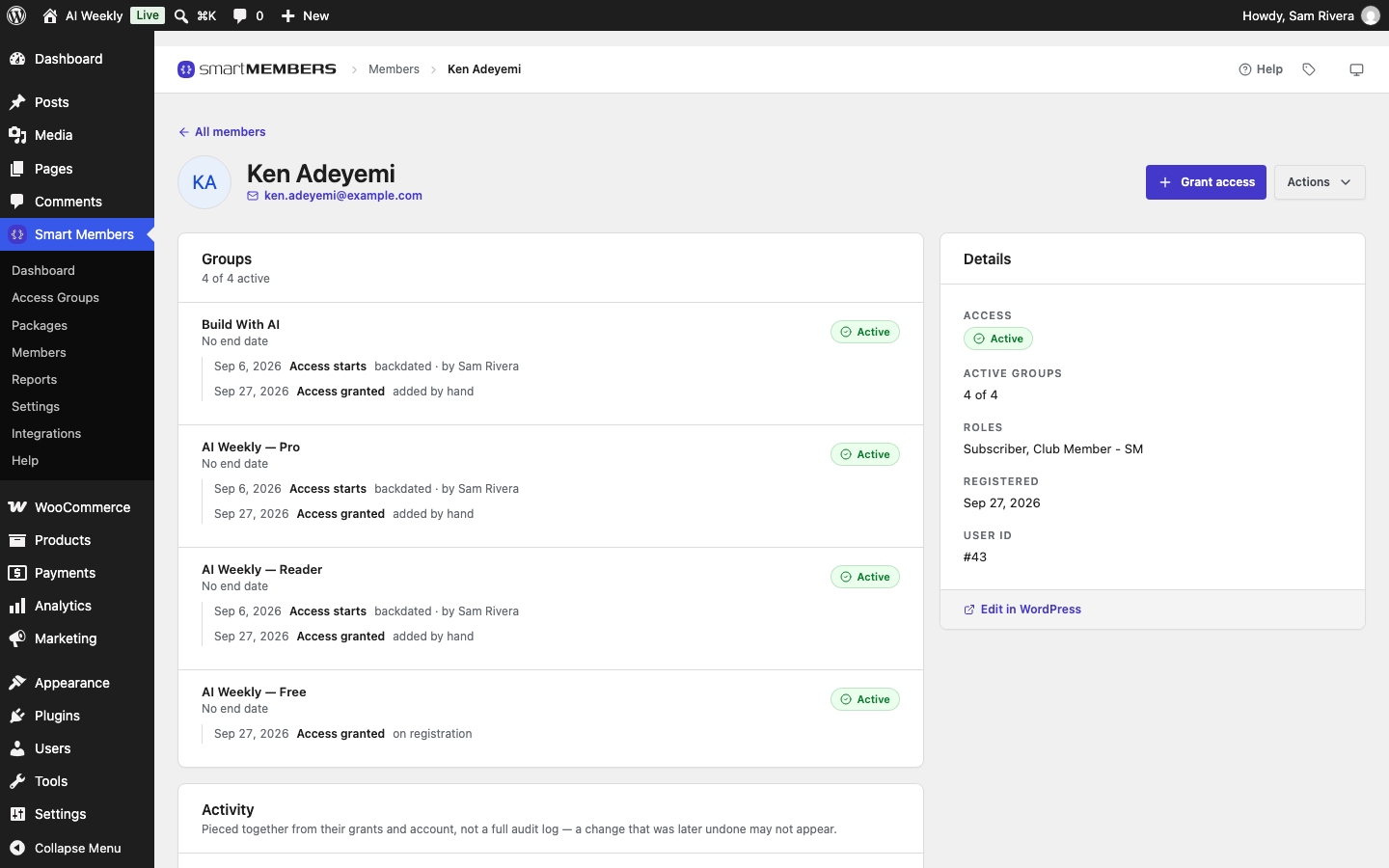
Click a row to see the person's grants and a timeline of their account. See Member details.
Giving, blocking and removing access
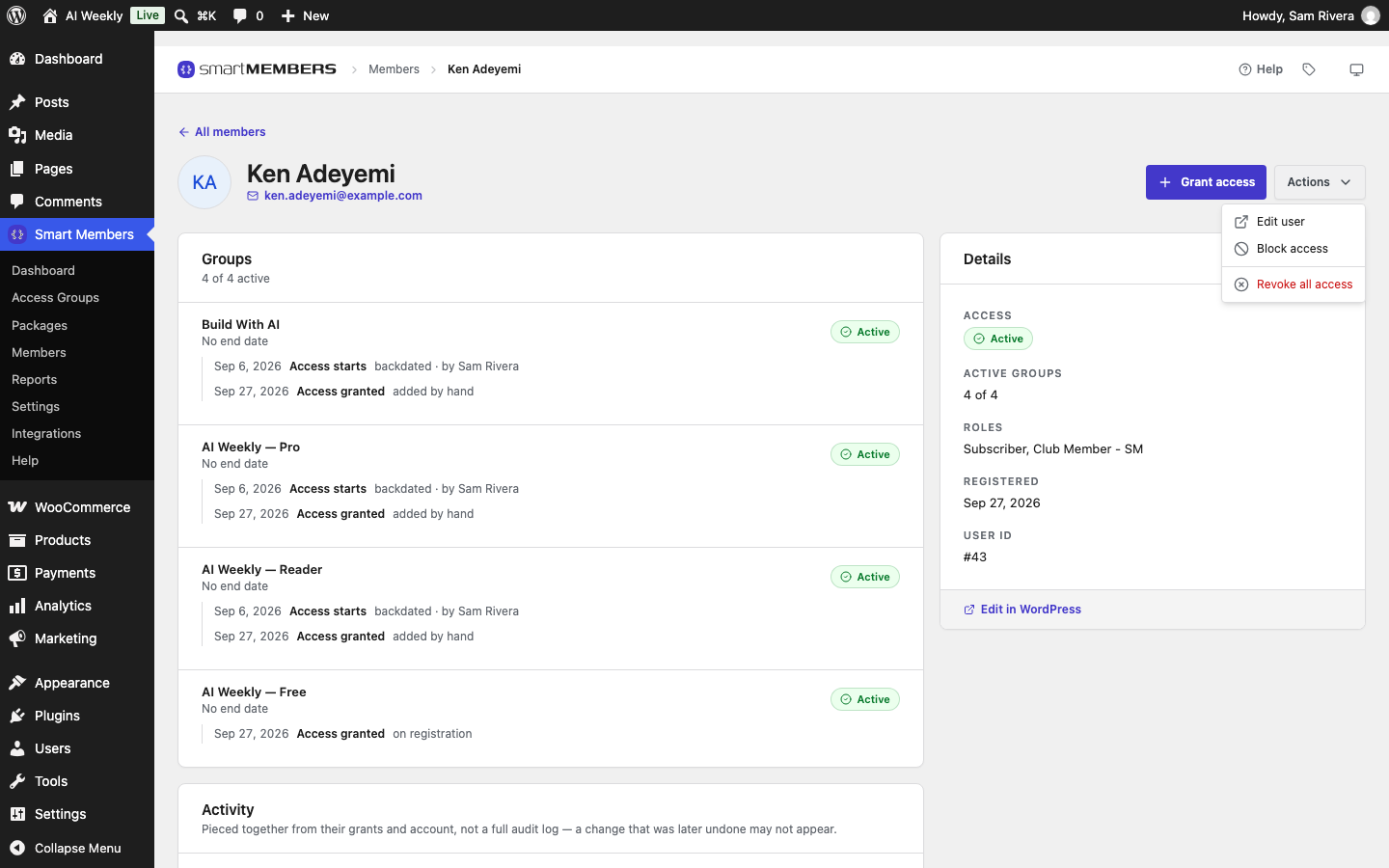
Grant access adds a group. The Actions menu holds Block access and Revoke all access. See Give, remove and block access.
Importing members
With Smart Members Pro you can import members from a spreadsheet. It runs from the command line, so your developer or host may need to run it. See Import members from CSV.
When access ends
| What happens | Result |
|---|---|
| Block access | All access switches off but is kept. Restore it and everything returns with the original dates. |
| Revoke all access | Every group ends, including paid ones. To undo, give each group back by hand. |
| End date passes | Within the hour the grant shows Expired and the member gets the access ended email. |
| Order refunded | The grant from that order shows Cancelled. |
Note: As an administrator you can open every page. To check what a member sees, log in as them in a private browser window.