The login and member area covers signing up, signing in, the member dashboard and profile, and where members land when refused.
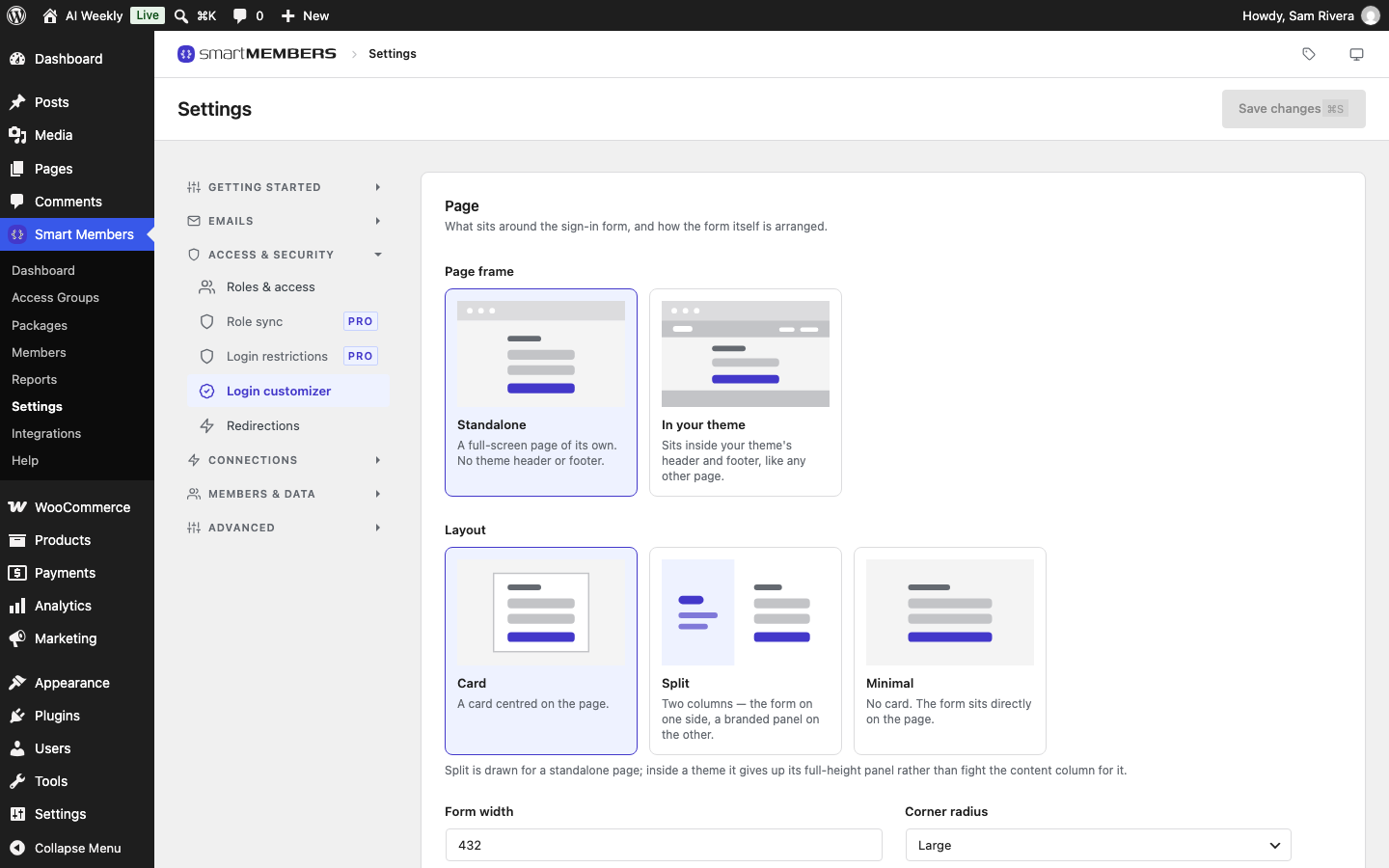
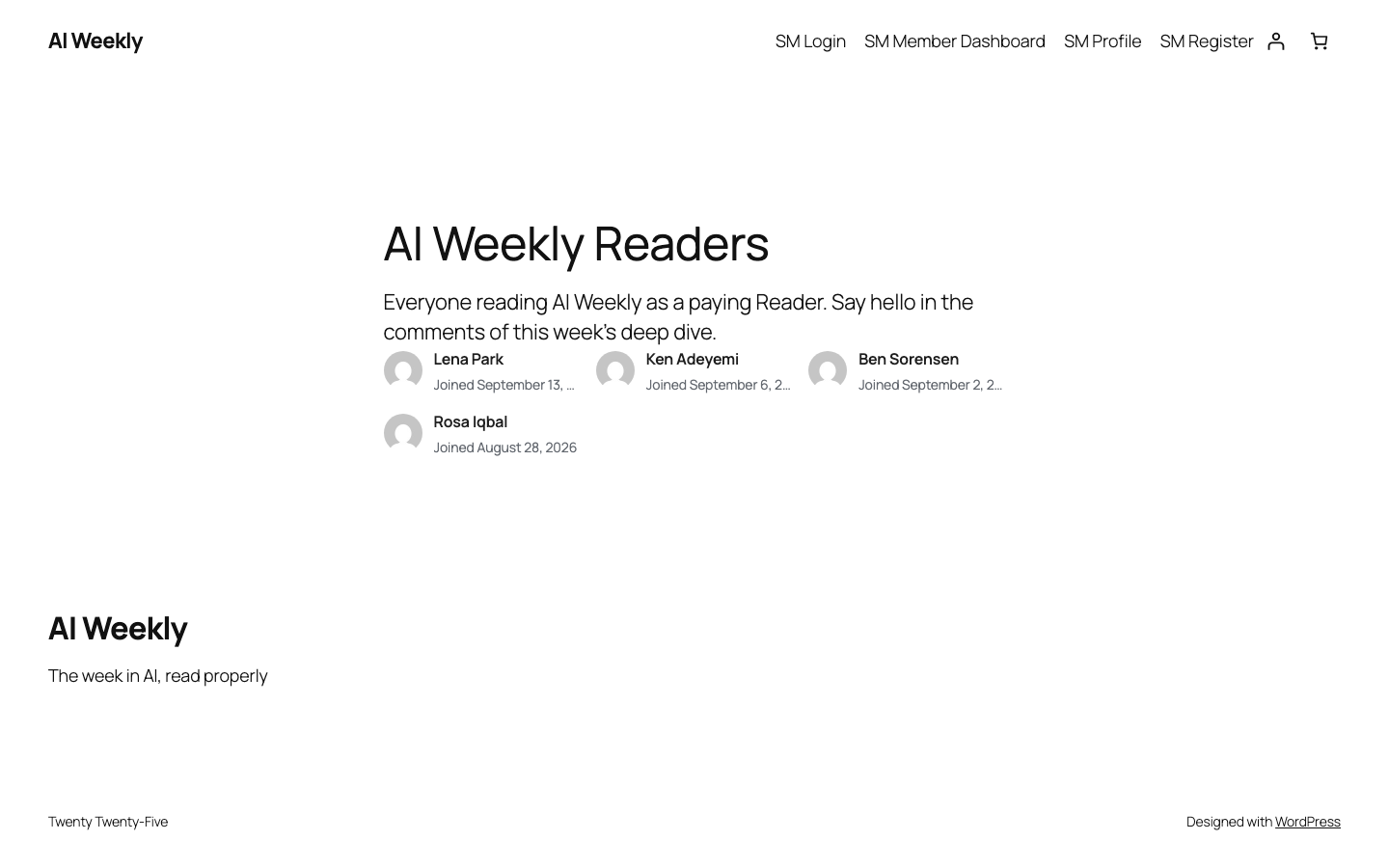
Smart Members creates four pages when you install it: SM Login, SM Register, SM Member Dashboard and SM Profile. Rename them freely; do not delete them.
The parts
The sign-in page
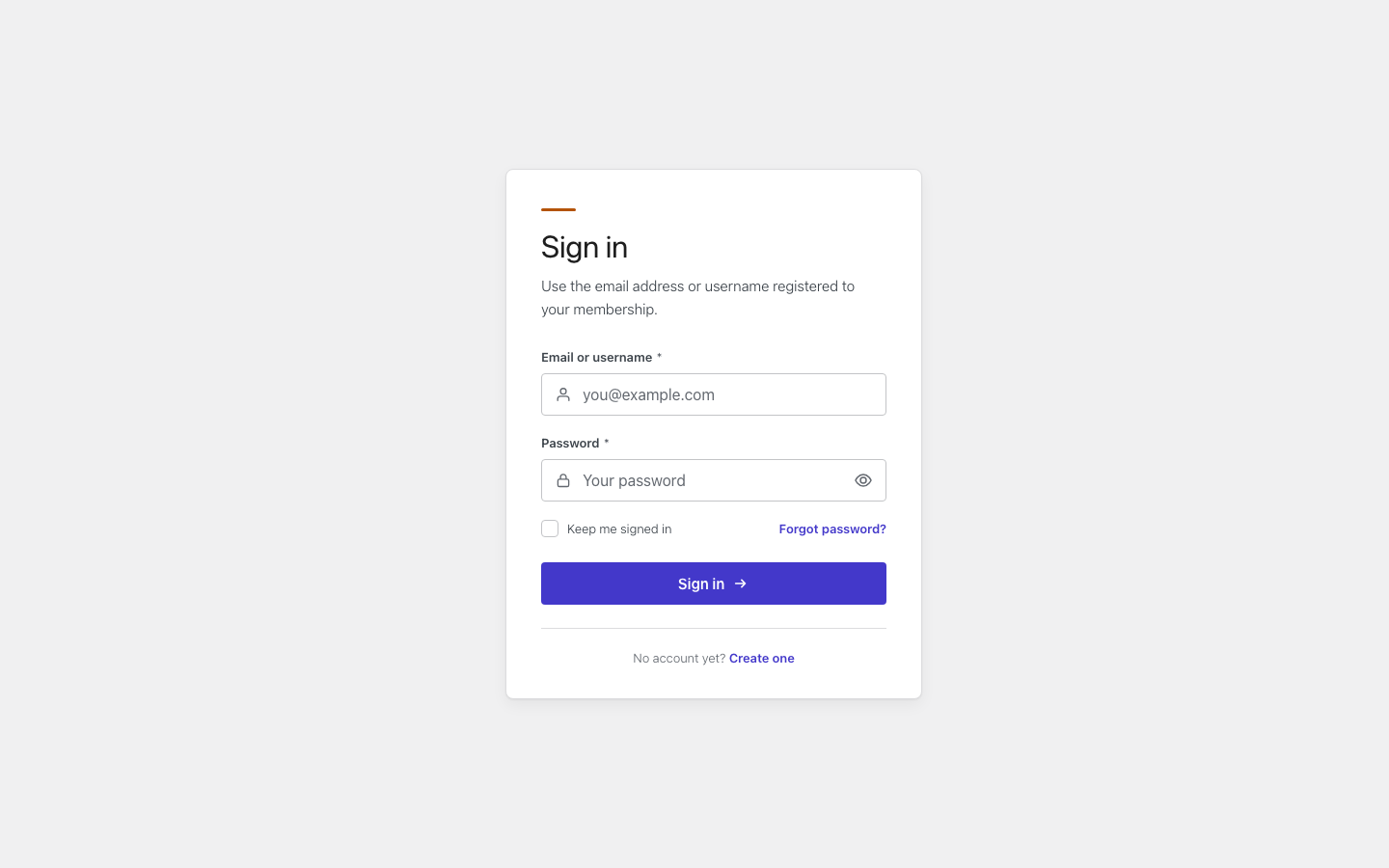
Members sign in on SM Login. Choose its layout, logo, colours and wording in the Login customizer. The same tab can move sign-in to an address of your own and add a bot check: Custom login URL and Turnstile.
Where members go
Redirections sets the pages members reach after signing in and out, and a default for what refused visitors see.
Keeping members out of the WordPress dashboard
Roles & access sends members to their own dashboard and can hide the black WordPress toolbar from them.
The member pages
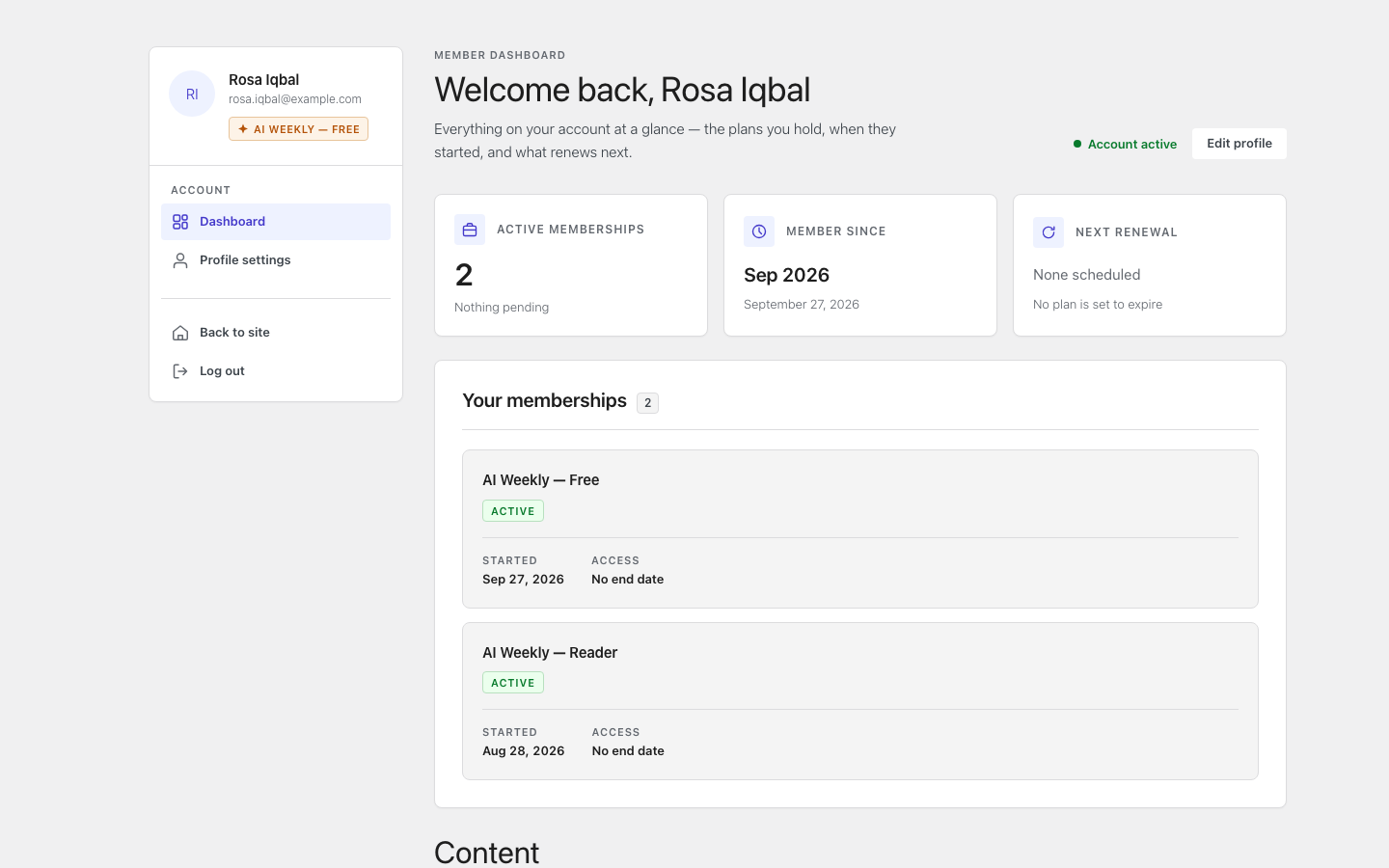
Shortcodes place the dashboard and profile on your own pages, and the Member Directory block lists members. See Member area pages, shortcodes and directory.
Limiting shared accounts
Login restrictions caps how many devices one account can use at once. It needs Smart Members Pro.
Rules that tie them together
- Signed-in members skip the doors. Opening SM Login or SM Register takes them to the dashboard.
- The doors are never locked. SM Login and SM Register stay open even when an access group protects the whole site.
- Visitors are sent to sign in. Opening the dashboard or profile signed out leads to SM Login.
- Sign-ups need WordPress's Anyone can register, under Settings → General. A group with On registration on, like AI Weekly — Free, lets new accounts in at once. See Access granted.
- Staff are never caught. Redirects, the dashboard lock and the hidden toolbar skip anyone who can write posts; login limits skip administrators.
- The group decides refusals. Each access group sets what refused visitors see; Redirections only fills in for a group that has not chosen.
Related articles
- Access groups overview — the membership levels these pages show.
- Unauthorized access: what visitors see — what refused visitors see, group by group.
- Sample data — build the AI Weekly site these screens show.
- Create a membership site, step by step — build a whole site from start to finish.