The Data & privacy tab decides how long Smart Members keeps ended memberships, and what an erasure request does to them.
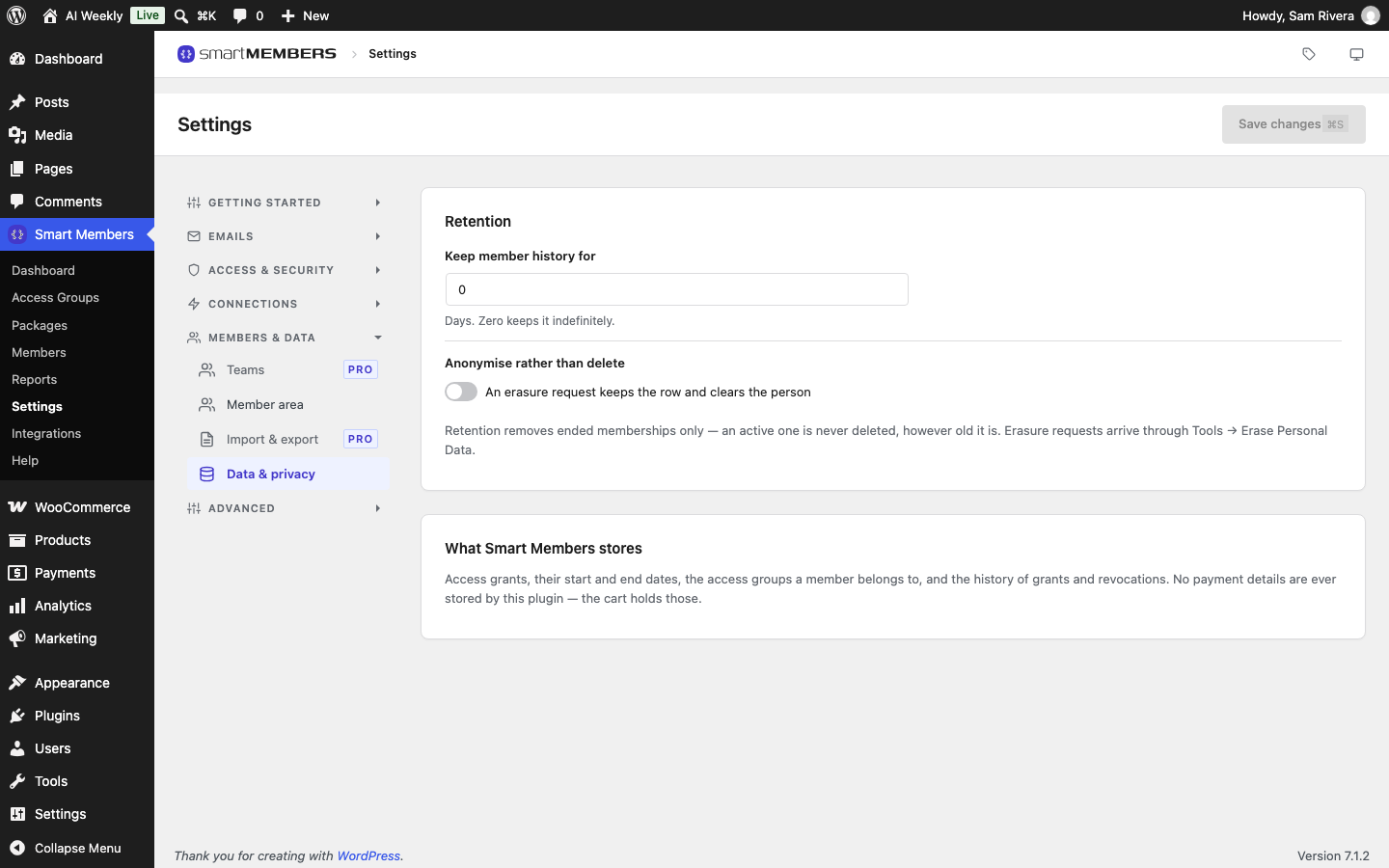
Retention
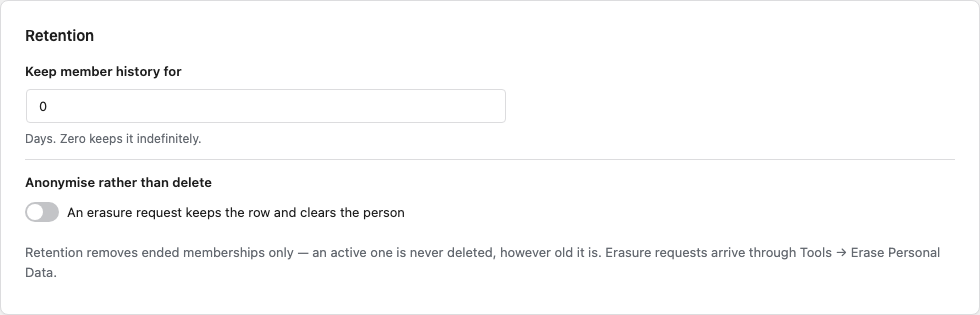
| Option | What it does |
|---|---|
| Keep member history for | Days. Once a day, Smart Members removes memberships that ended — expired, refunded, cancelled or removed — more than this many days ago, up to 500 a day. 0 (the default) keeps history for good. Enter 730 to keep two years. |
| Anonymise rather than delete | Off (the default), an erasure request deletes the person's ended memberships. On, it keeps each one but removes the person and the order number, so sales totals stay right. |
Active, trial and paused memberships are always kept, however old. The clean-up never deletes WordPress accounts.
Warning: Records removed by the clean-up or by an erasure request cannot be brought back. Keep a backup of your site.
What Smart Members stores

Each membership with its start and end dates, each member's groups, and the history of access given and taken away. Card and payment details stay with WooCommerce and your payment provider.
Export and erasure requests
Smart Members answers WordPress's own privacy tools:
- Tools → Export Personal Data includes each membership with its group, status, source and dates.
- Tools → Erase Personal Data removes the person's ended memberships, or anonymises them if the switch above is on. Current memberships are kept.
Handle an erasure request
Add the request
Go to Tools → Erase Personal Data and type the person's username or email address.
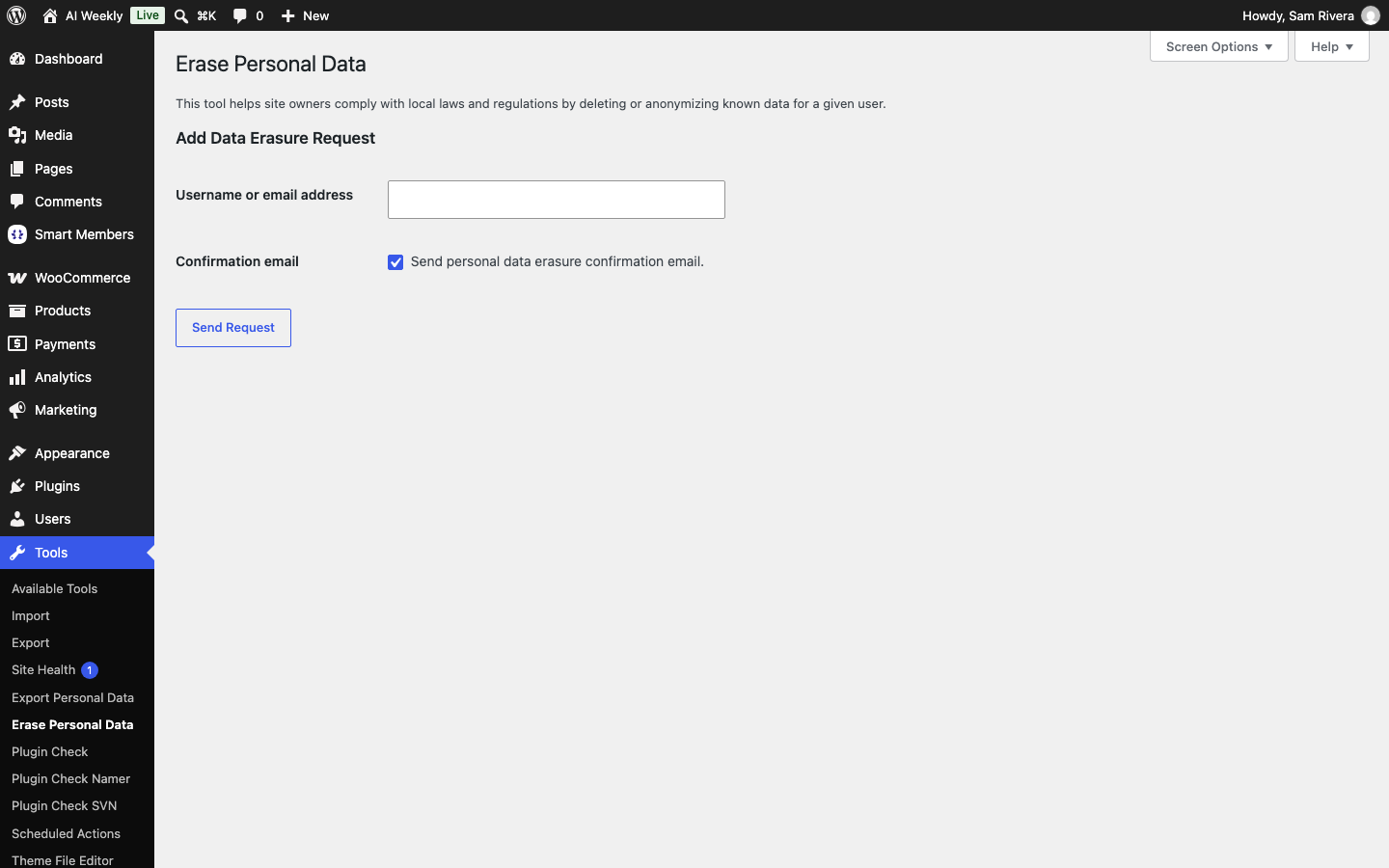
Send the confirmation
Click Send Request. WordPress emails the person to confirm.
Erase the data
Once they confirm, choose Erase personal data on the request.
Erasure does not end a current membership. To end it, see Give, remove and block access.