Smart Members emails a member when their access to a group starts, shortly before it ends, and once it has ended. The emails go out on every plan with short standard wording; with Pro, you choose what they say.
The emails members get
Each email is about one access group, such as AI Weekly — Reader. Nothing needs switching on.
| Sent when | Standard wording | |
|---|---|---|
| Access granted | Someone gets access to a group — from you, on sign-up or on purchase — or an ended membership starts again. | "Your access is ready", with a link to sign in. |
| Access expiring | Once, in the 7 days before a membership's end date. | "Your access is expiring soon", with the end date. |
| Access ended | Access reaches its end date, you take it away, or a refund, cancellation or expired subscription ends it. | "Your access has ended", with a thank-you. |
| New-account email (optional) | Someone signs up on your Smart Members registration page, if you switch it on. | WordPress's own email, with a link to set a password. |
Email settings
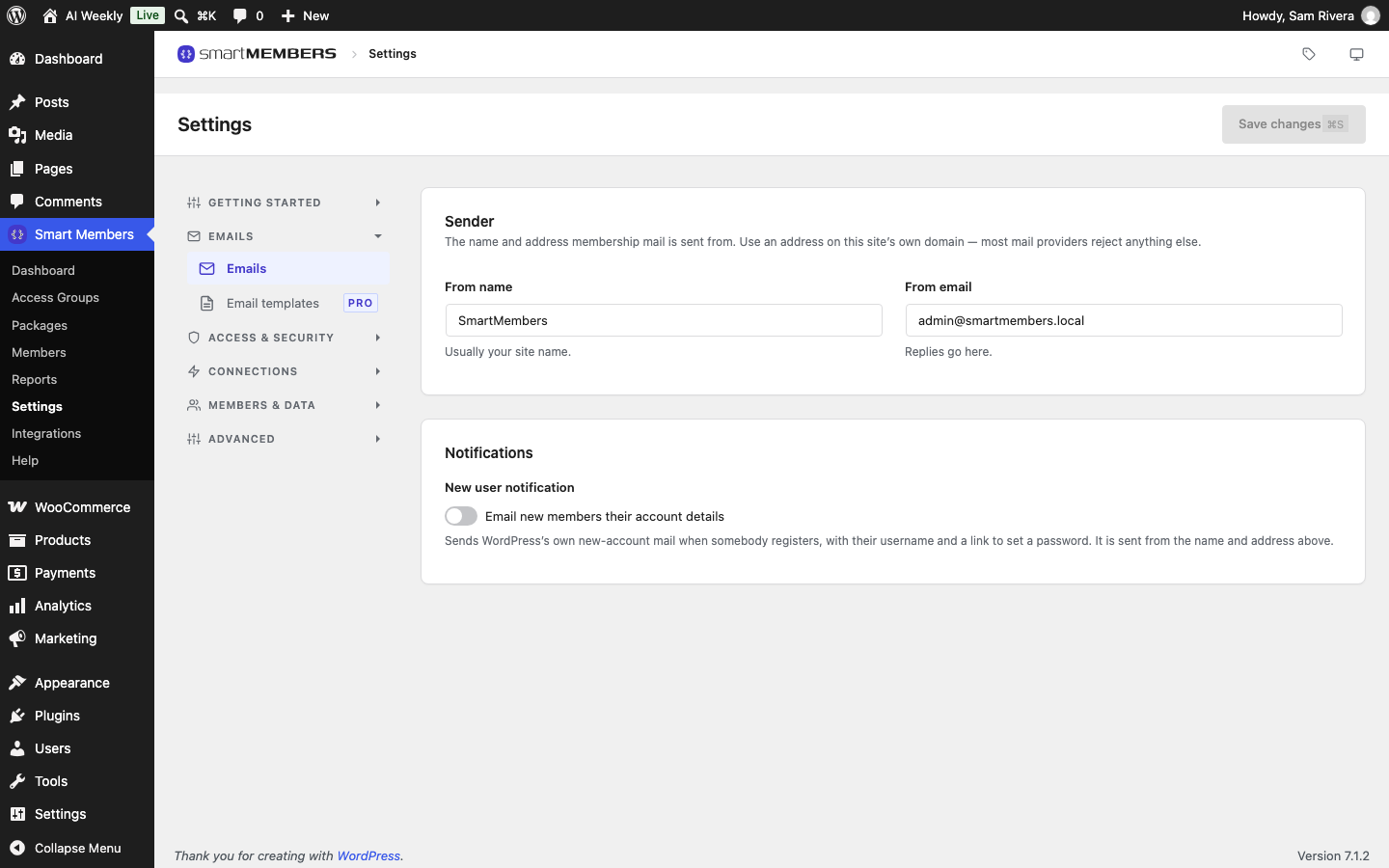
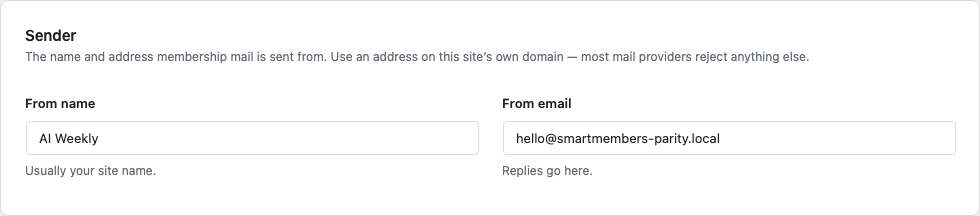
Smart Members → Settings → Emails sets the From name and From email, and the switch for the new-account email. See Email settings.
Email templates (Pro)
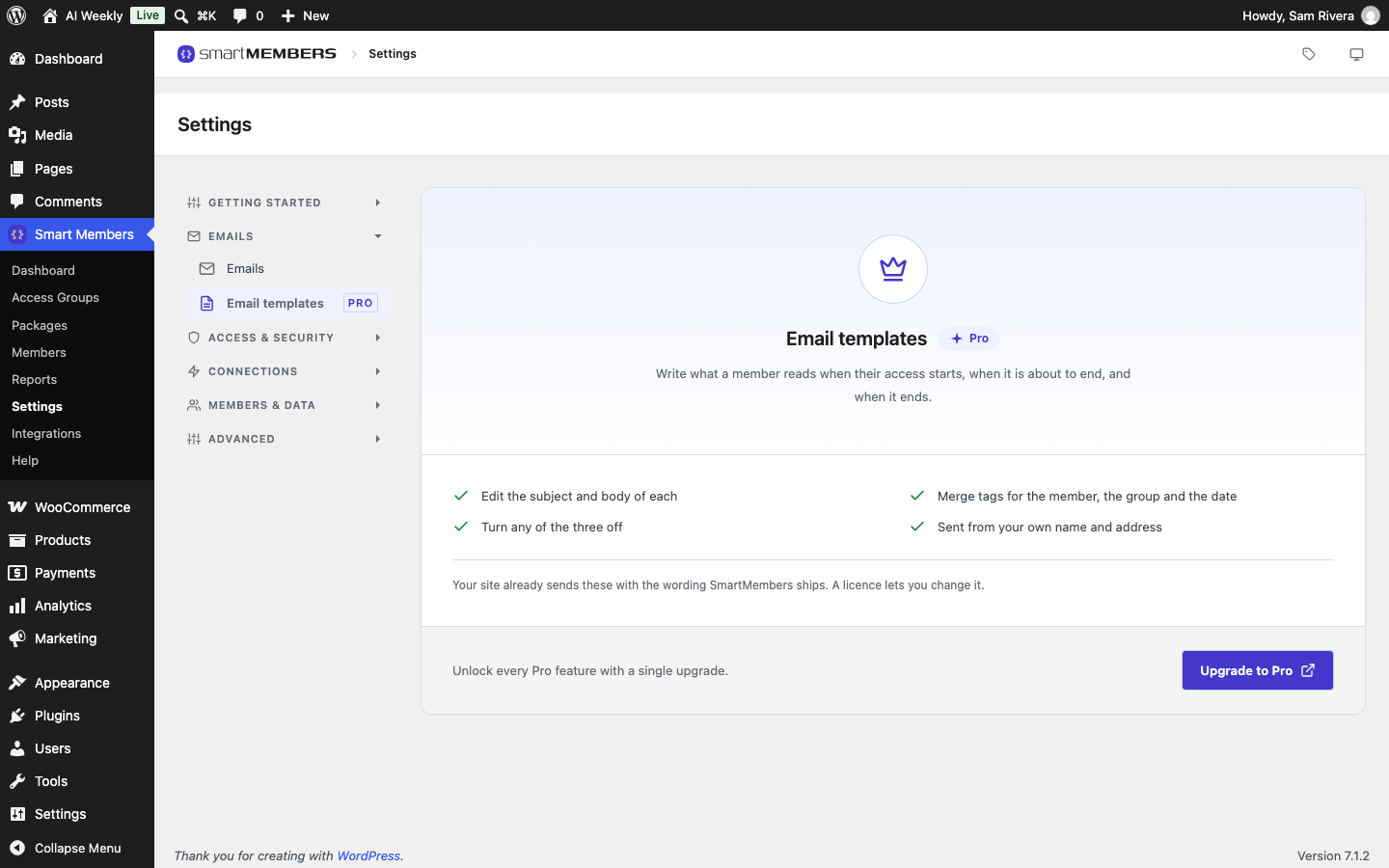
With Smart Members Pro, Email templates lets you rewrite the subject and body of the three membership emails, with merge tags for the member's name, the group and the date. See Email templates.
When emails go out
- A moment after the event. Emails are queued, so a slow mail server never holds up a checkout.
- Within the hour after an end date. Smart Members checks for ended memberships every hour.
- Even if a Pro licence lapses. Pro only changes the wording.
Tip: If members never get an email, check that your site can send email at all. Many hosts need an email-sending (SMTP) plugin.