The Dashboard is the first screen under Smart Members in the WordPress menu. It shows what is left to set up, how many people have access, who is about to lose it, and what happened lately.
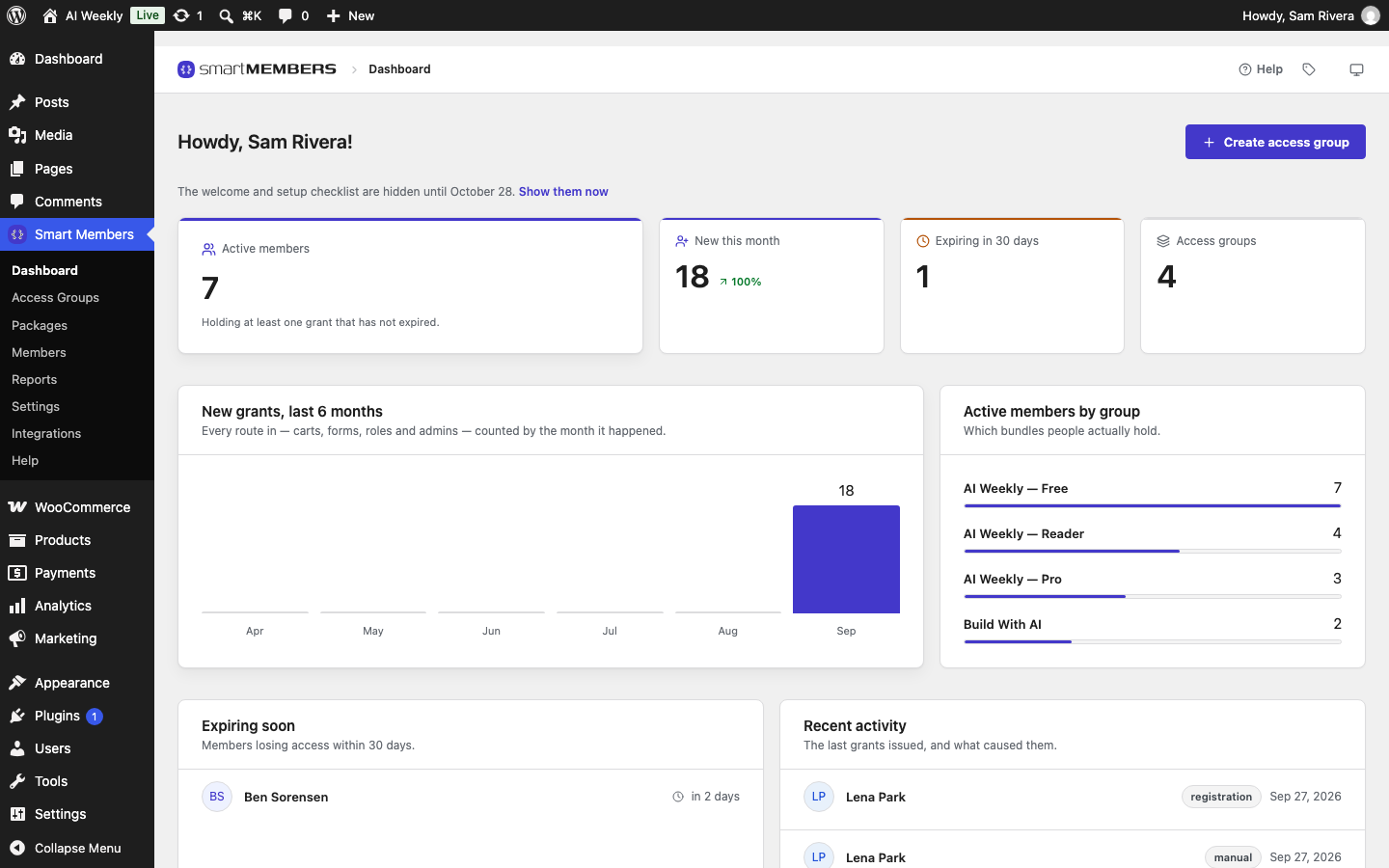
Every number counts grants: one person's access to one group. The figures appear once your site has an access group or a member.
Setup checklist

Finish setting up ticks each step by checking your site, and says You are set up when all are done.
| Step | Ticked when |
|---|---|
| Watch the getting-started video | You open the video. |
| Create a new access group | Any access group exists. |
| Set the member area pages | The member dashboard and profile pages are chosen and still exist. |
| Decide whether members see wp-admin | You save Settings → Roles & access. |
The × hides the welcome and checklist for a month, for you only. Show them now brings them back.
The four figures

| Figure | What it counts |
|---|---|
| Active members | People, each counted once, with at least one active grant. Blocked members are included; free trials are not. |
| New this month | Grants (not people) created since the 1st, compared with last month. Ken Adeyemi joining four groups counts 4. |
| Expiring in 30 days | Active grants that end in the next 30 days. |
| Access groups | All access groups, active or not. |
New grants, last 6 months
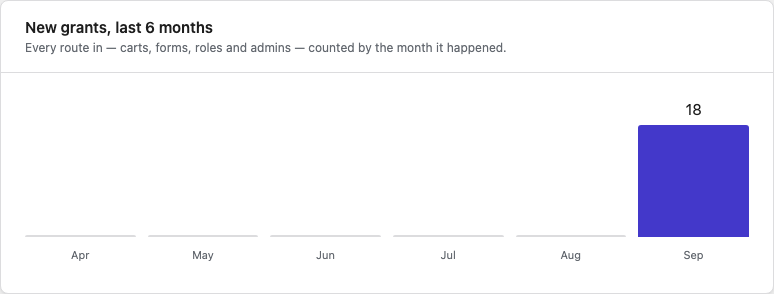
One column per month, this month on the right. Hover over a column for its count.
Active members by group
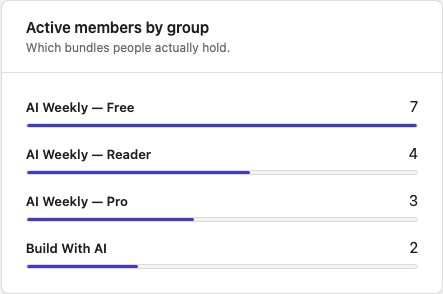
Each group, most members first, counting people whose access works today. Expired and refunded access is left out.
Expiring soon and recent activity
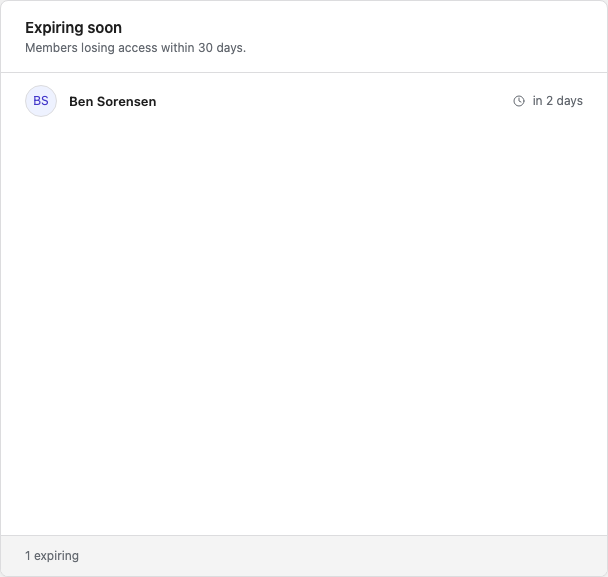
Expiring soon lists grants ending in the next 30 days, soonest first.
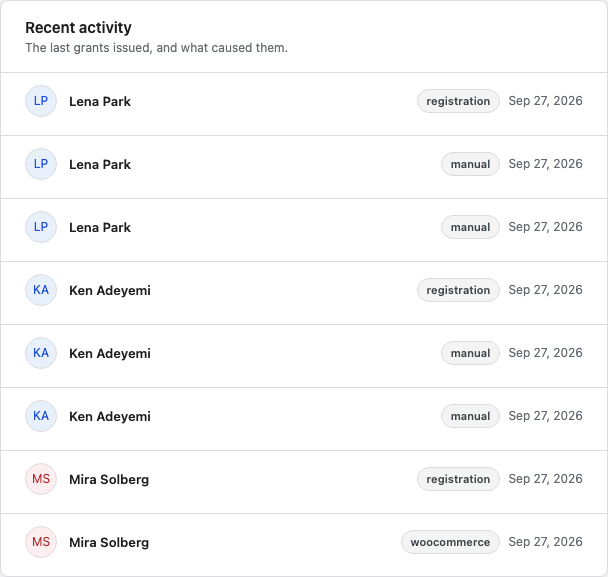
Recent activity lists the latest grants with their source: registration, manual (given by hand), woocommerce (bought) or import. Each list shows 8 rows; Reports shows everyone.
Power up your membership site
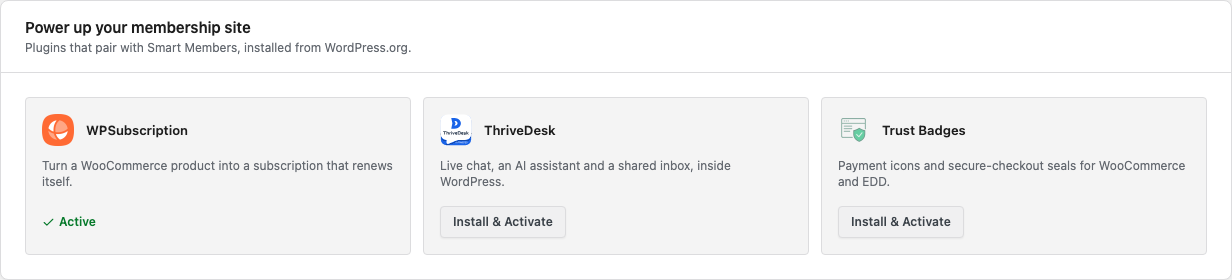
Plugins that pair with Smart Members. Each card shows Active, Activate or Install & Activate.
Figures are worked out when the page opens; reload for the latest. For sales, use WooCommerce → Analytics.