Smart Members → Settings holds the choices that apply to your whole site, such as member emails, the login page and WooCommerce orders. What one membership level protects, or how long it lasts, is set on that access group instead.
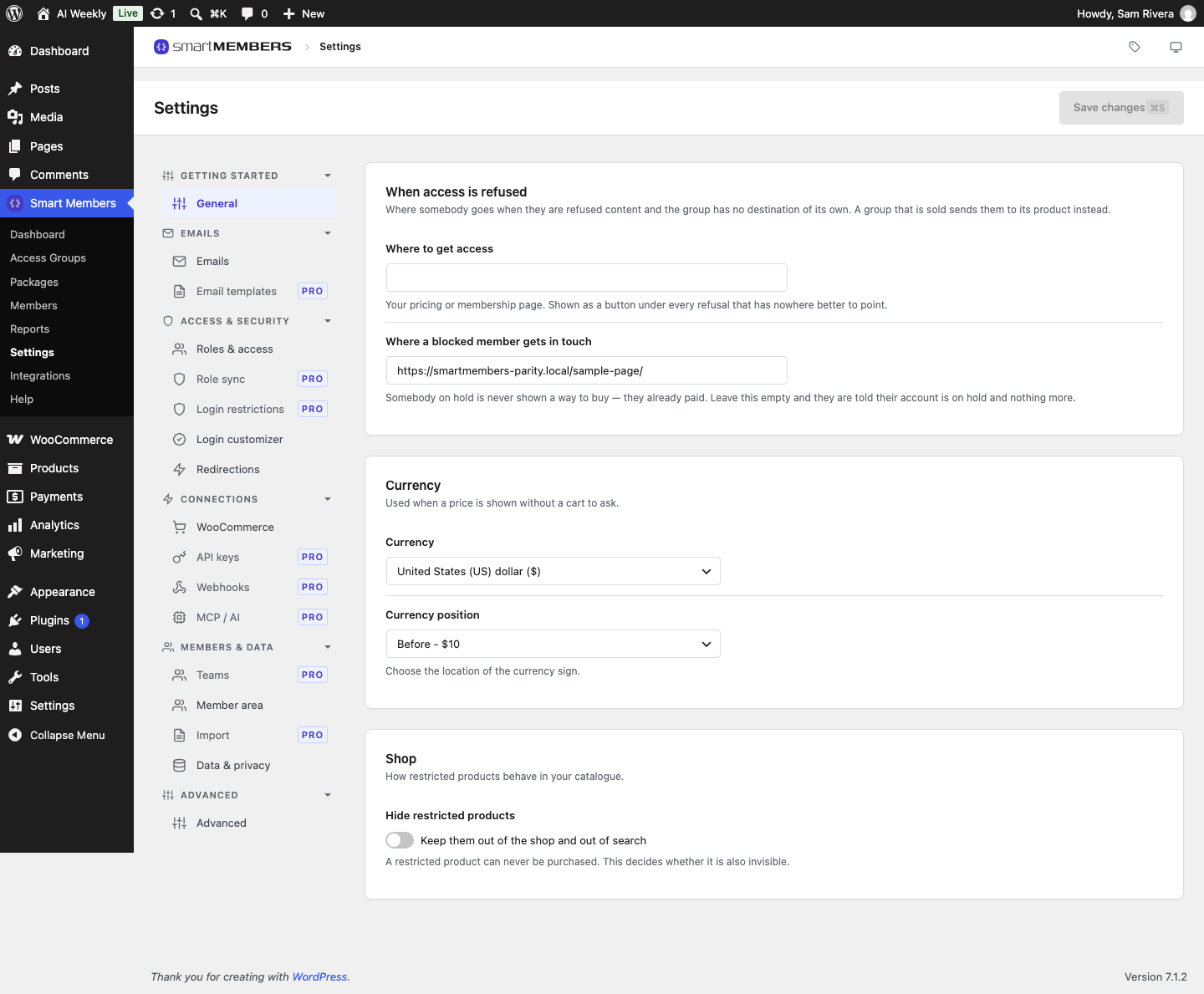
Moving around the screen
Go to Smart Members → Settings. Click a group's name in the left column to open it, then a tab.
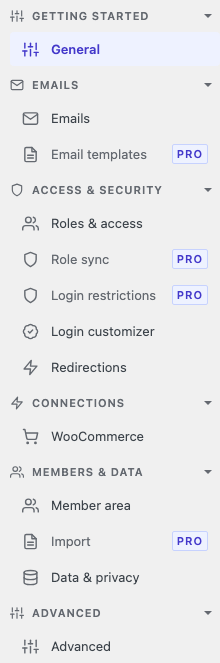
Saving changes
Click Save changes at the top right, or press ⌘S on a Mac. A saved setting applies straight away.
Tabs marked PRO
Without Smart Members Pro, a tab marked PRO shows a description and an Upgrade to Pro button. Anything set up earlier keeps working.
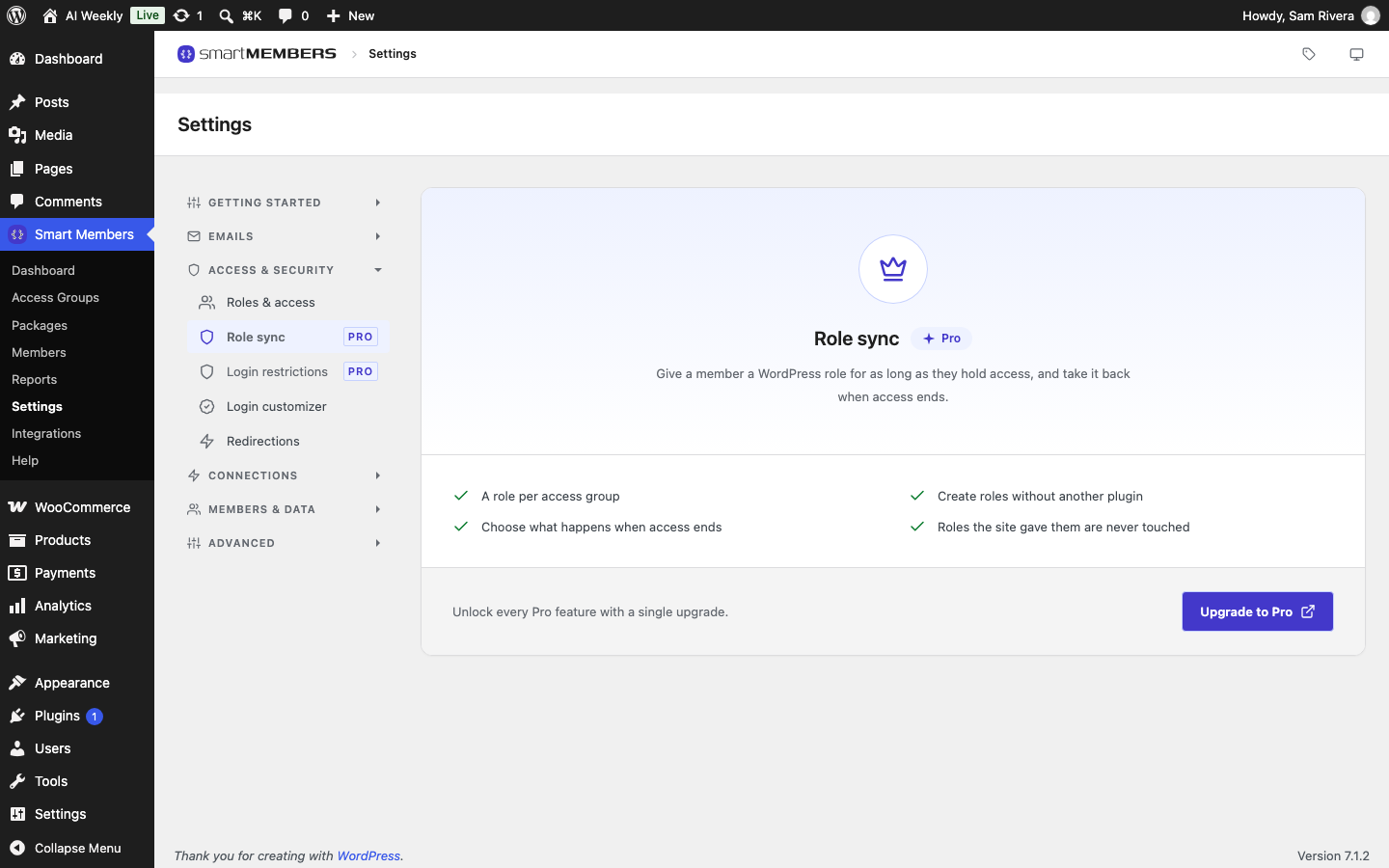
Every tab, and where it is explained
| Group | Tab | What it holds |
|---|---|---|
| Getting started | General | General settings: fallback links for refused visitors and blocked members, currency. |
| Emails | Emails | Email settings: sender, and which emails members get. |
| Emails | Email templates (Pro) | Email templates: your own wording. |
| Access & security | Roles & access | Member role and wp-admin access: whether members see the WordPress dashboard and admin bar. |
| Access & security | Role sync (Pro) | Role sync: account types that follow access. |
| Access & security | Login restrictions (Pro) | Login restrictions: how many devices a member can use. |
| Access & security | Login customizer | Login customizer and Custom login URL and Turnstile. |
| Access & security | Redirections | Redirections: where people land after logging in or out. |
| Connections | WooCommerce | WooCommerce settings: which order status gives access. |
| Members & data | Member area | Member area pages, shortcodes and directory. |
| Members & data | Import (Pro) | Import members from CSV. |
| Members & data | Data & privacy | Data & privacy settings: keeping ended memberships, erasure requests. |
| Advanced | Advanced | Advanced settings: rebuilding access rules, data on uninstall. |
With Smart Members Pro active, MailChimp, MailerLite, Zapier and Pabbly join Connections (see the Integrations overview), and Licence joins Advanced. API keys, Webhooks, MCP / AI and Teams are marked Soon: each says what it will do, and has nothing to set yet.
When a group and Settings disagree
A group's own choice wins. The site-wide Where to get access link on the General tab is only the fallback for groups without their own.