Smart Members → Packages lists every WooCommerce product that gives access to one of your access groups, with its price and what it unlocks. On AI Weekly that is two rows: AI Weekly — Reader at $9.00 and AI Weekly — Pro at $29.00.
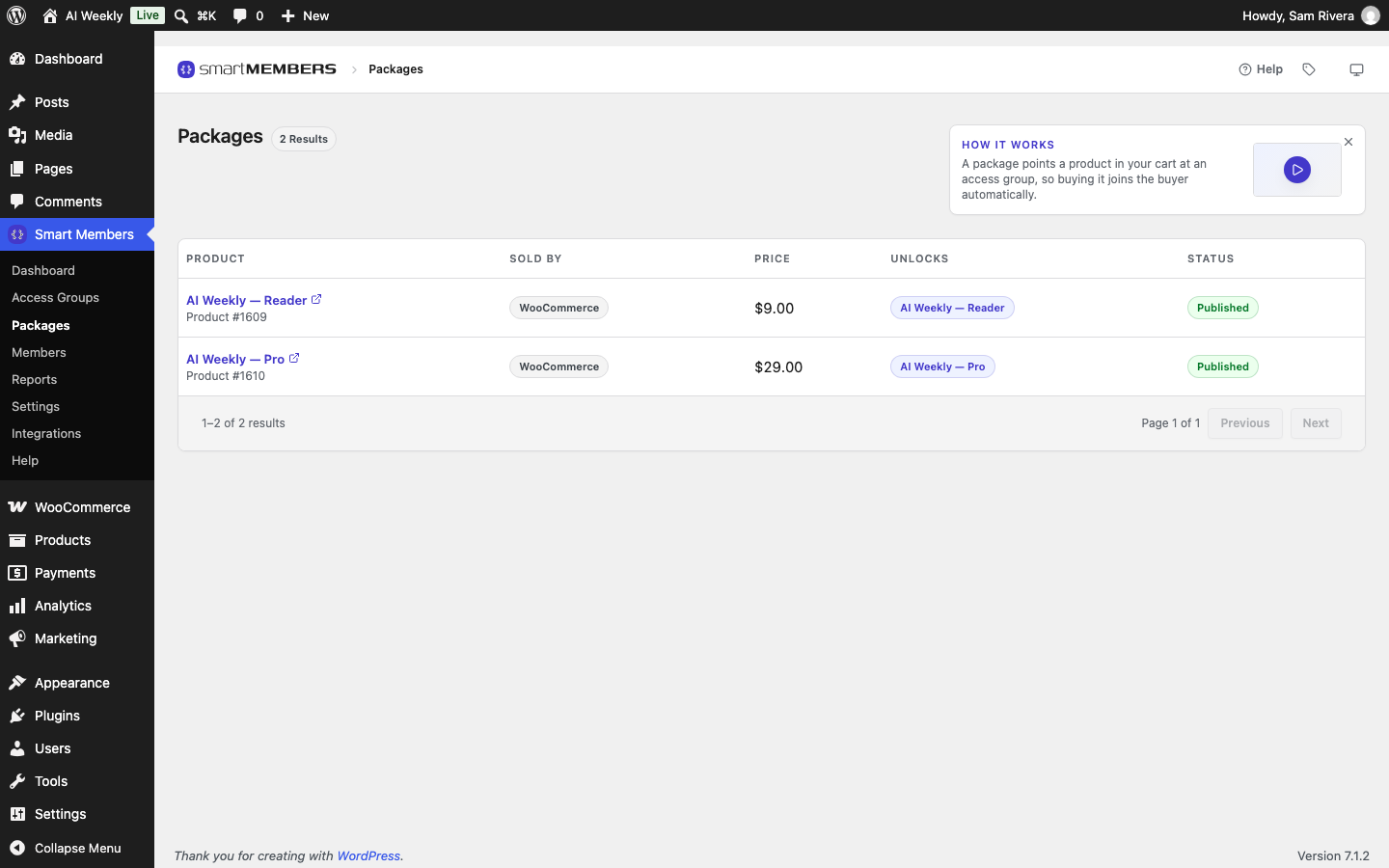
A package is a product linked to a group. You never create one here: link a product to a group (Sell an access group with a WooCommerce product) and it appears by itself, with name, price and status read from WooCommerce.
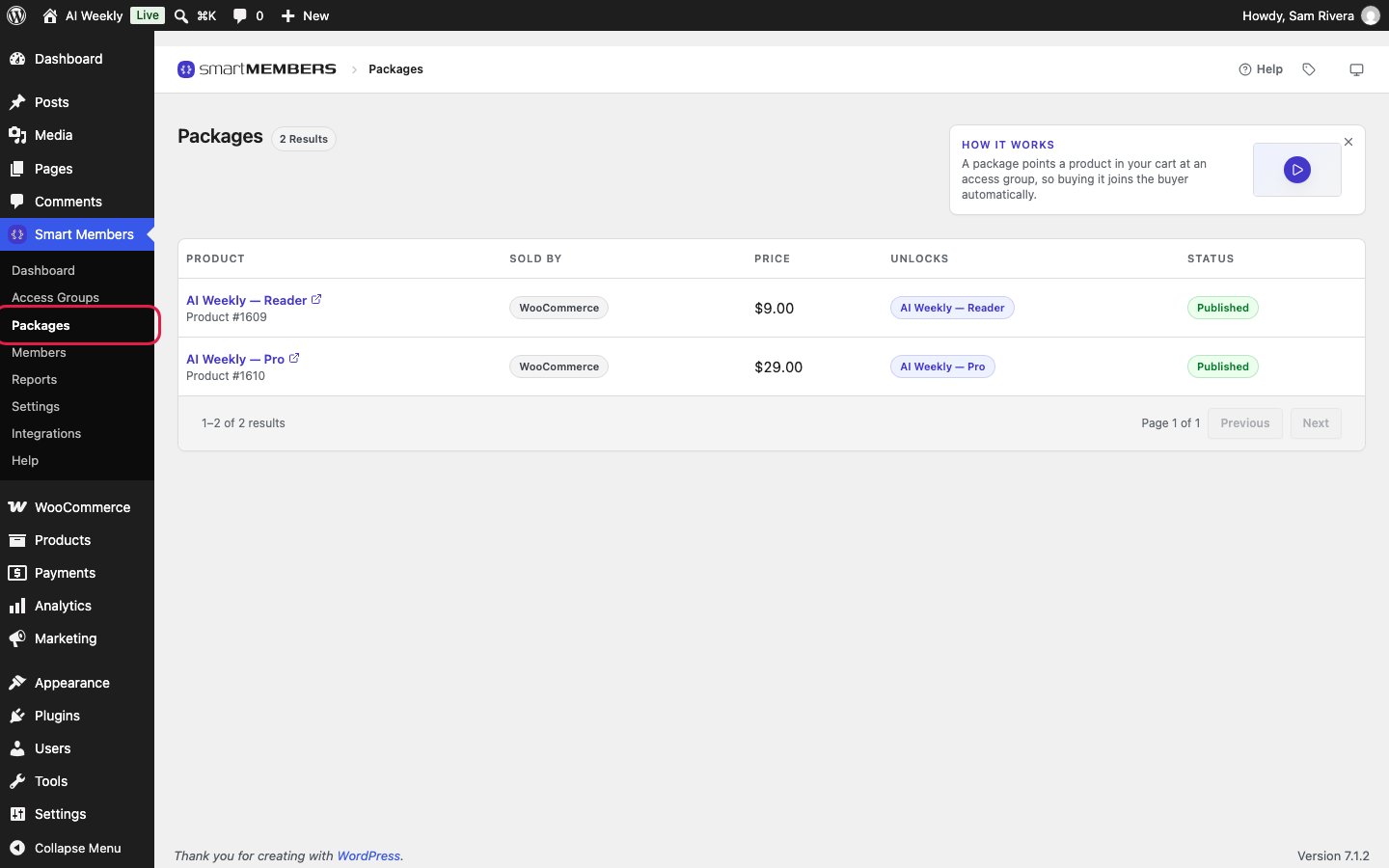
The columns
| Column | What it shows |
|---|---|
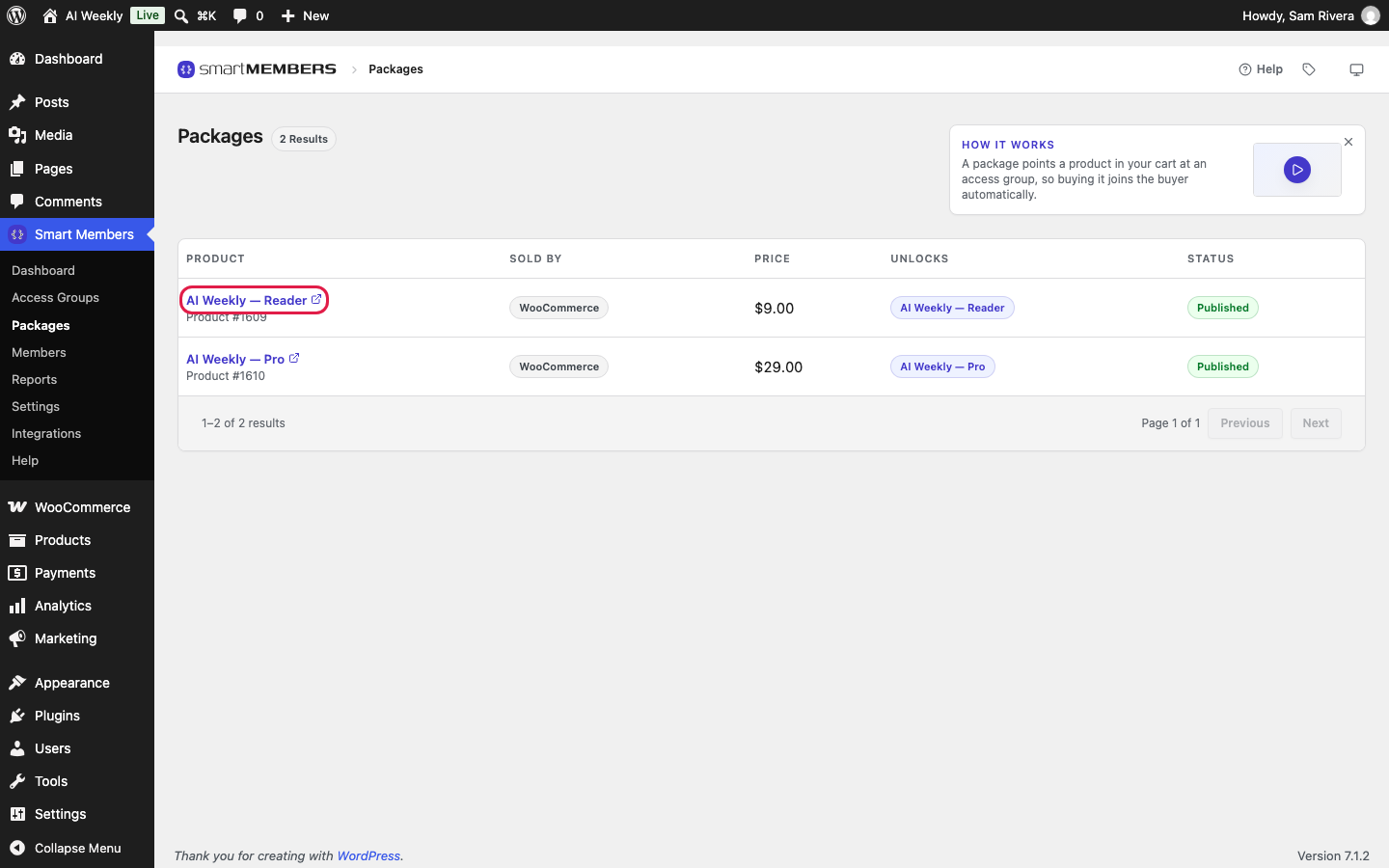
| Product | The product's name, linked to its WooCommerce edit screen, and its product number. |
| Sold by | The shop that sells it: WooCommerce. |
| Price | The shop's current price, including a sale, or a range for a product with variations. No price shows Not for sale. |
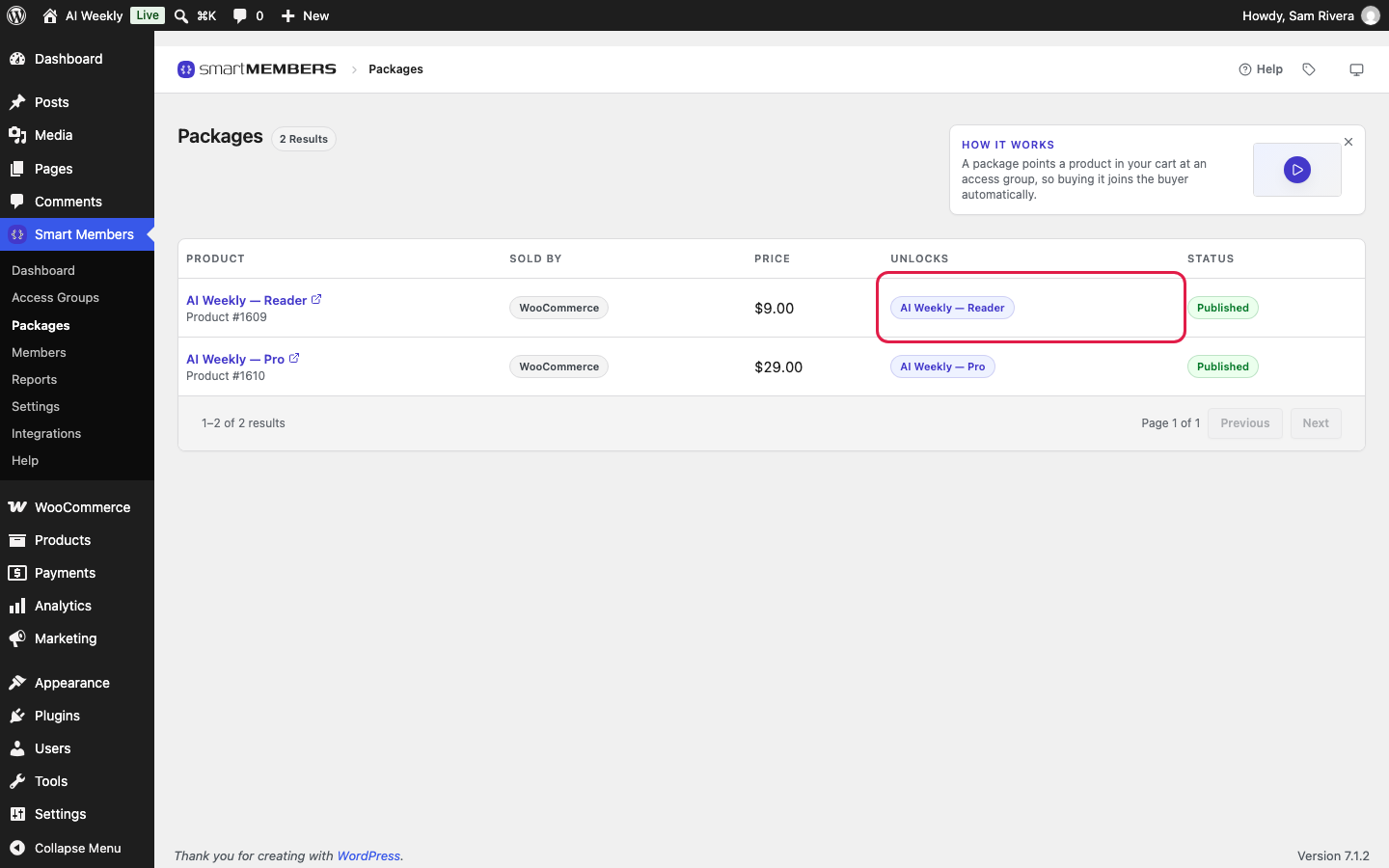
| Unlocks | Every access group the product gives. |
| Status | Published when on sale; otherwise WooCommerce's word, such as draft or private. |
Check what you sell
Before a launch, check that each product Unlocks the group you expect and is Published. An unpublished product cannot be bought, and the buy button on locked content never points to it. Check, too, that each group is Active: an inactive group protects nothing.
Change or remove a package
Click the product's name to open it in WooCommerce. Change the price or name as usual, or change its groups on the Smart Members tab in Product data, then click Update.
To remove a package, click the × on the product under On purchase on the group's Access granted tab. The product stays in your shop. People who bought it keep their access.
On a new site the screen shows No packages yet and a Go to access groups button.