A protected download is a file from your media library that only members of a group can download. Once attached, its normal address stops working, and a special link checks membership on every click.
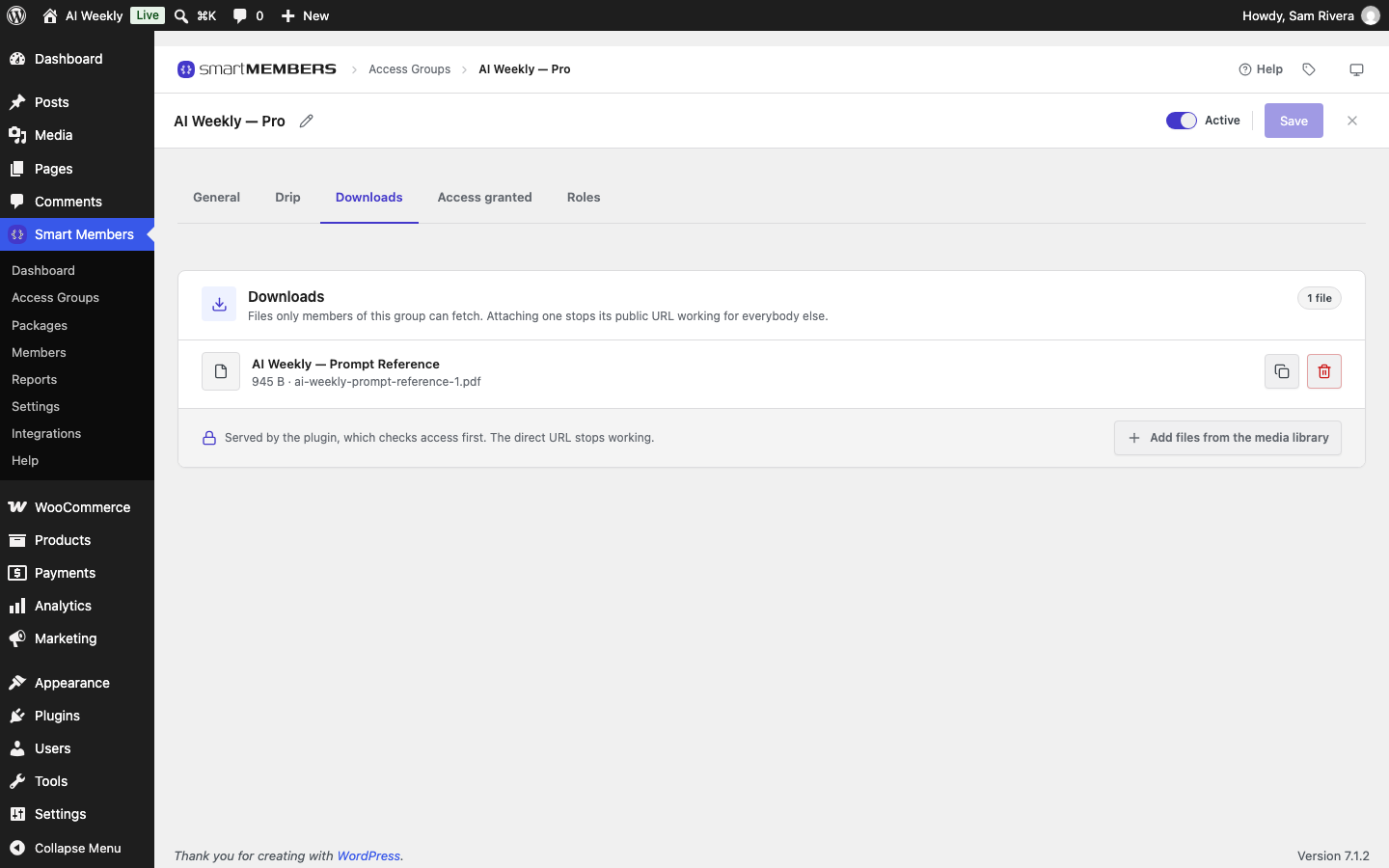
The Downloads panel
Open the group and click the Downloads tab.
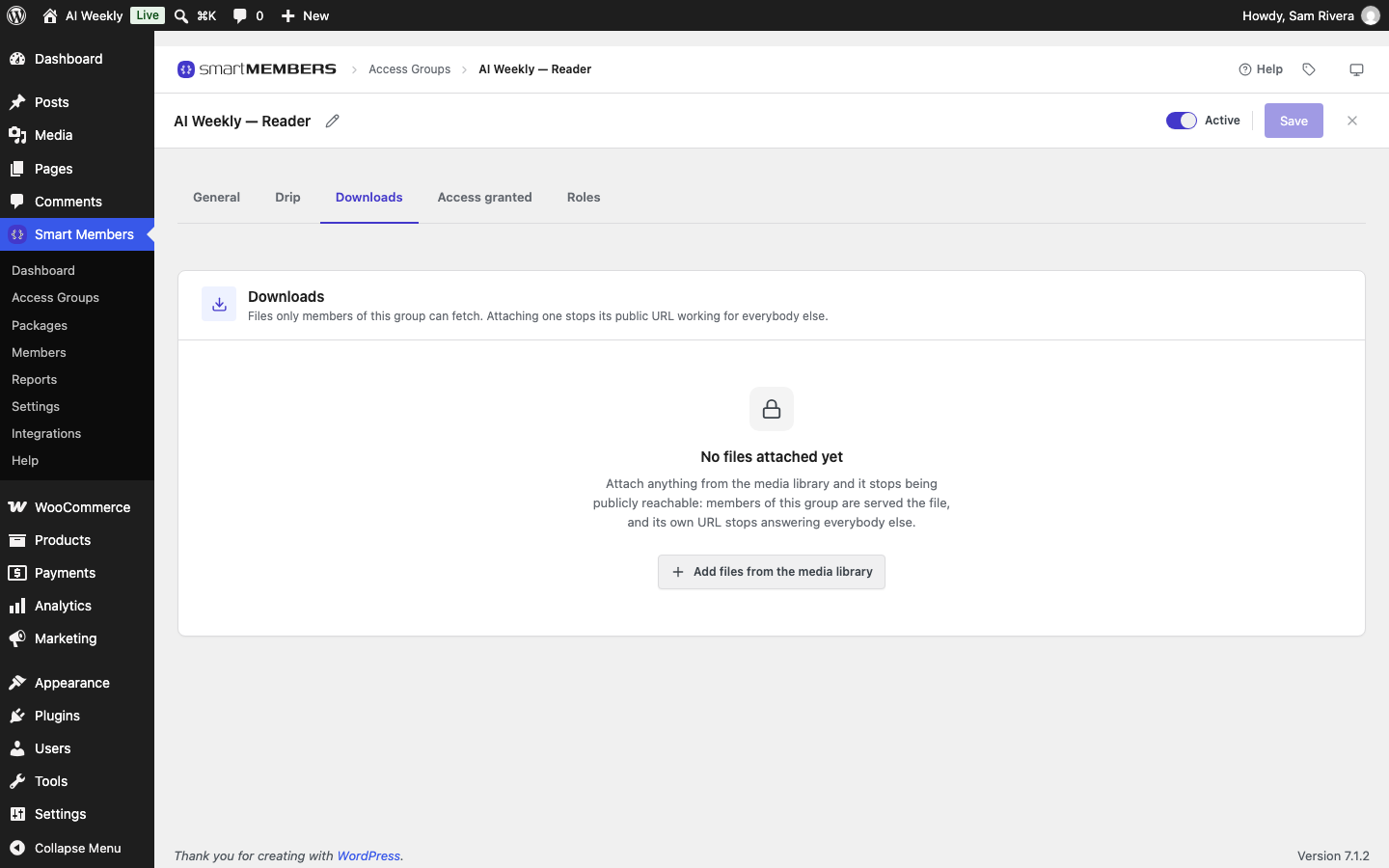
| Option | What it does |
|---|---|
| Add files from the media library | Opens Select Files for Download. |
| File row | Title, size and file name. Every file listed is protected. |
| Copy the download link | Copies the protected link, to paste into a post or email. |
| Remove this file | Takes the file off the group when you save. It stays in your media library. |
Protect a file
Open the media window
Click Add files from the media library.
Select the file
Click one or more files, or upload on Upload files.
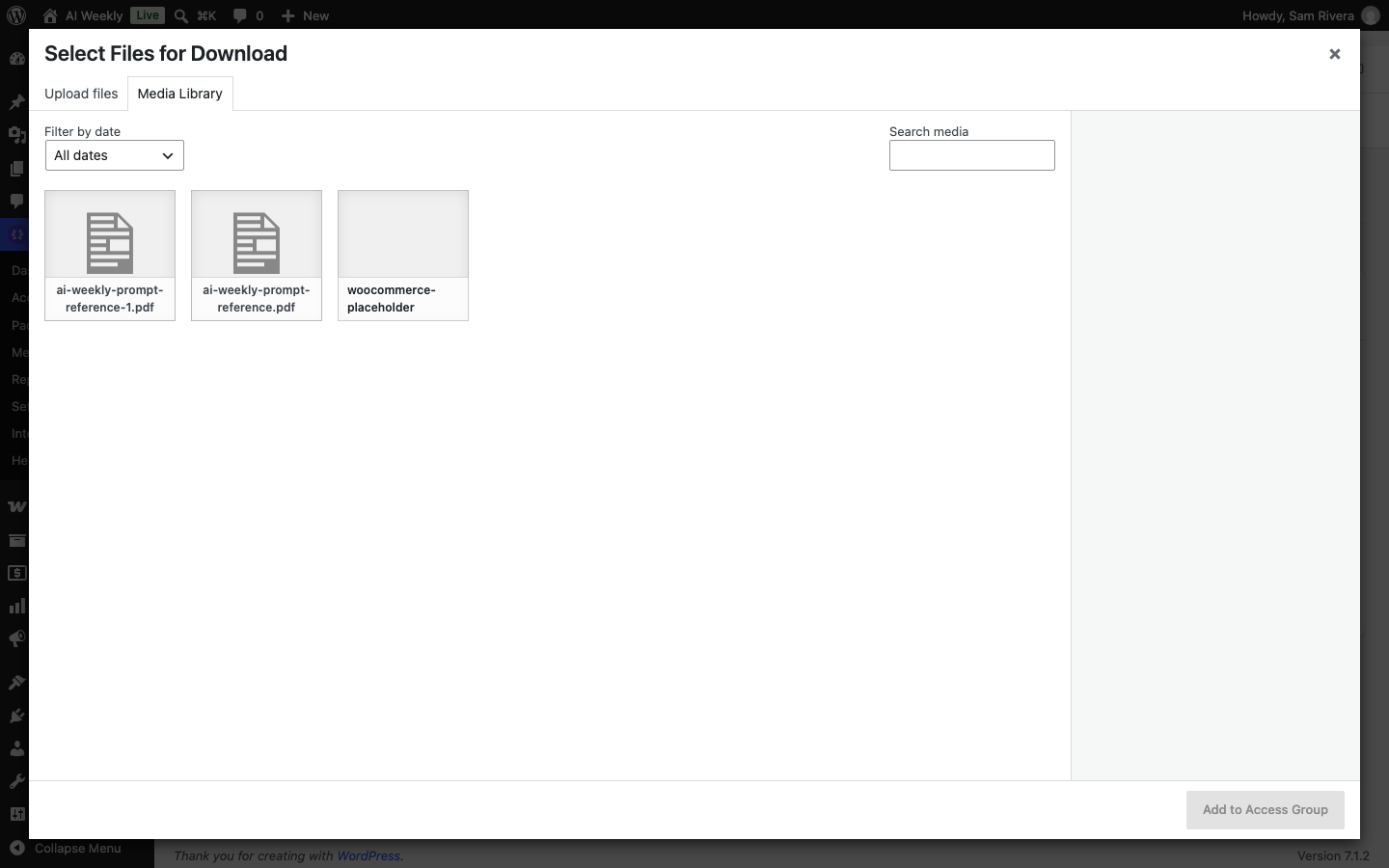
Click Add to Access Group
The file appears in the list.
Save
Click Save. The file is protected from now.
Share the download link
Members find files where you link them. Click the copy button, then paste the link into a post, ideally one the same group locks, so non-members never see it. Inserting the file from the media library in the editor gives the protected link too.
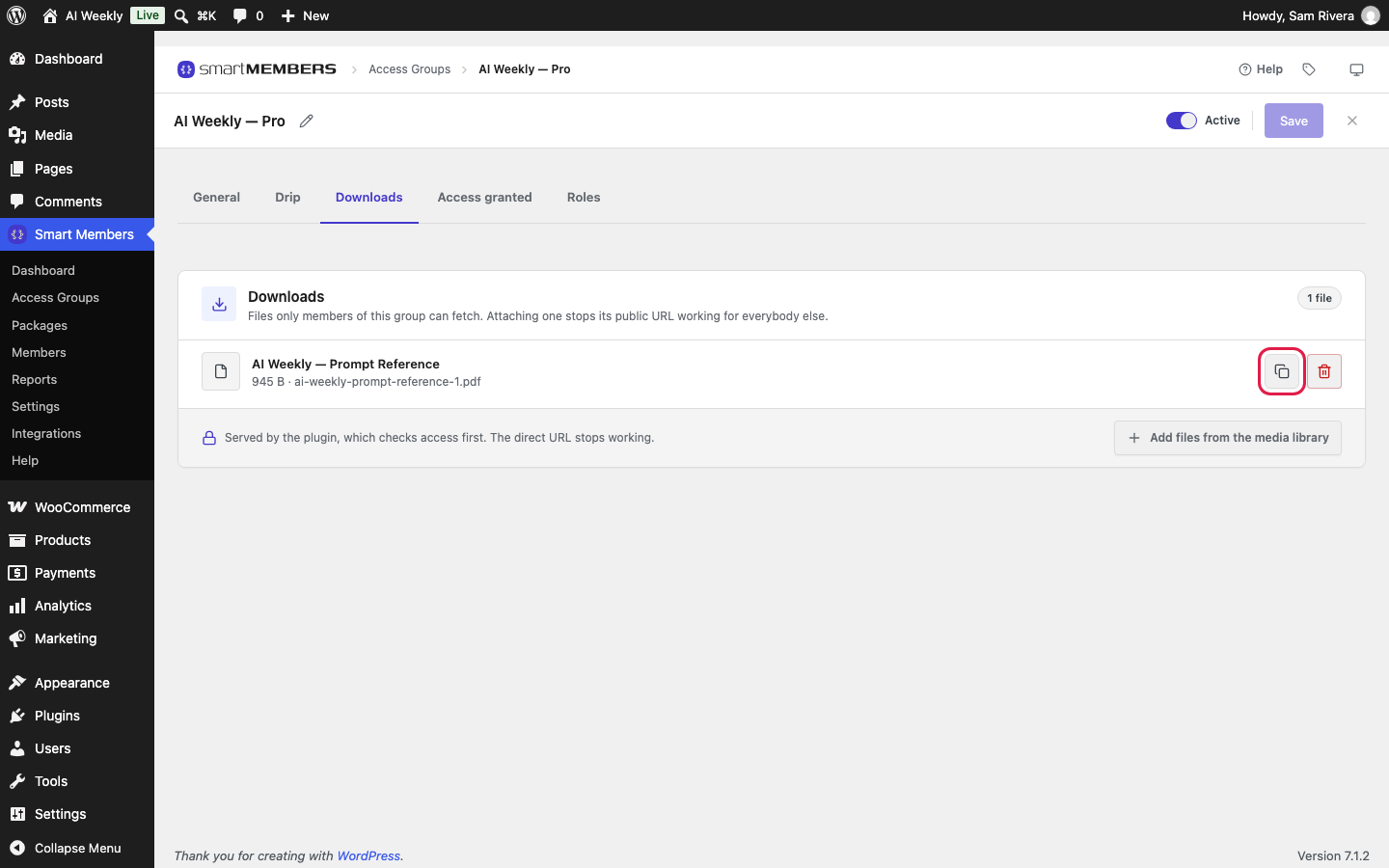
?smartmembers_download= and a number.What happens when someone clicks
| Who clicks | What they get |
|---|---|
| A member of the group | The file downloads. |
| Someone not logged in | "Please sign in to read this." |
| A member of another group | A page naming the group the file belongs to. |
| Anyone using the file's normal address | "Forbidden", members included. |

If your host uses Nginx
Smart Members blocks normal addresses with a rule file that Apache and LiteSpeed servers read and Nginx does not. The protected link still checks membership. On Nginx, a note above the file list says so:
- Click The rule to add to your server configuration.
- Send the text to your host's support and ask them to add it to your Nginx configuration.
- Open a protected file's normal address in a private window. It should be refused.
Send the rule again whenever you add or remove files.
When a link stops working
- Membership ends: the link stops working for that person.
- The group is switched off or deleted: the file is no longer protected.
- The file is deleted: the link says "That file does not exist."
A file in two groups opens for members of either. Drip does not apply to files. Administrators can always download, so test as a member.