The Advanced tab holds two tools most sites rarely need. Rebuild now repairs the rules Smart Members uses to decide who can open what; Remove all data on uninstall decides whether deleting the plugin deletes your members and groups.
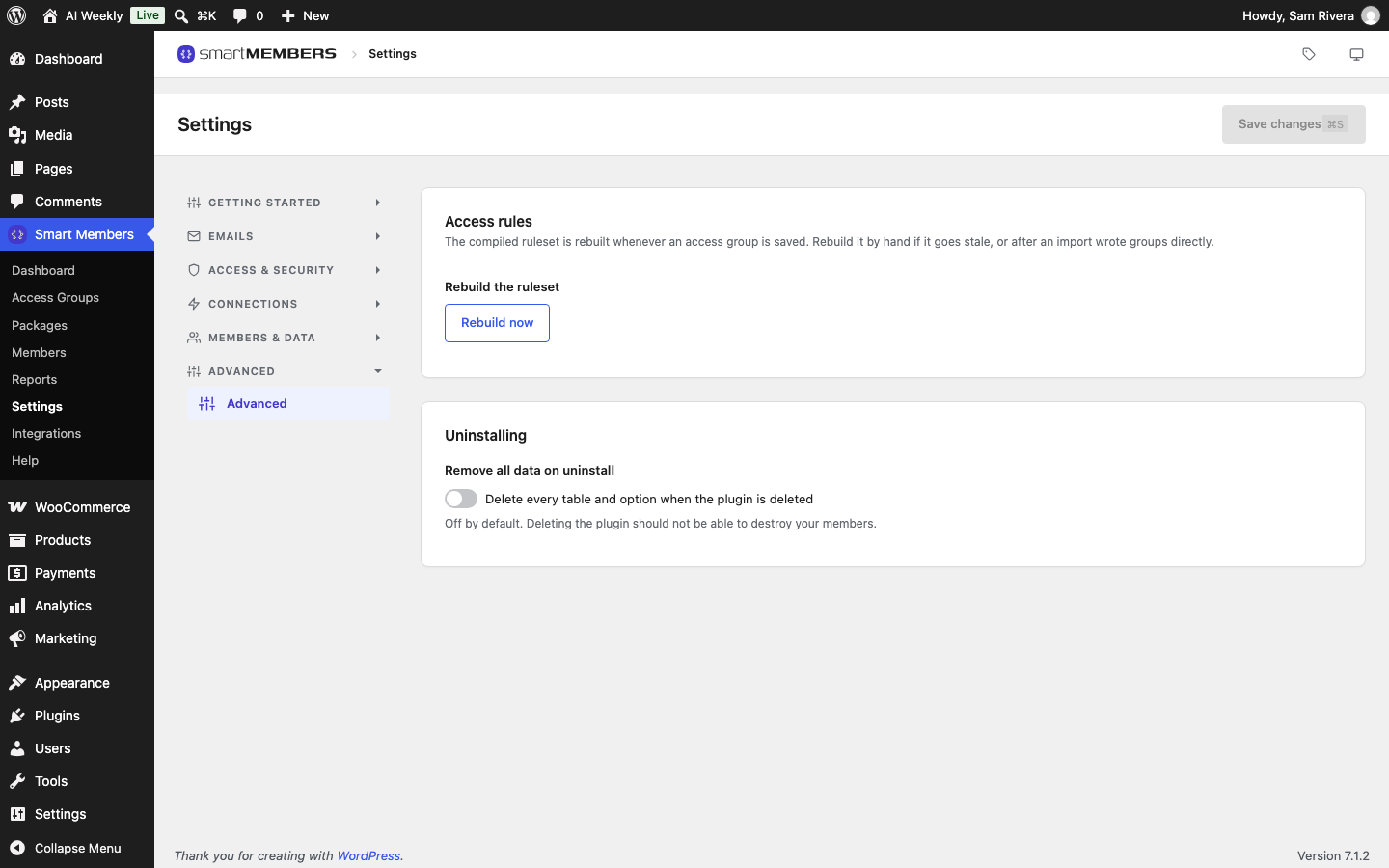
Find it under Smart Members → Settings → Advanced → Advanced.
Access rules
Smart Members turns your access groups into one ready-made list of rules, rebuilt whenever you save or delete a group.
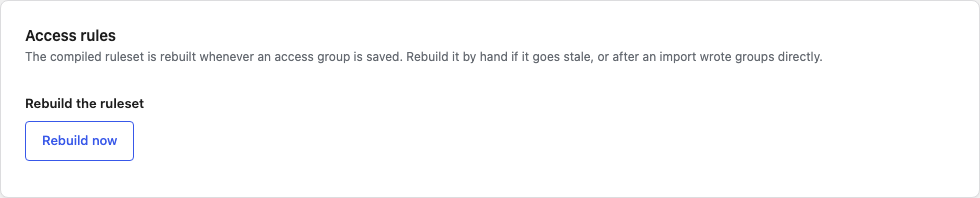
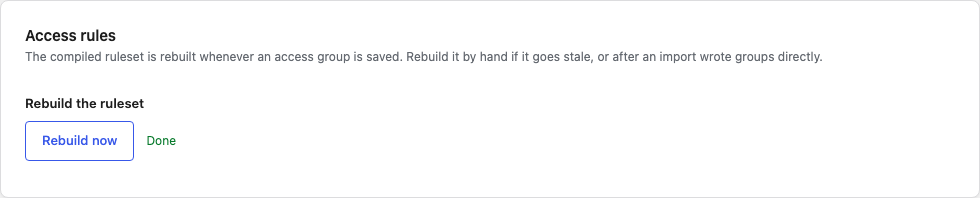
Rebuild now rebuilds that list from your saved groups and shows Done. It changes no group, member or setting, so pressing it twice is harmless. Press it when:
- A post opens when it should be locked, or the other way round, and saving the group again did not help.
- You restored the site from a backup, or moved it to a new host.
- Groups were added by an import or a developer.
- A red notice says Smart Members could not read its content restriction rules.
If it fails, check the Plugin log.
Uninstalling

| Option | What it does |
|---|---|
| Remove all data on uninstall | Off (the default): deleting Smart Members leaves its data, and reinstalling brings everything back. On: deleting the plugin also deletes every member record, access group, membership history and setting. WordPress accounts, posts and WooCommerce orders stay. |
Only deleting the plugin acts on the switch; deactivating or updating never deletes anything. With the switch on, deleting Smart Members Pro also removes its settings and licence key.
Remove Smart Members completely
Warning: This cannot be undone. Make a full backup first.
Back up your site
Make a full backup with your host or backup plugin.
Switch on Remove all data on uninstall
Switch on Remove all data on uninstall and click Save changes.
Delete the plugin
Go to Plugins → Installed Plugins, deactivate Smart Members, then click Delete.
Once Smart Members is deleted, every post you had locked opens for everyone.