Sample data builds AI Weekly, a small working membership site, so every Smart Members screen has something in it. One button builds it and another removes it, leaving your own content alone.
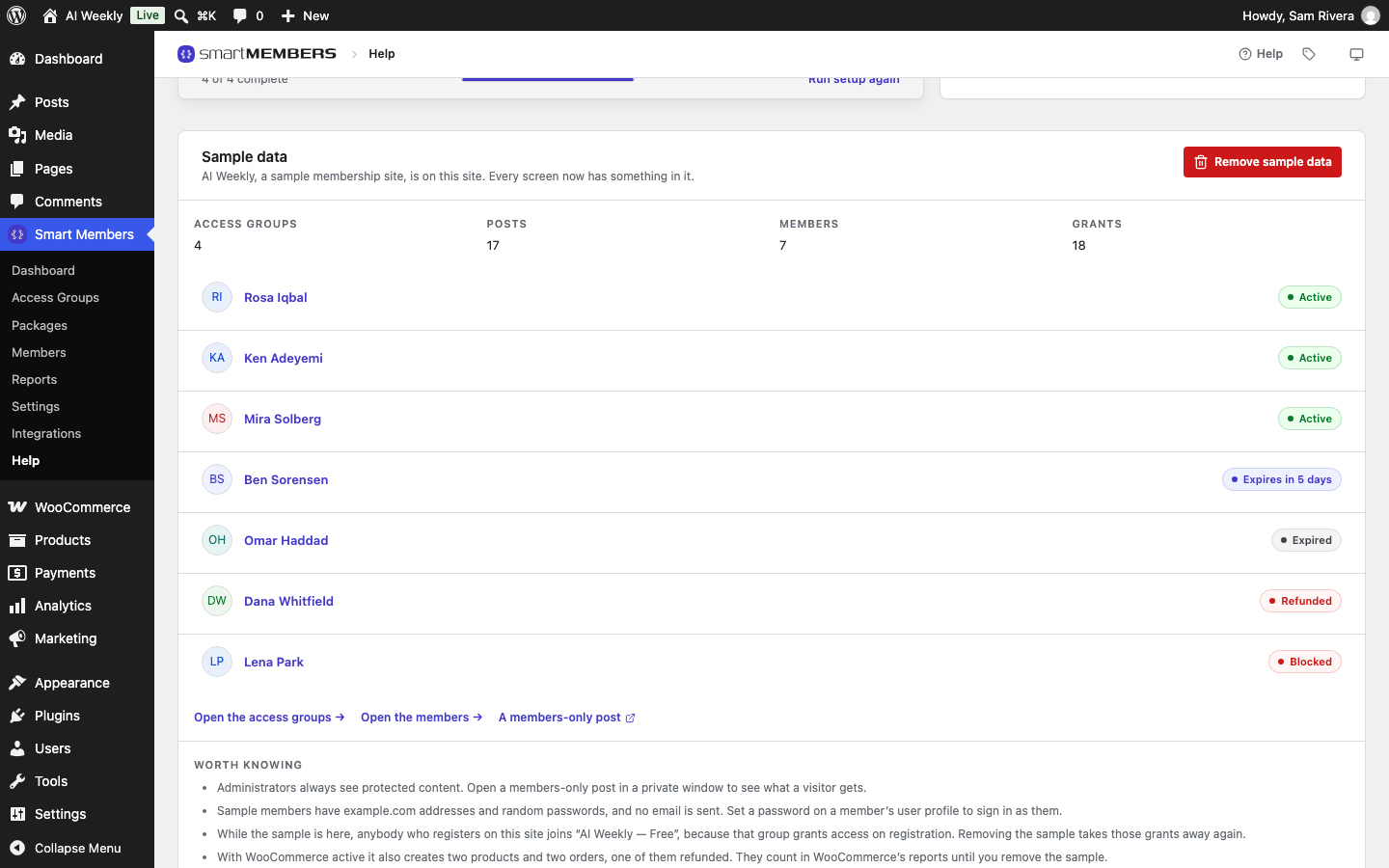
It is the Sample data card at Smart Members → Help. Every screenshot in this help centre shows the same site.
What it creates
- Four access groups: a free tier, two paid tiers and a course that opens one lesson a week, each refusing visitors in a different way.
- Sixteen posts, a join page and a protected PDF, in five categories of their own.
- Seven members at different stages: active, about to expire, expired, refunded and blocked.
- With WooCommerce active: two products for the paid tiers, and two orders, one refunded.
Build the sample site
Activate WooCommerce first
Only if you want products and orders.
Click Create sample site
On the Sample data card, click Create sample site, then confirm. No email is sent while it builds.
Check the card
A message confirms what was made. If part of the build was skipped, for example a member whose email already has an account, the card says why.
Explore it as a visitor and a member
The card counts the sample's Access groups, Posts, Members and Grants and lists each member; click a name to open their page. A members-only post opens a locked post in a new tab.
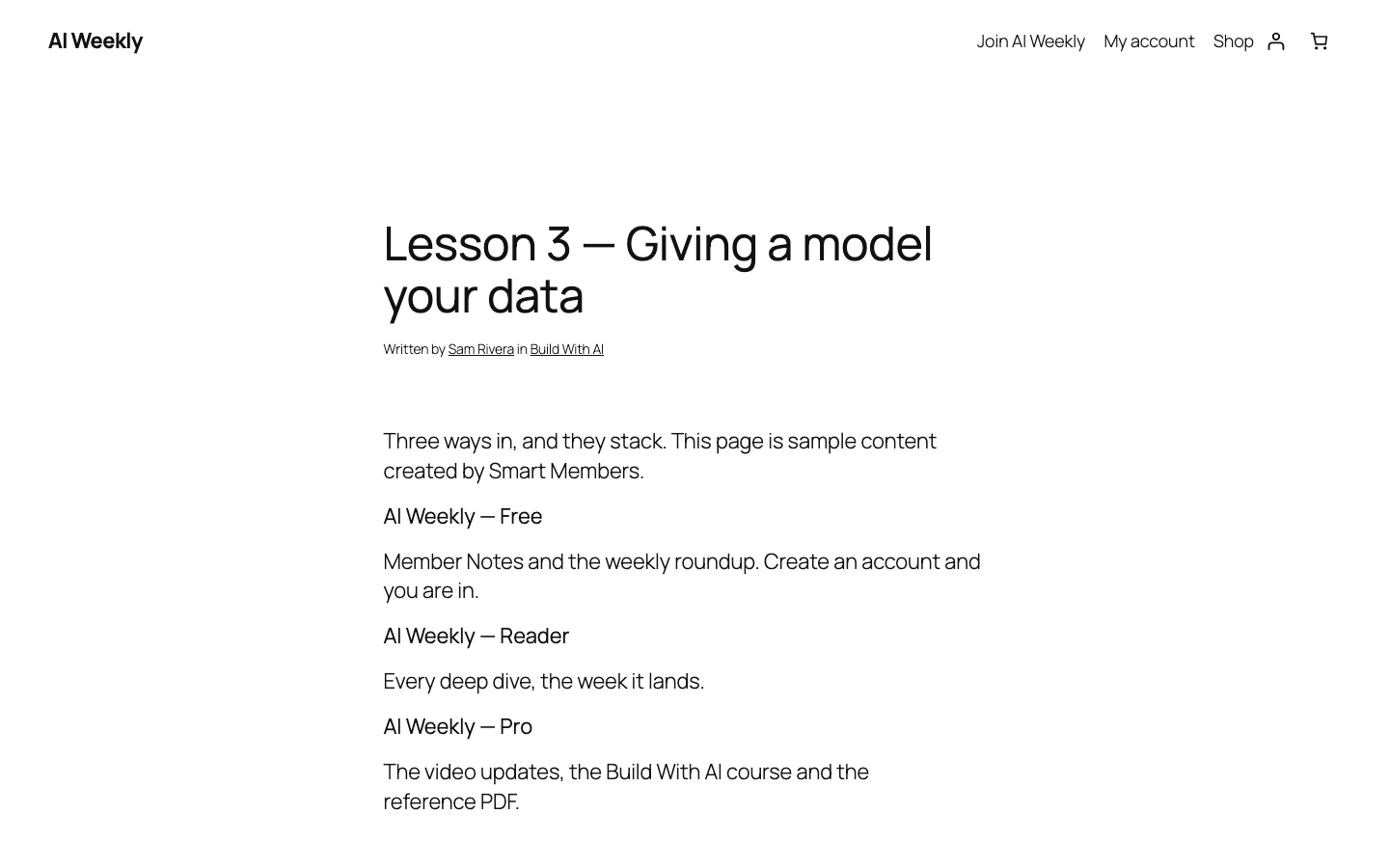
- As a visitor: open a sample post in a private browser window.
- As a member: in Users, set a password for a sample member such as Rosa Iqbal, then log in as her in the private window.
Remove the sample site
Warning: Removing cannot be undone. Sample posts you edited are deleted too, so copy any text you want to keep.
Click Remove sample data and confirm. It deletes the sample groups and their grants, members, orders, posts, page, PDF, products and categories. Your own posts, users and groups are never touched.

Things to watch for
- The posts are public. A staging copy of your site is the better place to build it.
- Sign-ups join the free sample group while it exists, and lose it when you remove the sample.
- WooCommerce reports include the sample orders until you remove it.
- Building again starts fresh, so you never get two copies. Rebuild to add products if you built before activating WooCommerce.
- Don't turn the sample into your real site. Everything it made goes when you click Remove.