Each member has a page listing every access group they hold, where it came from and when it ends. Open it when someone asks why they can't read something.
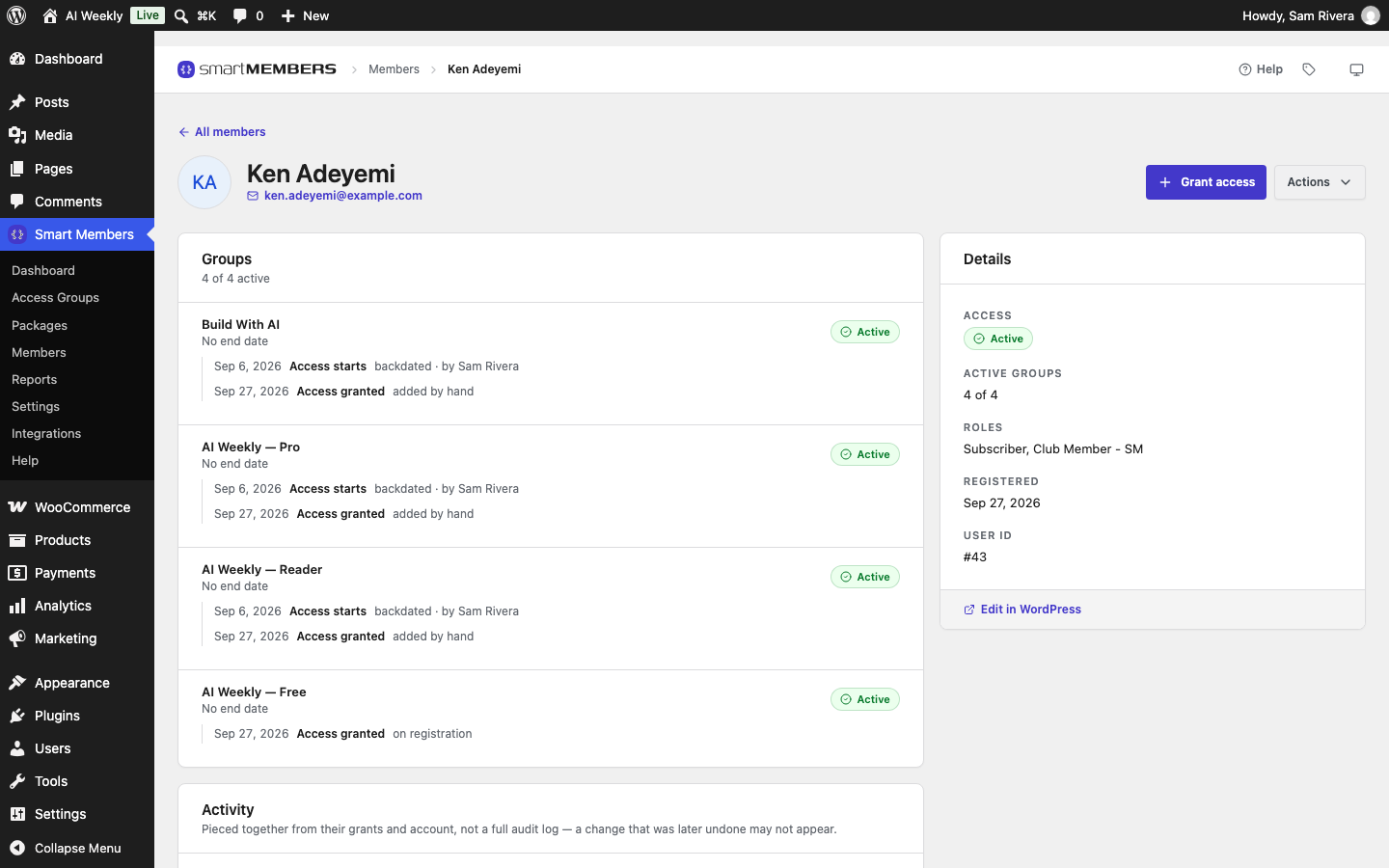
Go to Smart Members → Members and click the person's row. ← All members takes you back to the list.
The header
| Option | What it does |
|---|---|
| Grant access | Gives this person an access group by hand. |
| Actions → Edit user | Opens the WordPress screen for this account: name, password, role, or deleting it. |
| Actions → Block access / Restore access | Switches all of the person's access off, or back on. Nothing is deleted. |
| Actions → Revoke all access | Ends every group the person holds, for good. |
The steps are in Give, remove and block access.
Groups
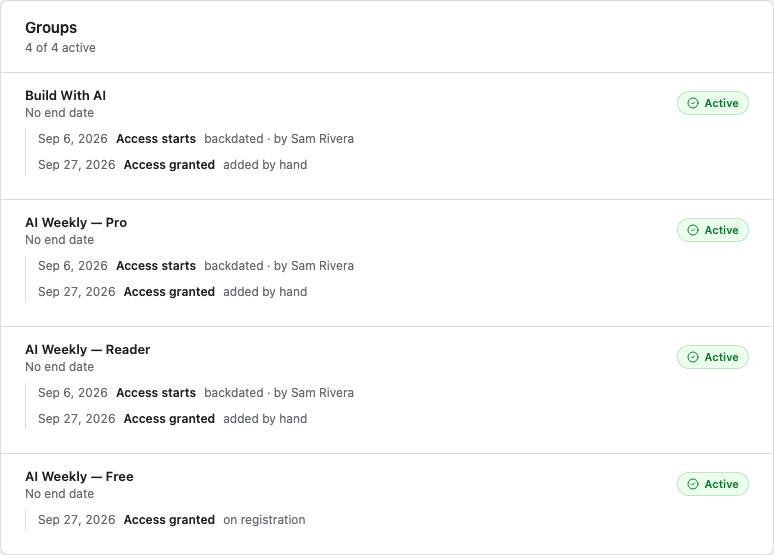
Each row is one piece of access, a grant. A group that came by two routes, such as bought and given by hand, shows two rows.
| Part of a row | What it tells you |
|---|---|
| Until / No end date | When this access stops by itself. |
| Status badge | Active lets them in. Expired: the end date passed. Cancelled: ended early, such as by a refund. Trial and Paused come from subscriptions. |
| Access granted | When and how: by hand, on registration, a WooCommerce order, or an import. |
| Access starts "backdated" | Access counts from an earlier date than the day it was given. |
| Revoked | When and why access was taken away. |
Activity
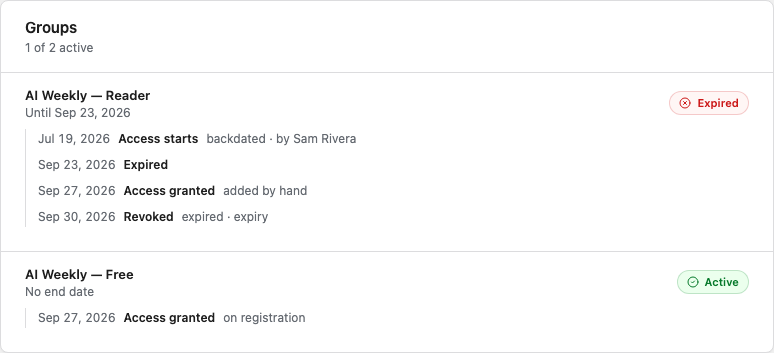
Upcoming lists dates still to come, such as an end date. History lists what has happened, newest first: registration, access granted, revoked, expired, blocked. Click Show all … events to see more than the latest 15.
Details
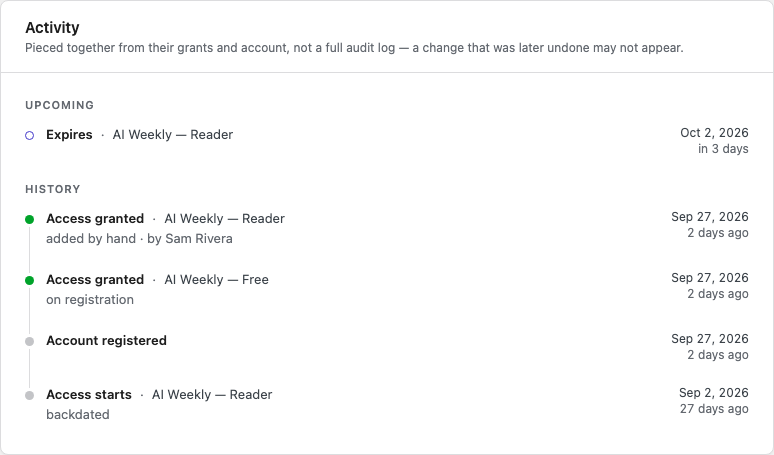
The Details card sums up the account: whether access is Active or Blocked, how many groups work today, roles, registration date and User ID (support may ask for it).
Find out why a member can't open something
Check for a block
A red Blocked badge next to the name is the whole answer.
Find the group
In Groups, find the group that locks the content. If it is missing, check their WooCommerce order.
Read the badge
Expired means their time ran out. Cancelled means it was ended; the Revoked line says why.
When access ends on its own
Every hour, Smart Members marks access past its end date Expired, removes any role the group gave and sends the access ended email. No email is sent if the end date passed more than two days before the check. A blocked member's groups still say Active, because a block pauses access rather than ending it.
To extend someone's access, add the same group by hand with a later end date.