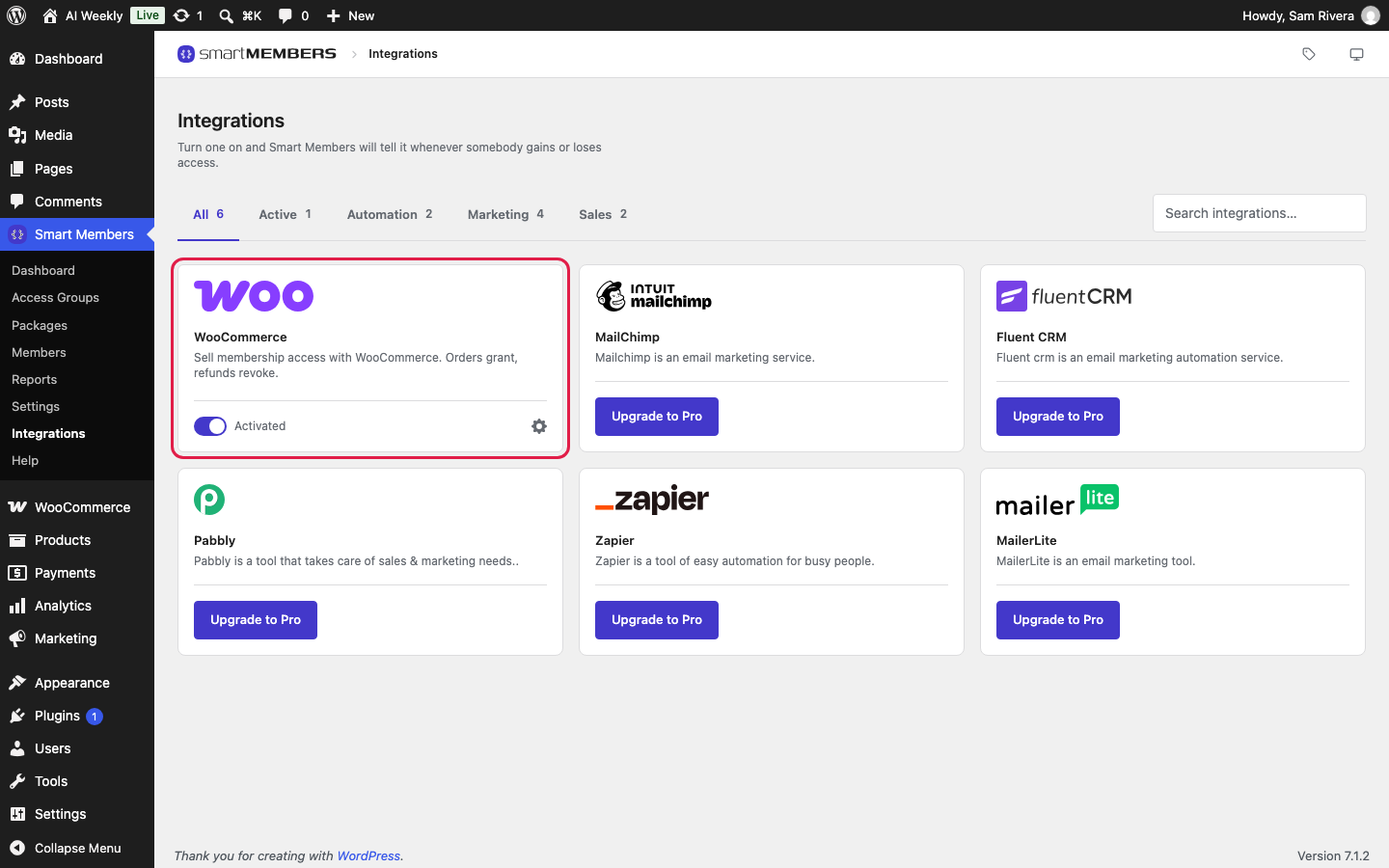
WooCommerce takes the money; Smart Members decides who gets in. Link a WooCommerce product to an access group, and every paid order gives the buyer access; a refund or a cancelled subscription takes it away.
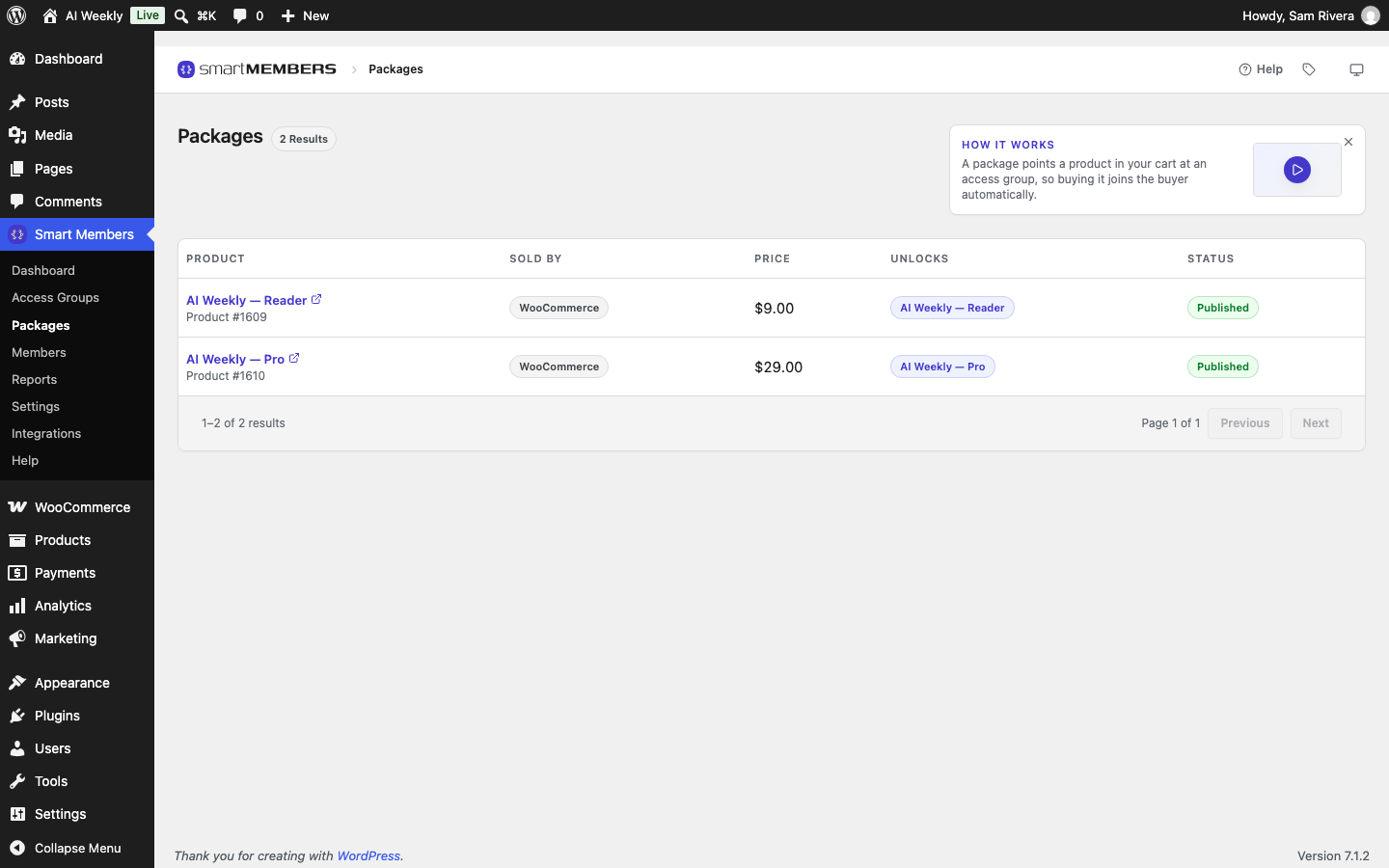
A product linked to a group is called a package. Any WooCommerce product works; a Virtual one is the usual choice. WooCommerce must be installed and active.
Link a product to a group
Link from either side: on the group's Access granted tab under On purchase, or on the product's Smart Members tab. Both change the same link. See Sell an access group with a WooCommerce product.
See everything you sell
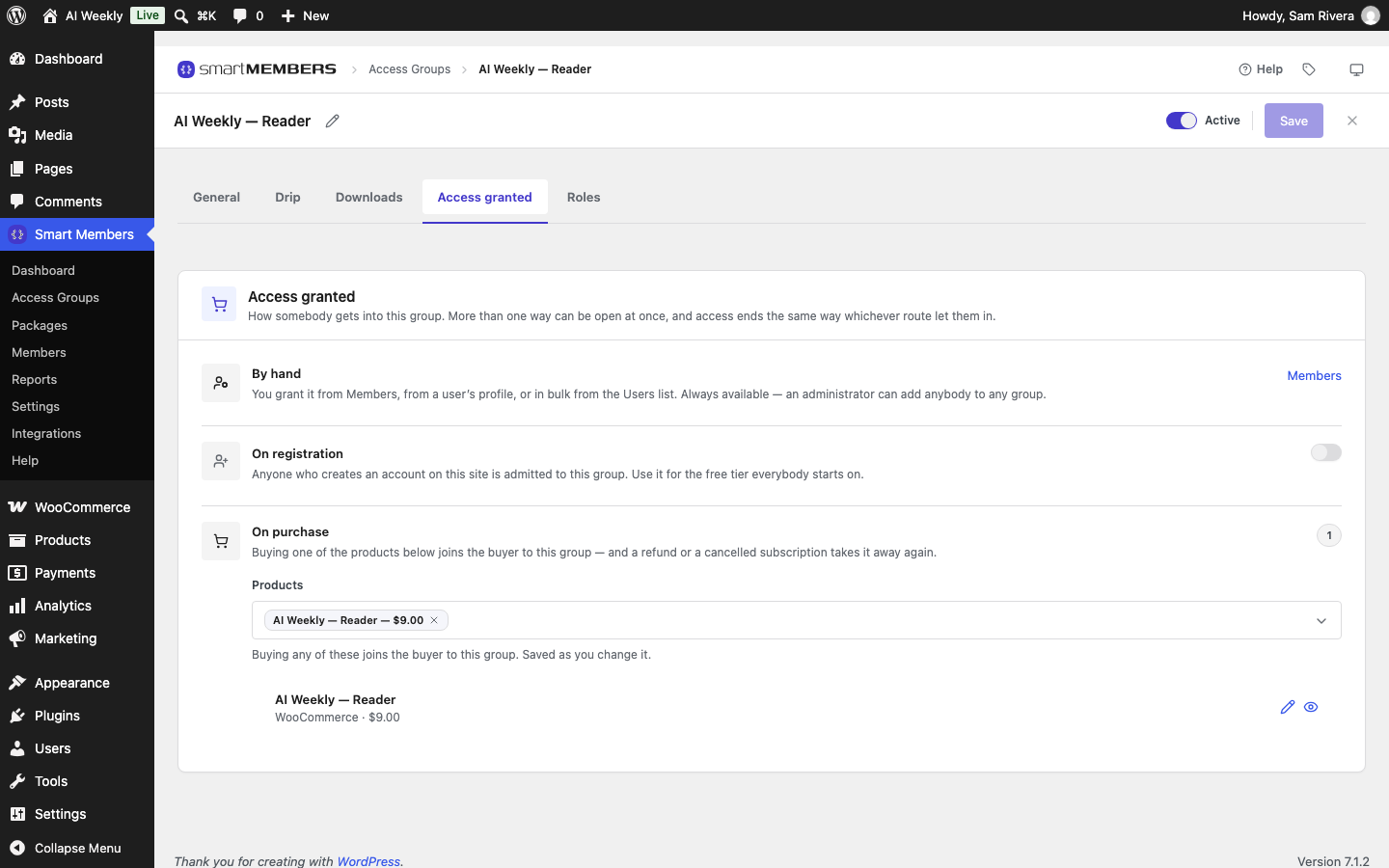
Smart Members → Packages lists every product that unlocks a group, with its price and status. See Packages.
The buy button on locked content
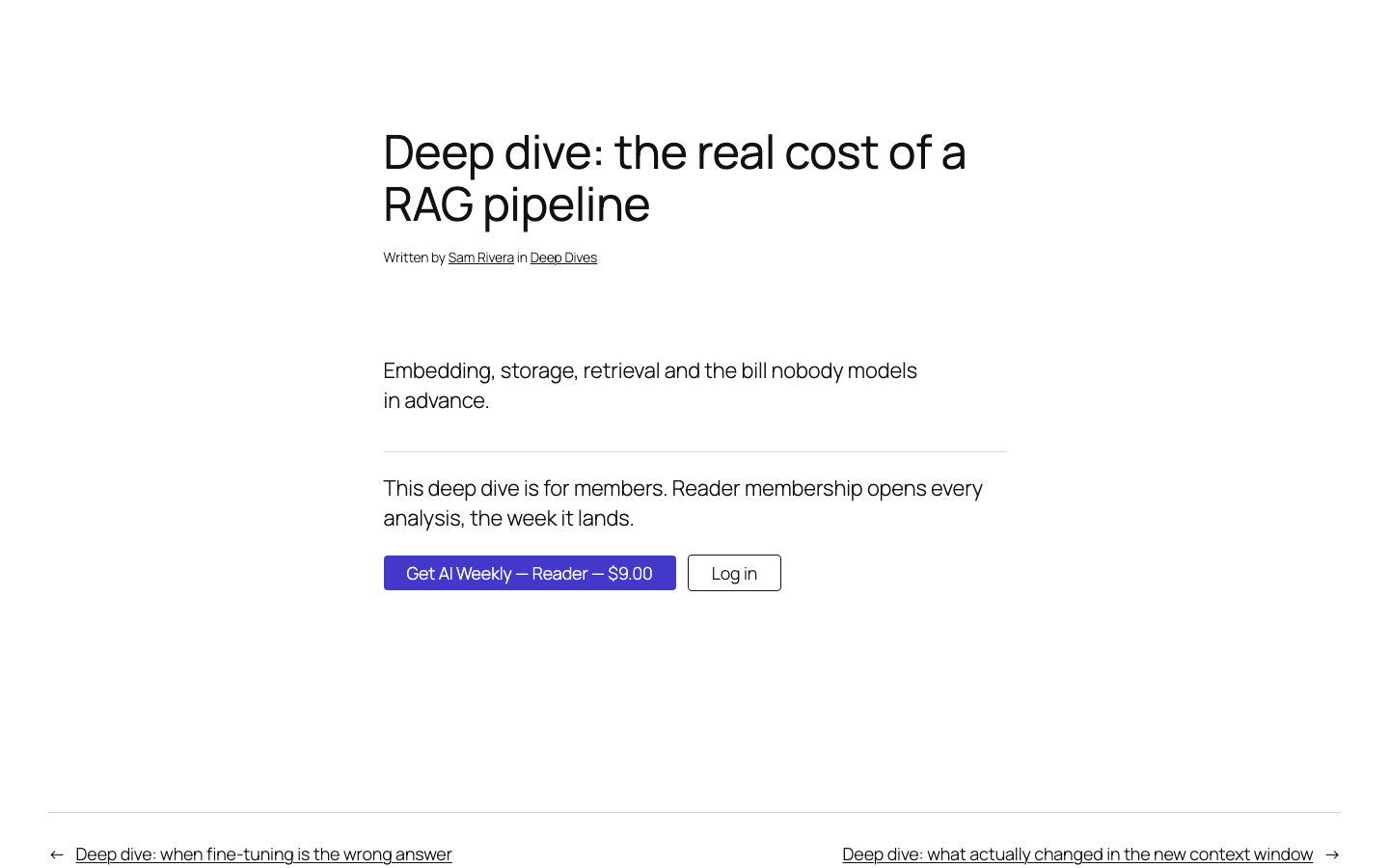
When a sold group shows a visitor its message, Smart Members adds a button with the product's name and price.
Refunds and subscriptions
Smart Members follows each payment, refund and renewal, and adds or removes access to match. A daily check puts right anything missed. See Subscriptions, refunds and cancellations.
Settings
Choose whether access starts at Processing or Completed, and whether locked products stay visible in your shop. See WooCommerce settings.
Rules that apply to every sale
- One product can unlock several groups, and several products can sell one group. The buy button shows the cheapest.
- The group decides how long access lasts — its Membership length, or until a refund or cancellation.
- A refund removes only what that order gave. Access you added by hand stays.
- Changing a link affects future orders only.
- You can still give access without a sale. See Give, remove and block access.