The Roles & access tab keeps members out of the WordPress dashboard, where you write posts. It can also hide the black toolbar from them.
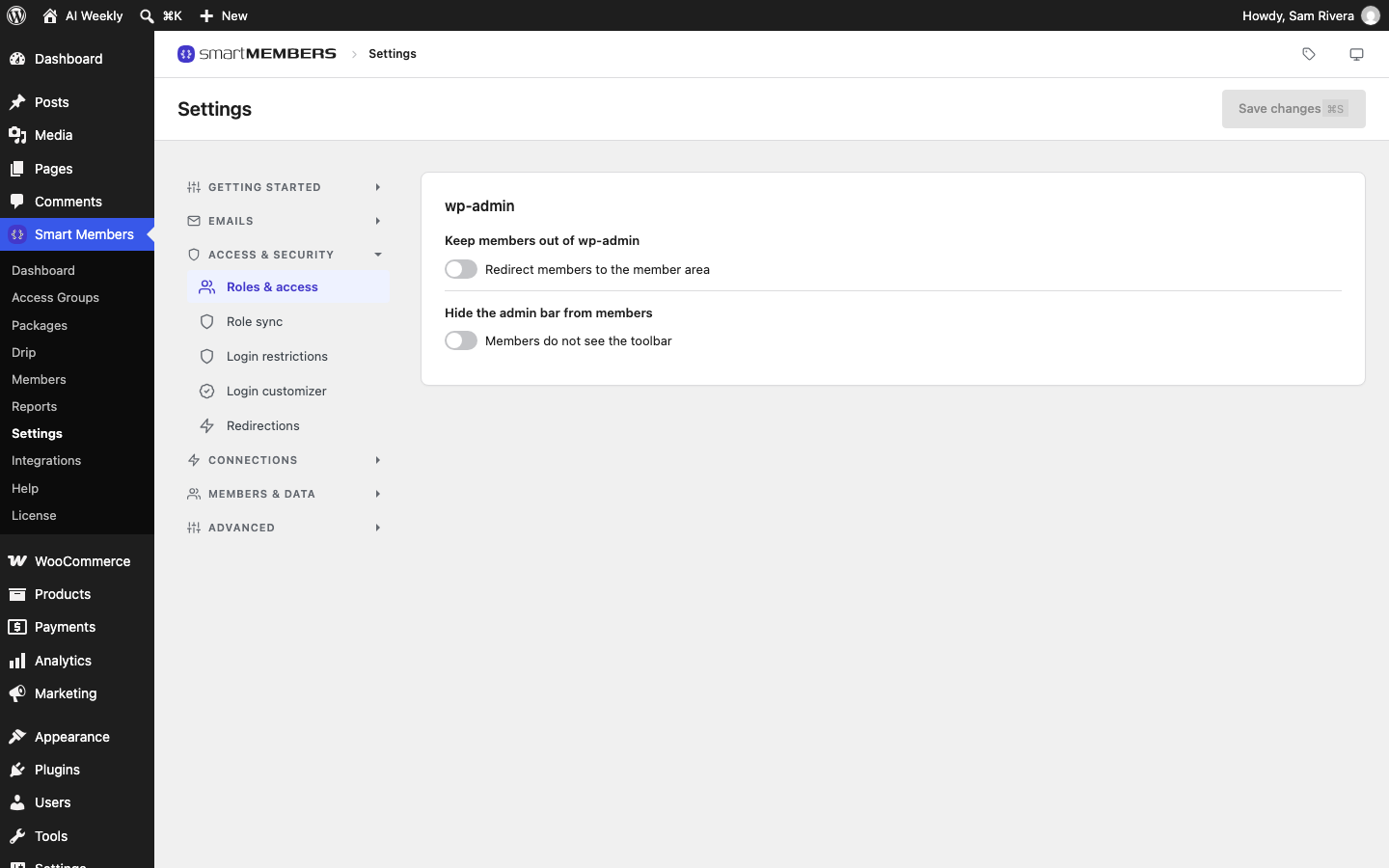
Find it at Smart Members → Settings → Access & security → Roles & access.
wp-admin
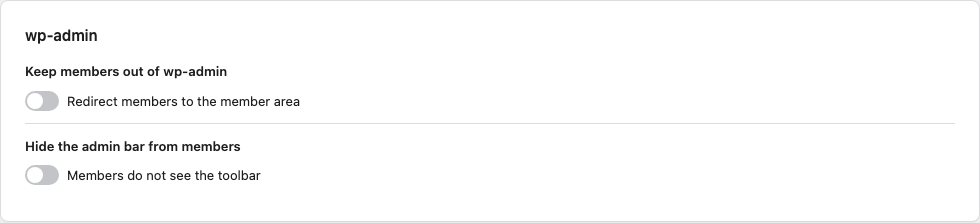
| Option | What it does | Example (AI Weekly) |
|---|---|---|
| Keep members out of wp-admin | A member who opens any page of the WordPress dashboard is sent to your member dashboard page, or to your home page if you have none. | On. Rosa goes to her member dashboard. |
| Hide the admin bar from members | Hides the black WordPress toolbar along the top of the site. | On, so AI Weekly looks the same to readers signed in or not. |
Turn on the switches you want and click Save changes. To check, sign in as a member in a private window and open your site's /wp-admin/ address. To undo, turn a switch off and save.
Who counts as a member: anyone signed in who cannot write posts or manage the site, including WooCommerce customers. You and your writers are never affected, so the switches cannot lock you out.
Where member roles come from
WordPress gives every account a role: an account type such as Subscriber or Administrator.
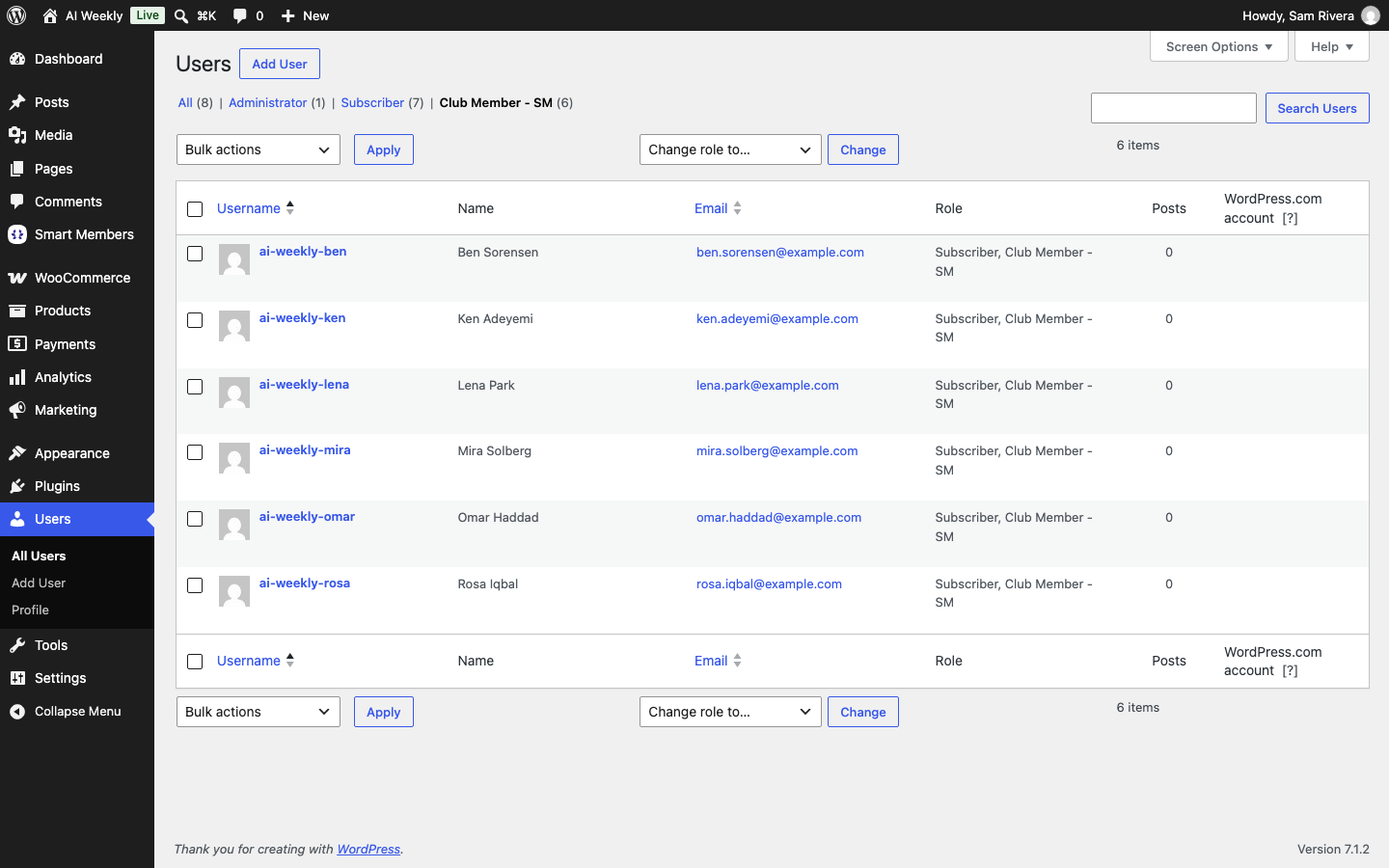
- Signing up on SM Register gives the account the Club Member - SM role. It can read your site and open the member dashboard and profile, and nothing else.
- Each access group's Roles tab adds a role while the person has access and takes it away when access ends. See Role sync.
What your members see
With Keep members out of wp-admin on, a member who types /wp-admin/ or follows an old link lands on their member dashboard. They still change their password and details on SM Profile. With the toolbar hidden, the top of every page looks as it does to a visitor.
With both switches off, WordPress decides. On sites with WooCommerce, like AI Weekly, customers go to My account.
Related articles
- Role sync — choose what happens to a role when access ends, and edit roles (Pro).
- Member area pages, shortcodes and directory — the dashboard members are sent to.
- Redirections — where members go after signing in and out.
- Login & member area overview — the whole area at a glance.