Unauthorized Access is what a group shows someone who opens its content without access. Each group sets its own, on its General tab.
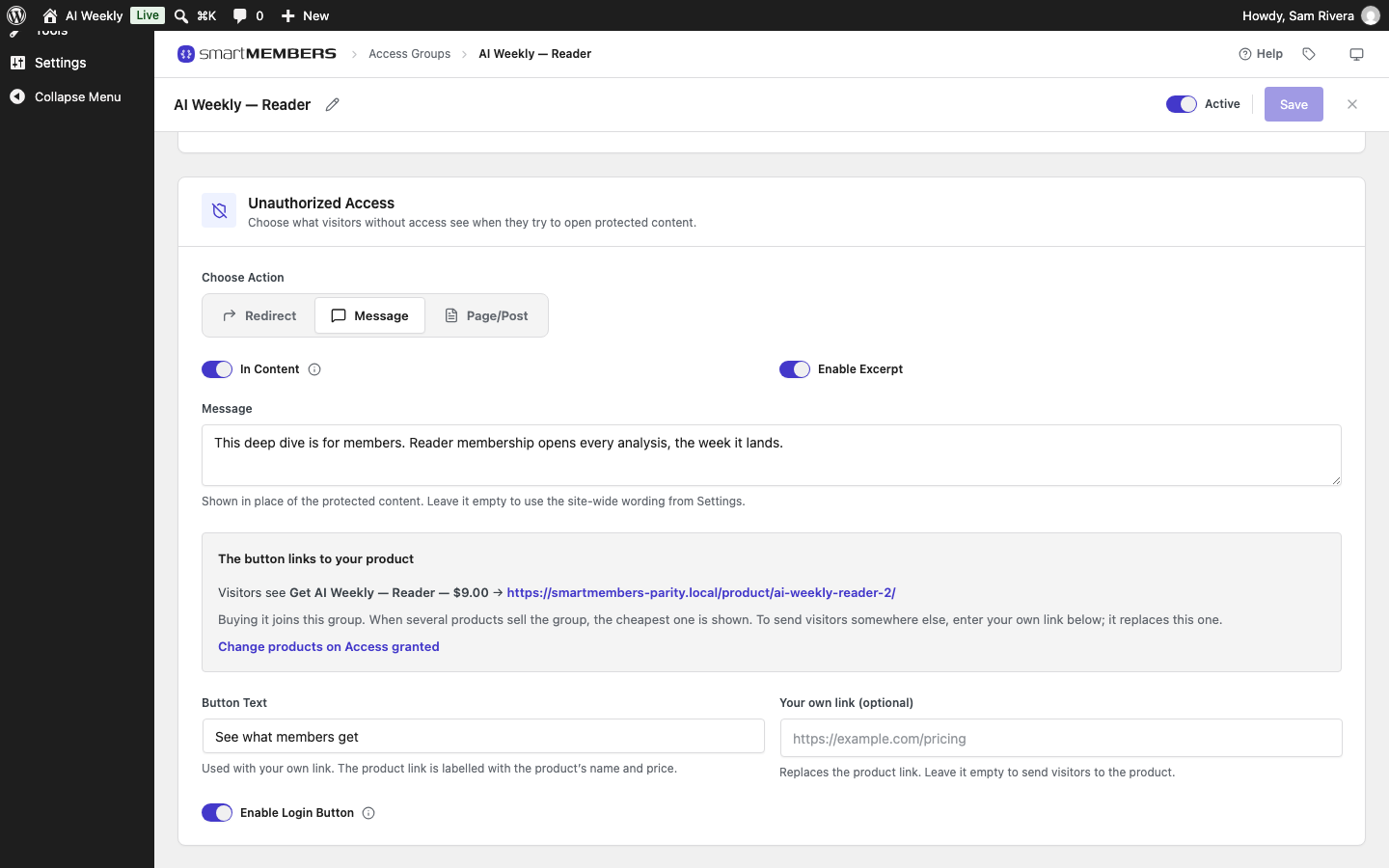
Choose Action has three options; a new group starts on Message.
| Action | What the visitor gets |
|---|---|
| Redirect | Sent to another page. They never see the locked one. |
| Message | A note, a teaser and buttons in place of the content. |
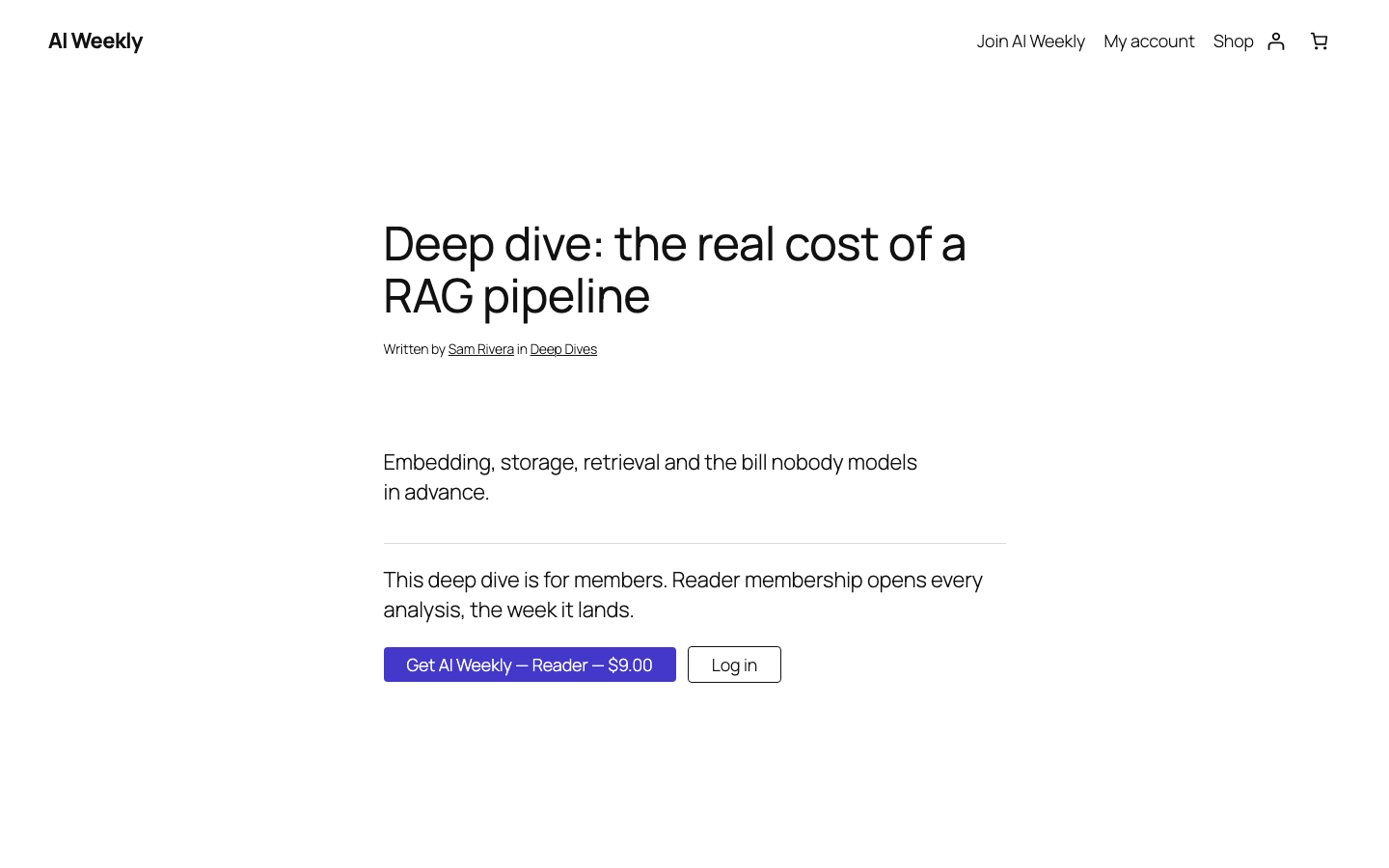
| Page/Post | Another page's content at the locked post's address. |
Redirect
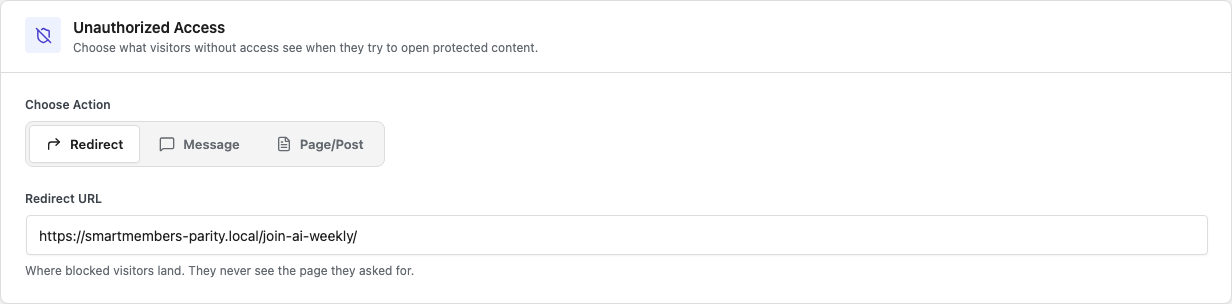
Fill in Redirect URL, such as /join-ai-weekly/. It must be an address on your own site; to send people elsewhere, use Message with Your own link.
Message
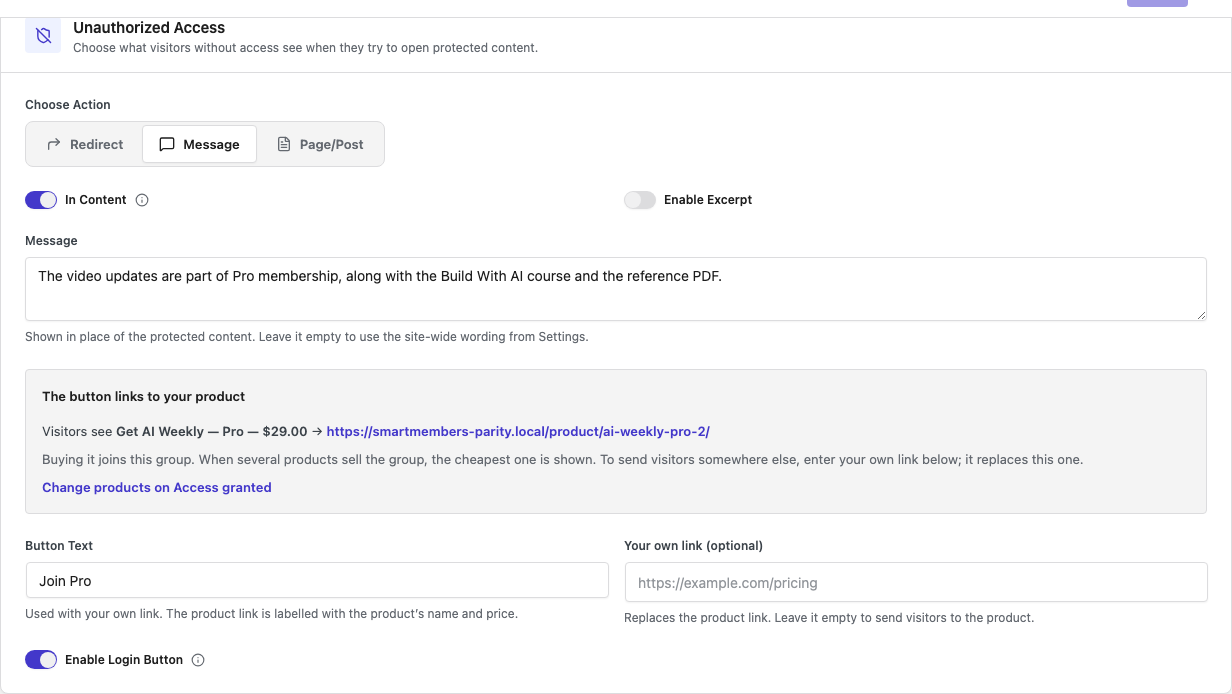
| Option | What it does |
|---|---|
| In Content | On: the page keeps its look, with the message in place of the text. Off: only the title and message. |
| Enable Excerpt | Shows the summary from the post's Excerpt box above the message. |
| Message | The note shown instead of the content. Empty uses "This post is available to group name members." |
| Button Text | The button's label, used only with Your own link. |
| Your own link (optional) | Sends the button to an address you choose, on any site. |
| Enable Login Button | Adds Log in for people not logged in, bringing them back to the post. |
Where the button goes
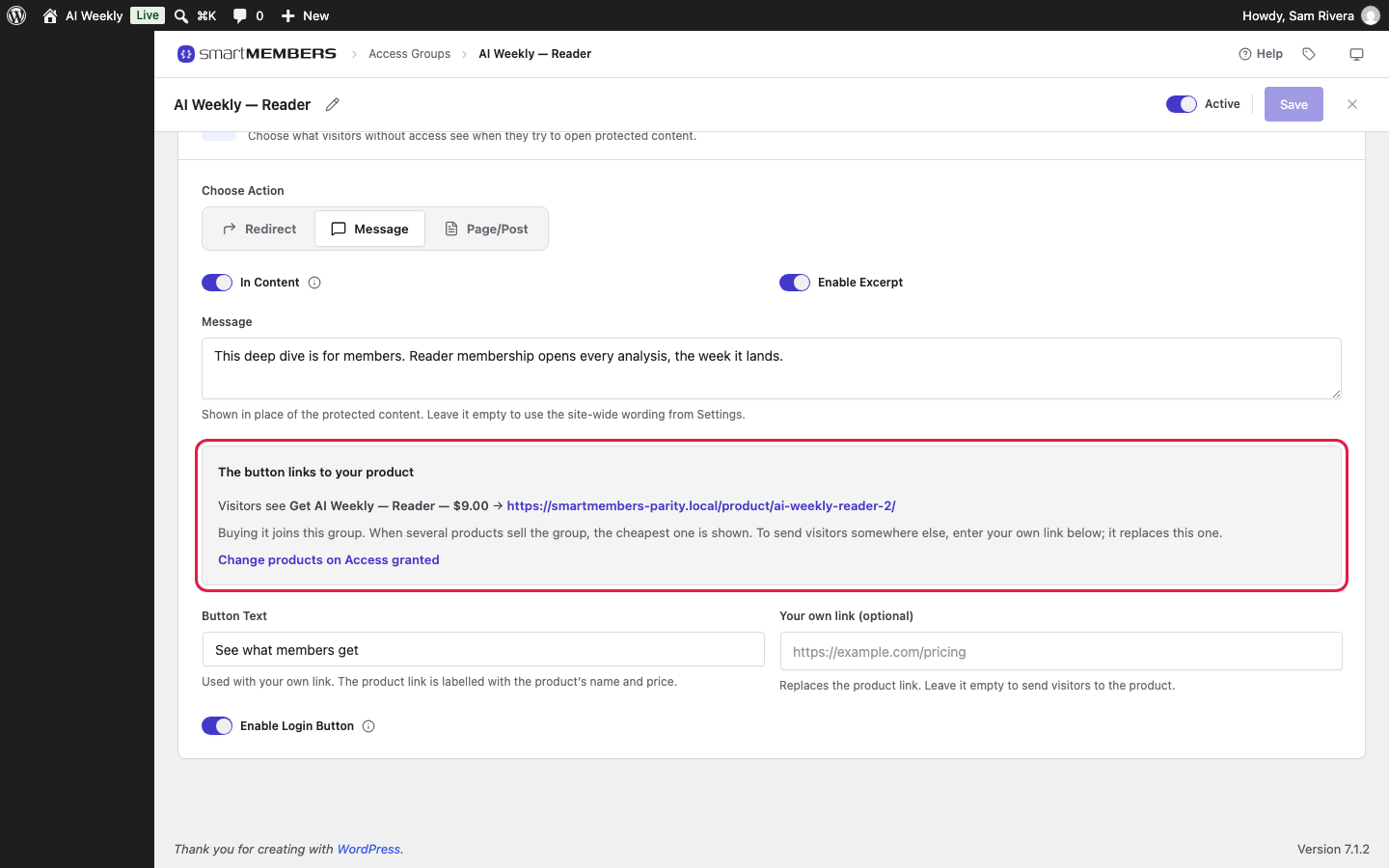
The grey box shows the result. The first that applies wins:
- Your own link, labelled with Button Text.
- The product that sells the group (Access granted tab), reading Get, its name and price. With several, the cheapest.
- Where to get access in Smart Members → Settings → General.
- Otherwise, no button.
Page/Post
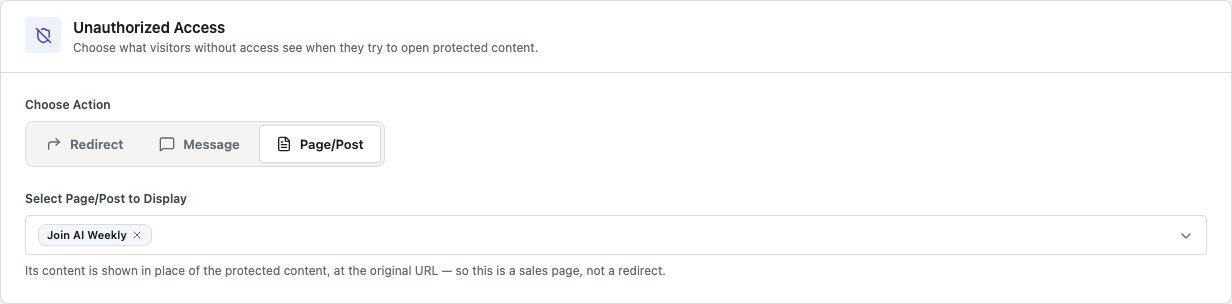
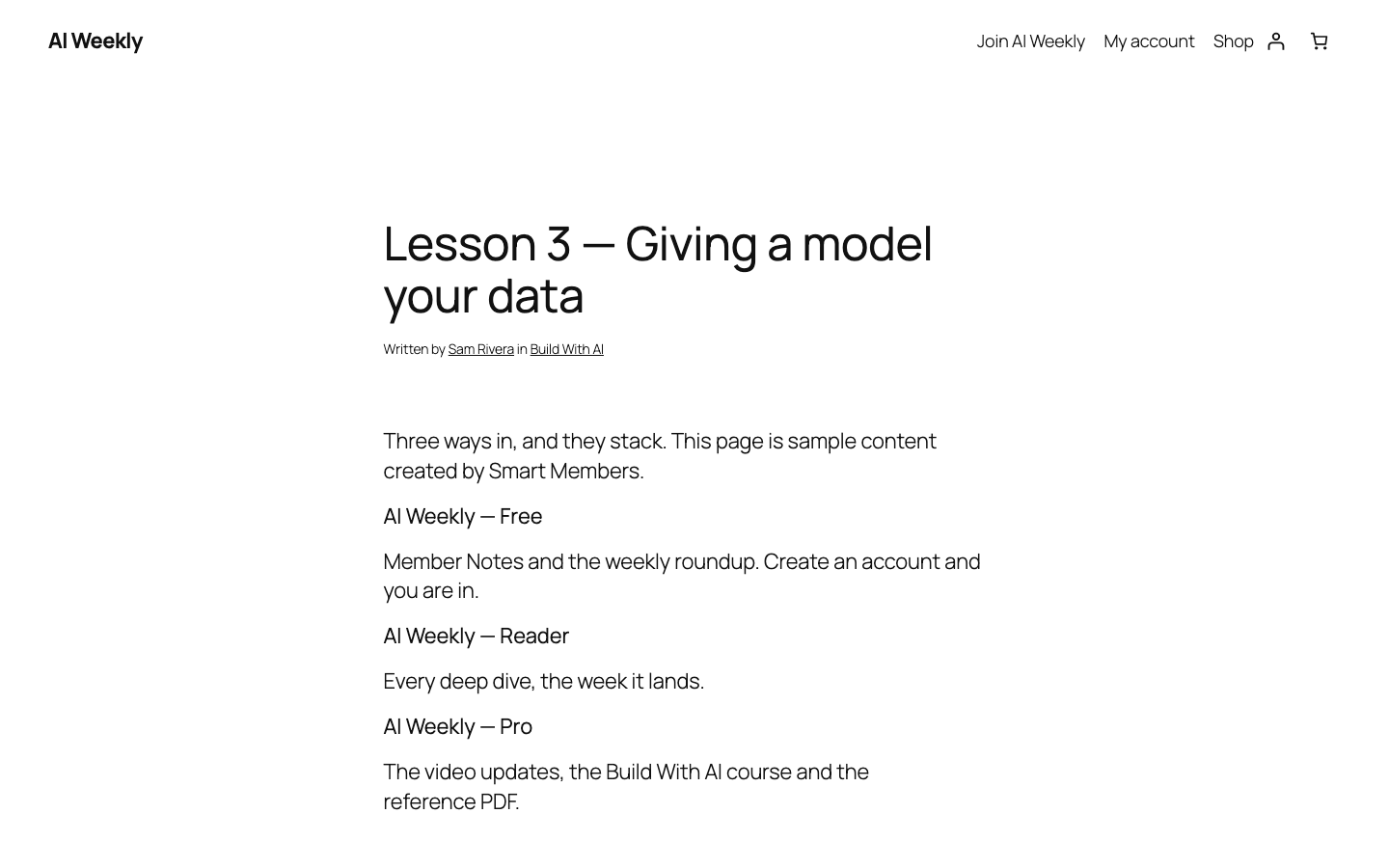
In Select Page/Post to Display, search for a page and click it. The visitor sees the locked post's title with that page's content below.
What visitors see
Test in a private browser window: as the owner you always see everything.
Members who get their own wording
| Who | What they see |
|---|---|
| A member of another group | The message and buy button, without Log in. |
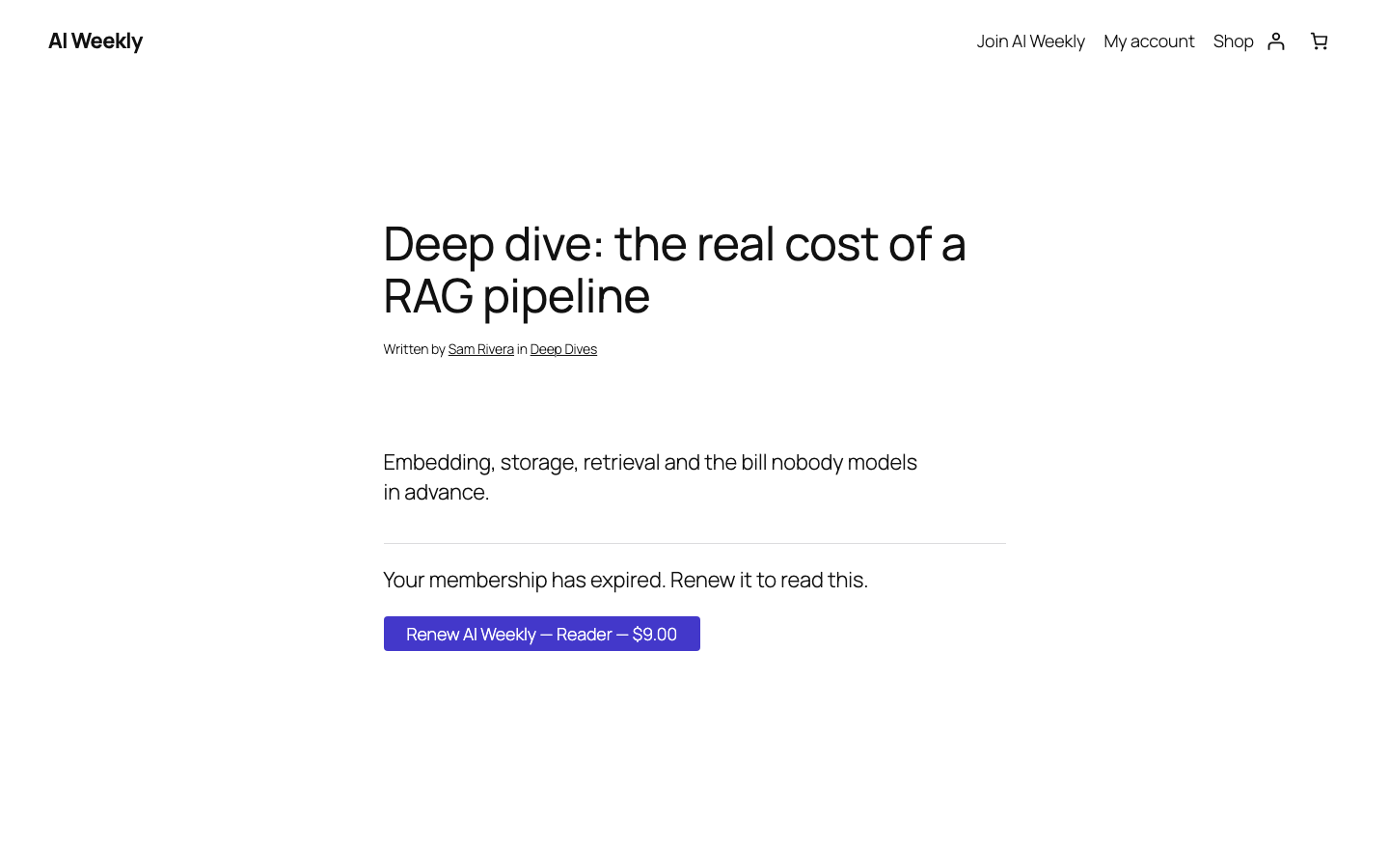
| A member whose access expired | "Your membership has expired. Renew it to read this." and a Renew button. |
| A member whose access was refunded, cancelled or removed | The message and buy button, as for anyone without the group. |
| A paused member | A request to resume. |
| A blocked member (on hold) | Their account is on hold. No buy button. |
| A member waiting for dripped content | The date it opens. See Drip content. |
Two groups, and the site-wide default
When two groups lock one post, the lowest Priority decides. Smart Members → Settings → Redirections → Refused content shows only applies to groups with no action of their own.