Login URL moves sign-in from /wp-login.php, where bots try thousands of passwords, to an address of your own. Cloudflare Turnstile adds a check that tells people from bots.
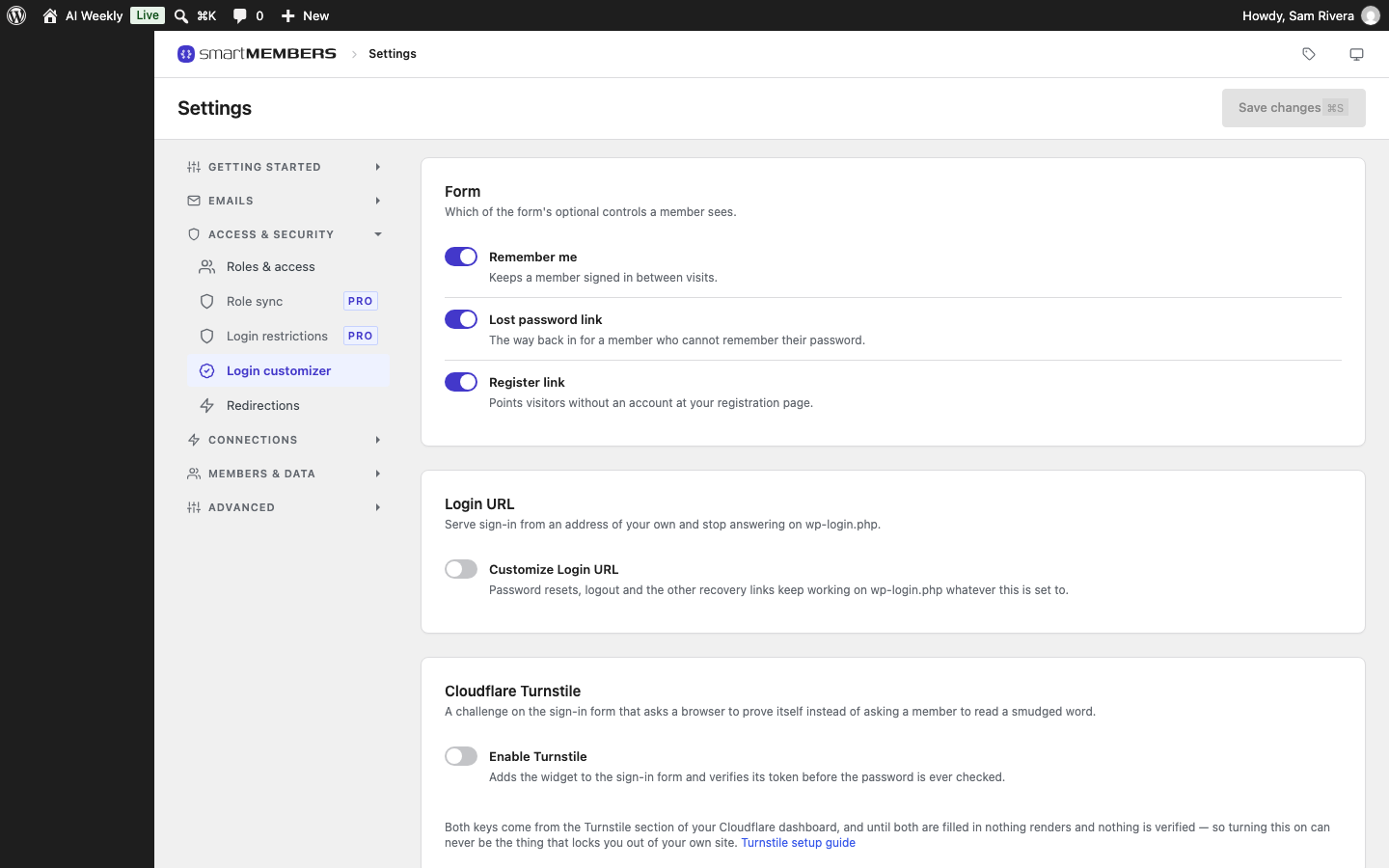
Login URL and Cloudflare Turnstile sit at the bottom of Smart Members → Settings → Access & security → Login customizer.
Before you start
- For the login address: the SM Login page is published, and WordPress's Settings → Permalinks is not set to "Plain".
- For Turnstile: a free Cloudflare account, with a site key and secret key from its Turnstile section.
Login URL
| Option | What it does | Example (AI Weekly) |
|---|---|---|
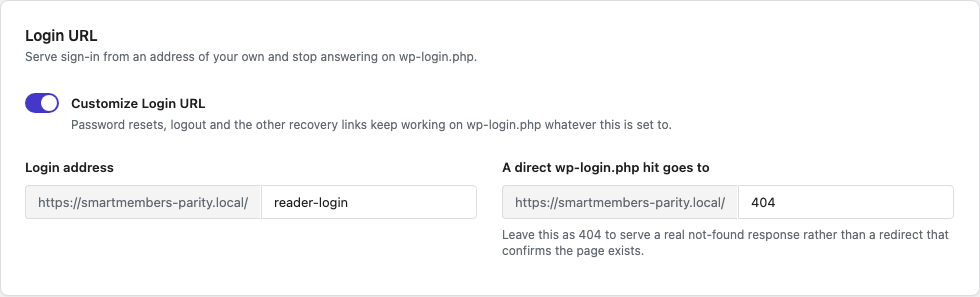
| Customize Login URL | Turns the new address on. | On. |
| Login address | The last part of the new address, where SM Login appears. The default is login. | reader-login: aiweekly.com/reader-login/ |
| A direct wp-login.php hit goes to | 404 shows your theme's "page not found" page. Or type the end of another address on your site. | 404, so bots learn nothing. |
Once it is on, every "Log in" link on your site points to the new address, and you sign in there too. Logging out and resetting a password keep working. Keep SM Login published while the new address is on.
Forgot the address? Ask your host to add this line to wp-config.php. It turns the custom address off; remove it once you have signed in and fixed the setting.
define( 'SMARTMEMBERS_DISABLE_LOGIN_URL', true );Cloudflare Turnstile
| Option | What it does |
|---|---|
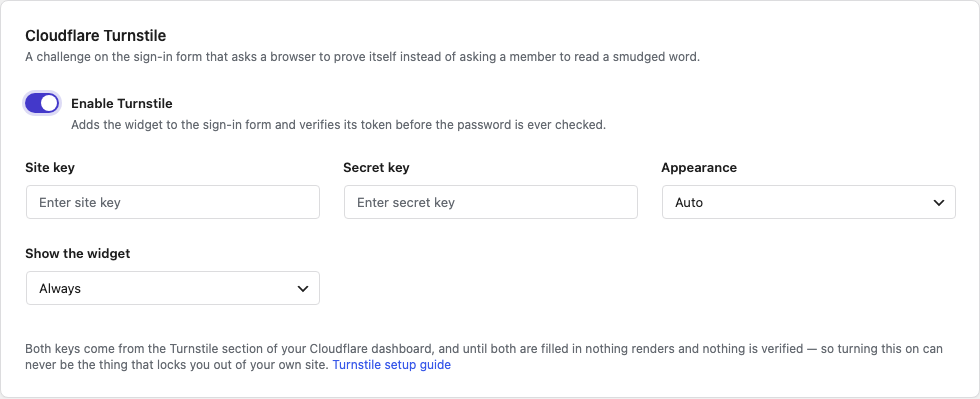
| Enable Turnstile | Adds Cloudflare's check to the SM Login and SM Register forms. |
| Site key and Secret key | The two keys from your Cloudflare dashboard. A saved secret key is not shown again; leave the box blank to keep it. |
| Appearance | Auto follows the visitor's device; or choose Light or Dark. |
| Show the widget | Always, When the challenge starts, or Only when a member has to do something. AI Weekly uses the last, so most readers never see it. |
Get the keys from Cloudflare
In Cloudflare, add a Turnstile widget for your site and copy both keys. The Turnstile setup guide link shows how.
Paste them in
Turn on Enable Turnstile and paste the Site key and Secret key.
Save and test
Click Save changes, then sign in once in a private browser window.
What your members see
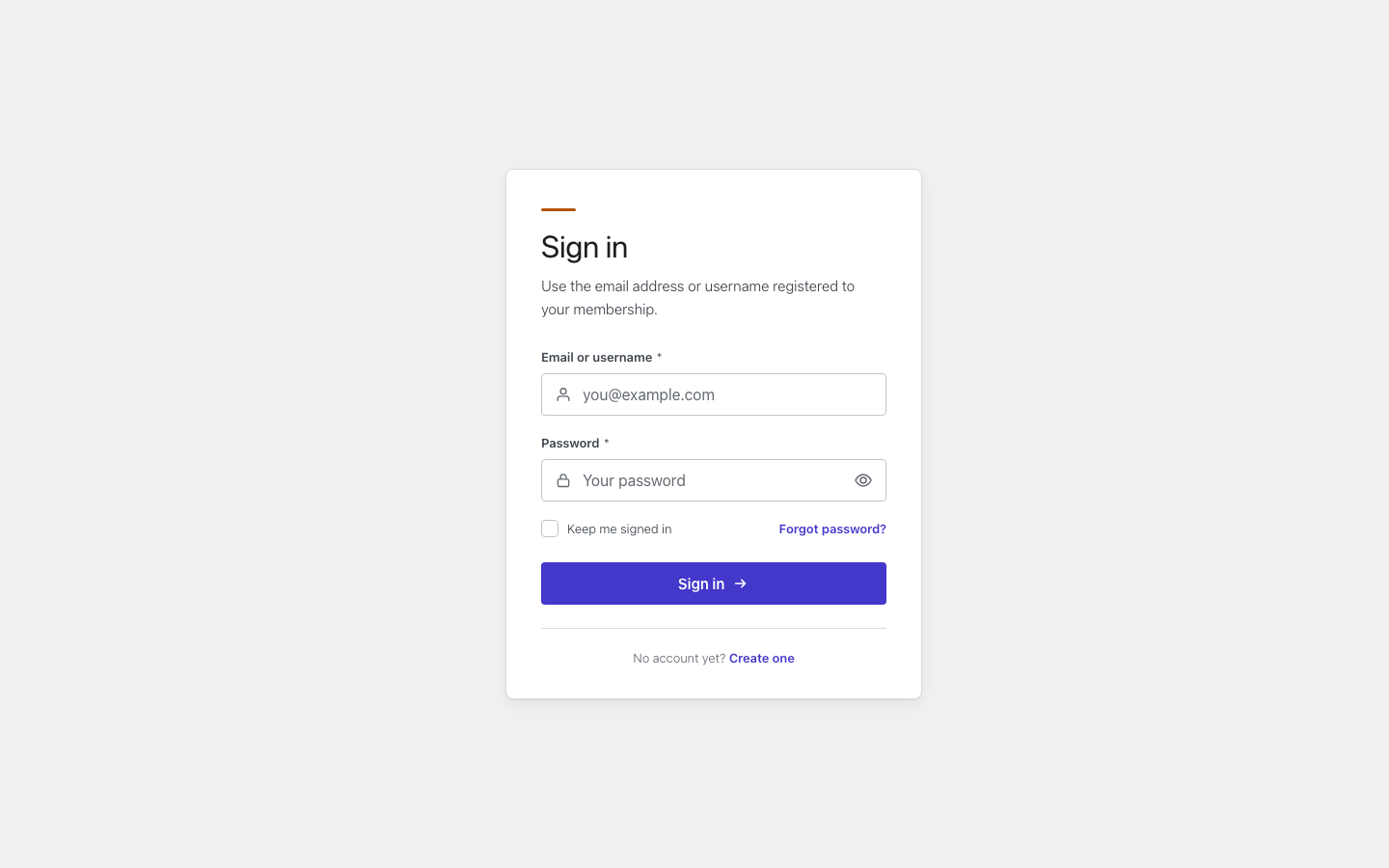
With a new address, members see the same page; bookmarks to /wp-login.php stop working. With Turnstile, a small check appears above the button. A member who fails it is asked to try again.
- Turnstile covers the Smart Members forms only, not the WordPress or WooCommerce login screens.
- To undo, turn the switch off and save.
Related articles
- Login customizer — style the page the new address shows.
- Login restrictions — limit how many devices one account can use at once (Pro).
- Member area pages, shortcodes and directory — where the SM Login page comes from.
- Login & member area overview — how the sign-in pieces fit together.