Role sync gives members of an access group an extra WordPress role while they are in it, and takes it away when their access ends. A role is a WordPress account type, such as Subscriber; plugins like forums decide what someone may do by it.
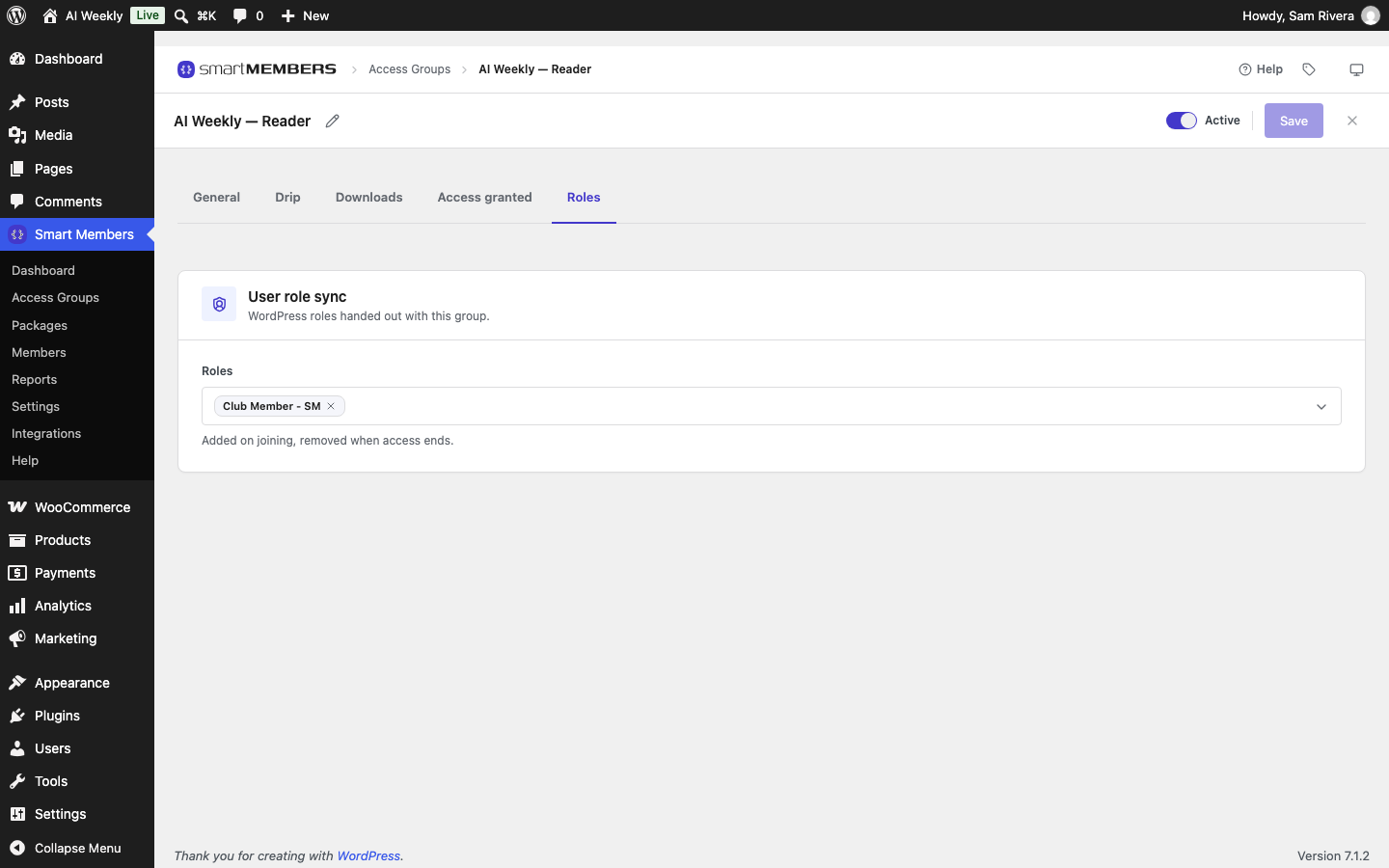
Pro: The Role sync settings and the role editor need Smart Members Pro. Each group's Roles tab works in the free plugin too.
Smart Members only removes roles a group hands out; a role such as Editor is never touched.
The Roles tab
Open the group and click Roles. In the Roles field, click a role to add it, or its × to remove it. A new group starts with Club Member - SM, a read-only role that makes members easy to find. With Pro, Create or rename roles opens the role editor.
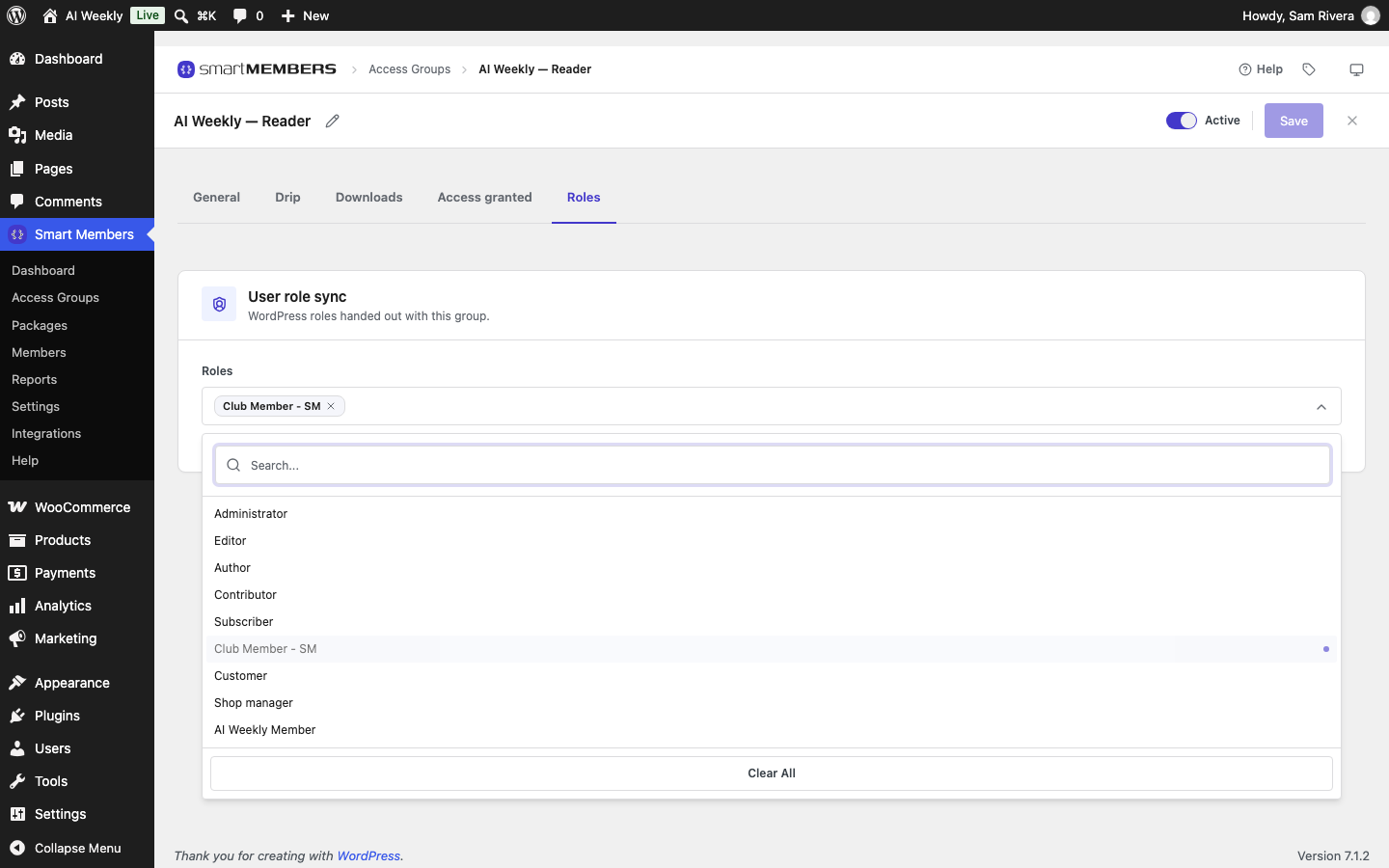
Warning: Handing out Administrator or Shop manager gives every member control of your site or shop. Only pick roles made for members.
Role sync settings
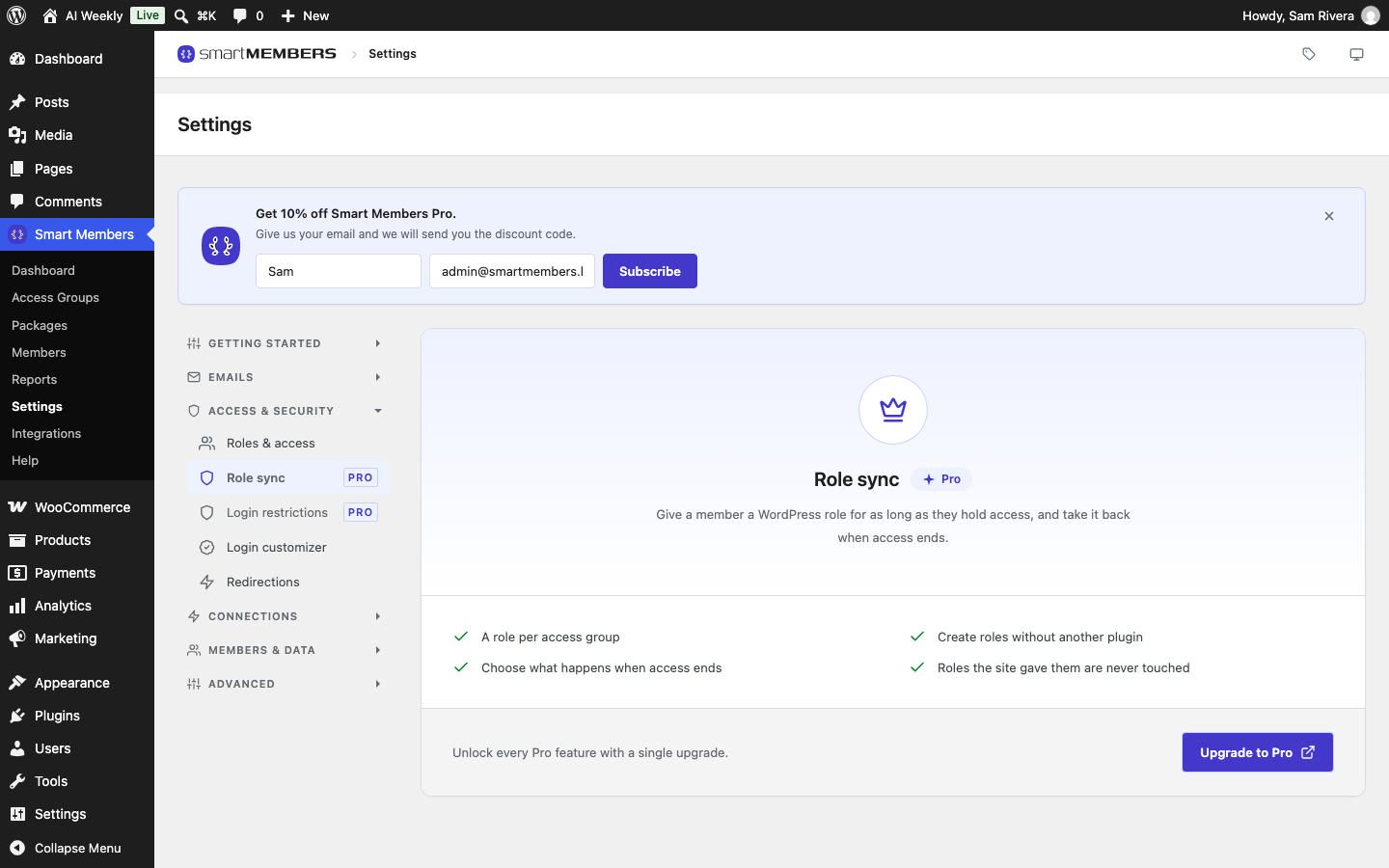
Go to Smart Members → Settings → Access & Security → Role sync.
| Option | What it does |
|---|---|
| Sync roles with access | The master switch. Off: no group adds or removes a role. |
| When access ends | Restore their previous role (default): remove it, and give back their old role if none is left. Set the default member role: remove it, and give WordPress's default if none is left. Leave the role alone: keep it. |
| New role / Add role | Creates a role with a Subscriber's permissions. |
| Role list | Each role's source, and which groups hand it out. |
| Rename / Delete role | Only for roles created here and not handed out by a group. |
Hand out a role
- Create the role under Settings → Role sync (Pro), or with another plugin.
- Open the group's Roles tab, pick the role and click Save.
People who join from then on get the role. People already in the group get it the next time their access changes.
Where members' roles show
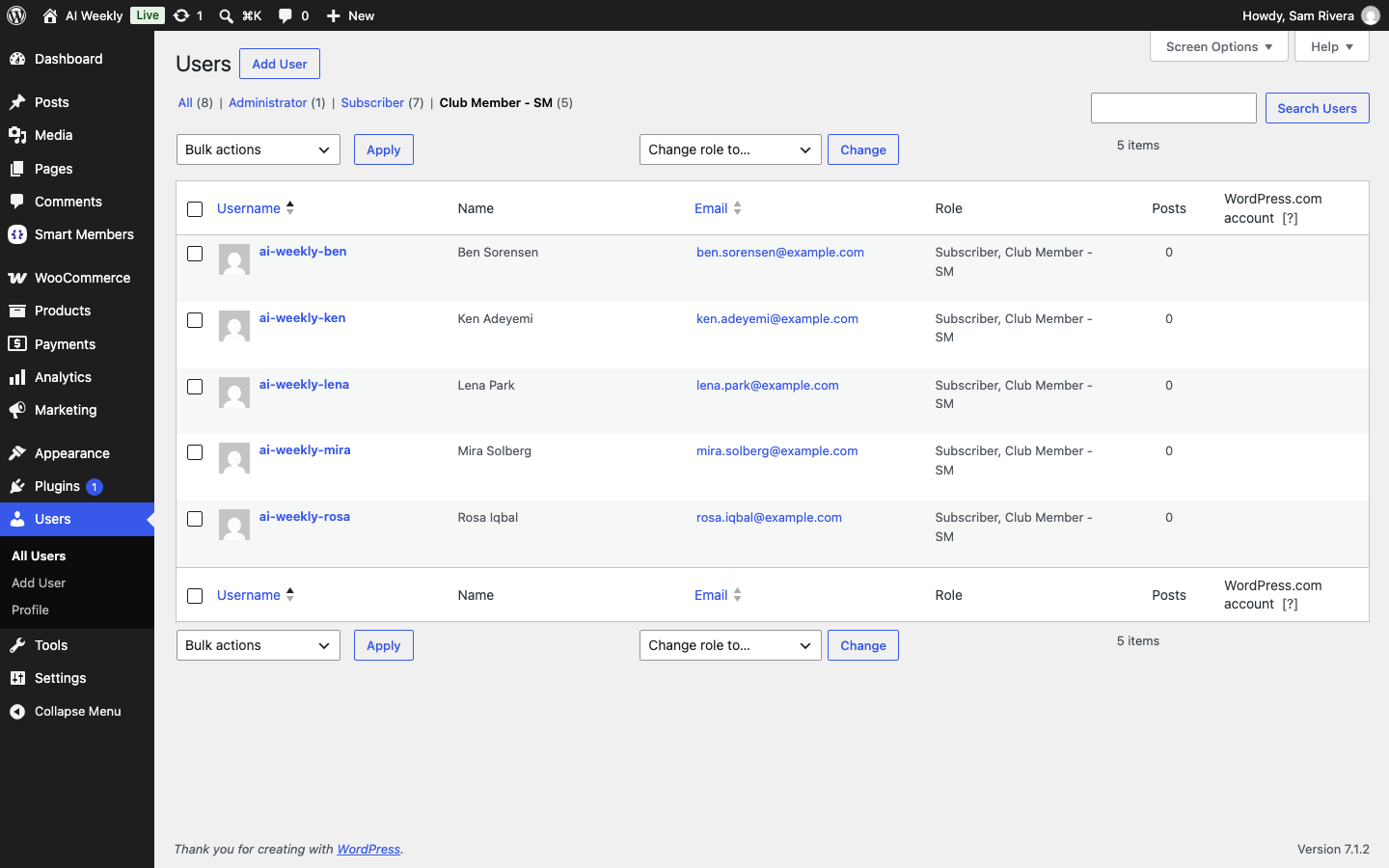
Filter the WordPress Users screen by Club Member - SM, or see Details on a member's page.
When the role is removed
- Access taken away, by a refund or by hand: the role goes at once.
- Access that runs out loses the role within the hour.
- Two groups, one role: kept until they have neither group.
- Blocked members keep the role until access is removed.
- Removing a role from the tab leaves it on existing members.