Login restrictions limits how many devices one account can be signed in on at once, so one paid membership is not shared among friends.
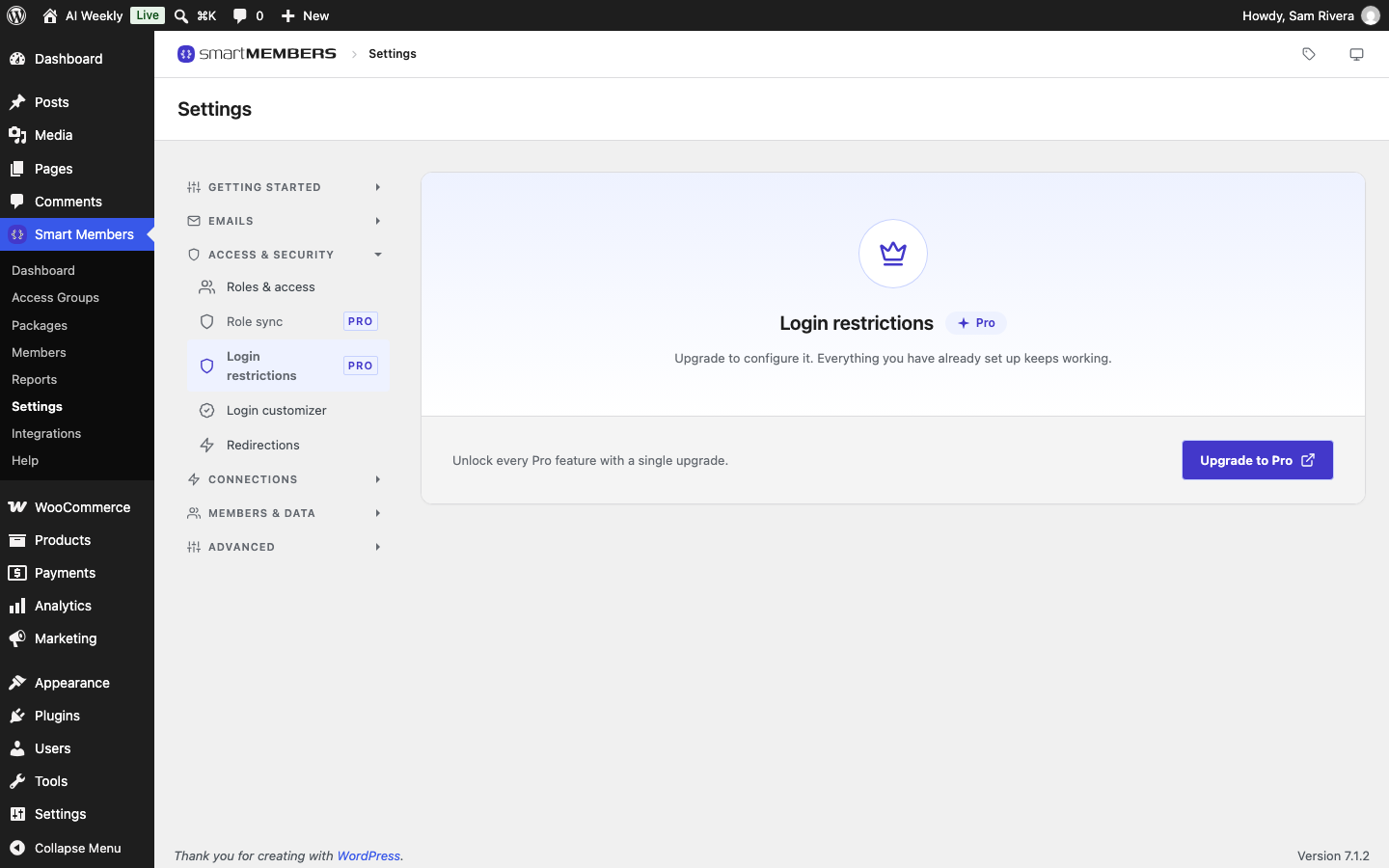
Pro: Login restrictions needs Smart Members Pro. Without it, no limit applies. See pricing.
Find it at Smart Members → Settings → Access & security → Login restrictions. A session is one signed-in device or browser.
Rules
One rule per role. Click Add restriction to add a row.
| Option | What it does | Example (AI Weekly) |
|---|---|---|
| User role | The role's internal name, typed exactly in lower case. | smartmembers_member |
| Max concurrent logins | How many devices may be signed in at once. 0, or no rule, means no limit. | 2: a laptop and a phone. |
| When the limit is reached | Sign out the oldest session lets the new sign-in through. Block the new login refuses it until the member signs out elsewhere. | Sign out the oldest session, so a paying reader is never stuck. |
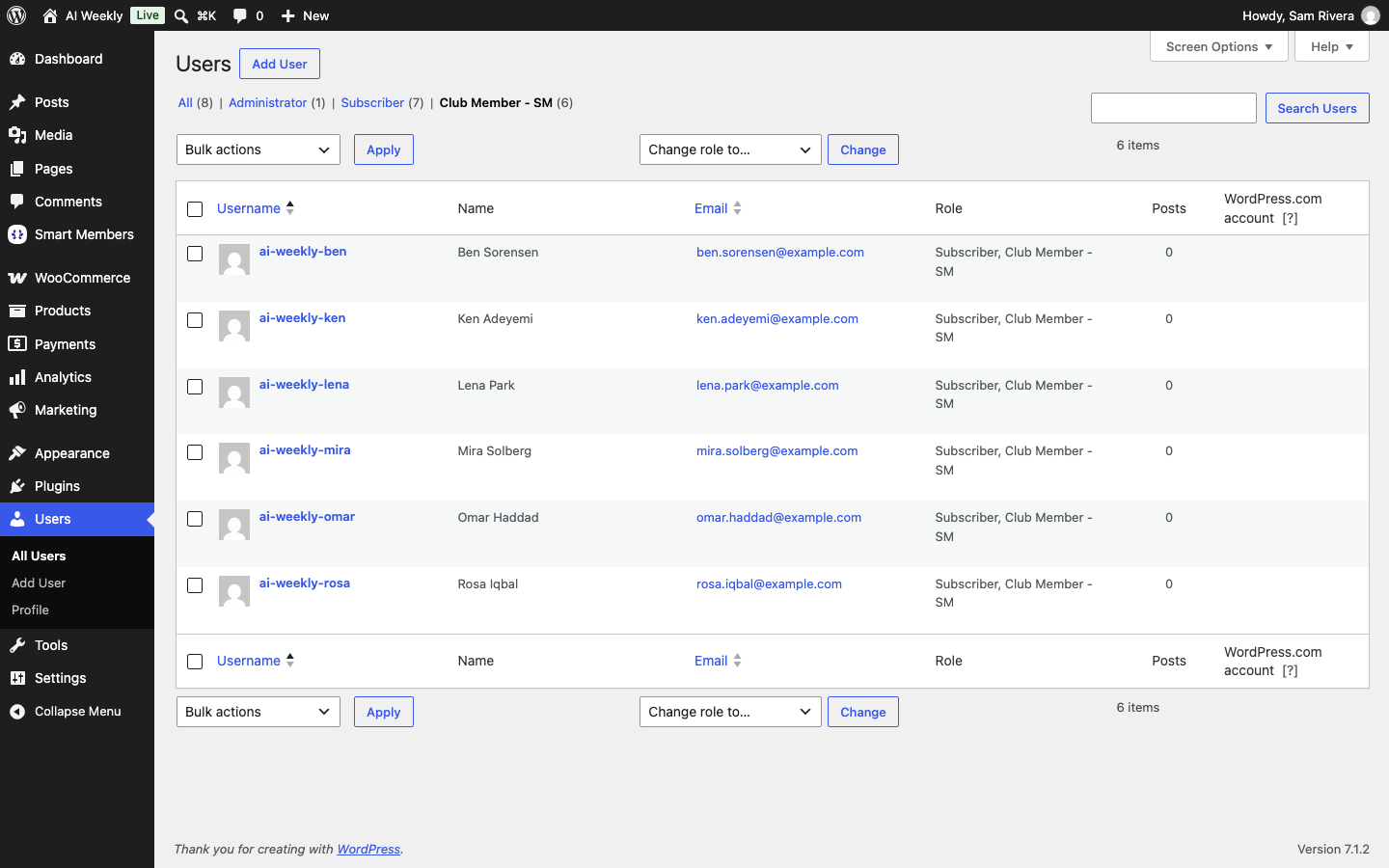
Common internal names: subscriber for Subscriber, customer for WooCommerce's Customer, smartmembers_member for Club Member - SM. If several rules match one person, the most generous limit wins.
What members can do
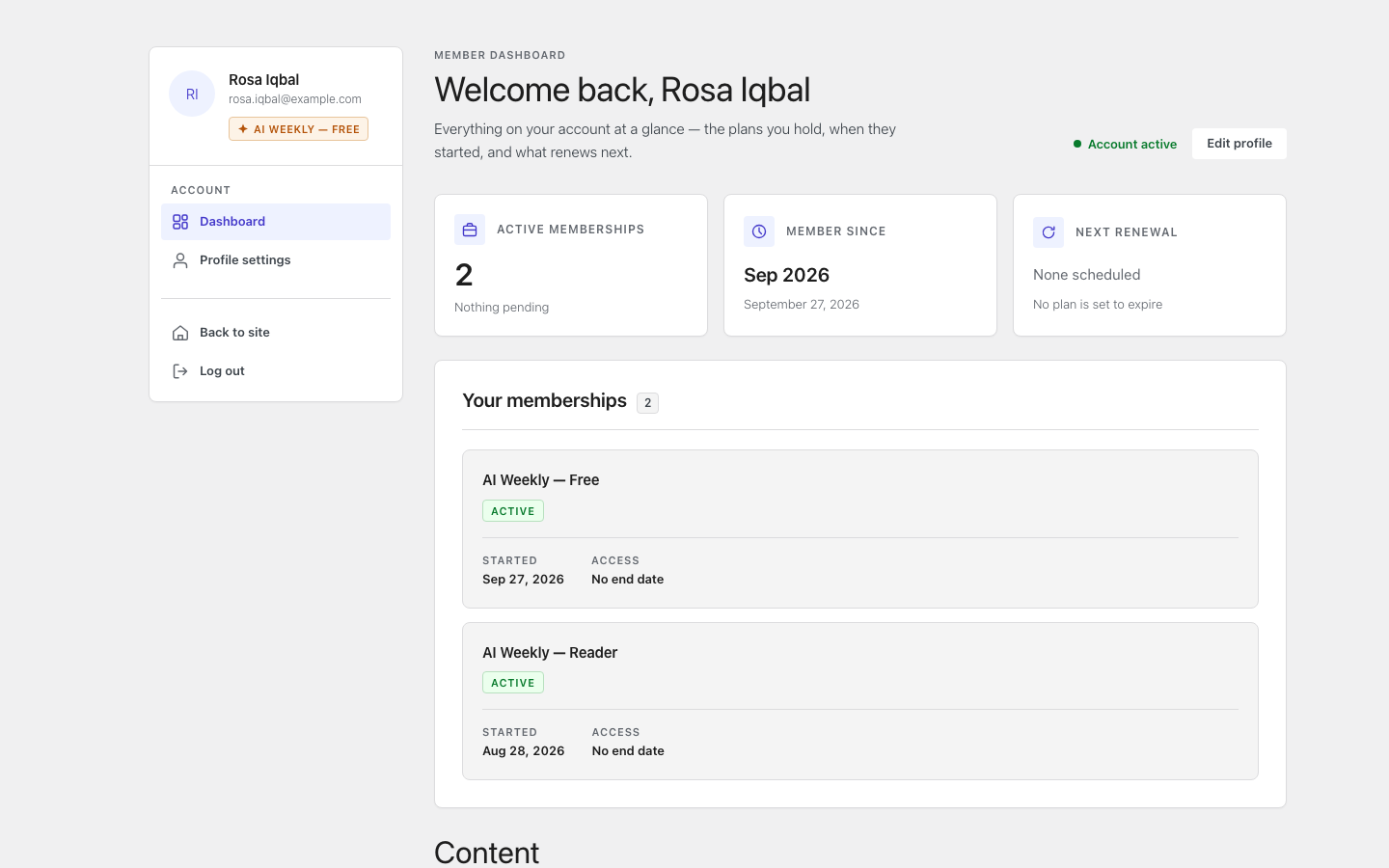
Members can end all their other sessions adds a Sign out everywhere else button to the member dashboard, so Rosa can sign out a lost phone herself.
Text labels
| Option | When it shows |
|---|---|
| Limit reached | Block the new login refuses a sign-in. |
| Signed out elsewhere | On the device signed out to make room. |
Set a two-device limit
Add a rule
Click Add restriction. Type smartmembers_member in User role and 2 in Max concurrent logins.
Choose what happens at the limit
Choose Sign out the oldest session.
Let members sign out other devices
Turn on Members can end all their other sessions.
Save and test
Click Save changes. Sign in as a member in three browsers, then go back to the first.
What your members see
Within the limit, nothing changes. With Sign out the oldest session, the oldest device is signed out the next time it loads a page and shows your Signed out elsewhere text. With Block the new login, the new sign-in shows your Limit reached text.
- Administrators are never limited, so you cannot lock yourself out.
- If your Pro licence lapses, the rules keep working; you cannot change them until you renew.
- The limit counts devices at the same time, not people taking turns.
Related articles
- Custom login URL and Turnstile — keep bots away from the sign-in page.
- Member role and wp-admin access — where member roles come from.
- Member area pages, shortcodes and directory — the dashboard where members sign out other devices.