The MailerLite integration puts people into your MailerLite groups when they join an access group. When their access ends, it moves them into a different set of groups, where your win-back emails can go.
Pro: Needs Smart Members Pro. Without it, the card shows Upgrade to Pro.
Set up MailerLite
Create your groups in MailerLite
For example AI Weekly members and Lapsed readers.
Get an API key
In MailerLite, open Integrations → MailerLite API and generate a new token (MailerLite's word for a key). Copy it straight away; MailerLite shows it only once.
Switch the MailerLite card on
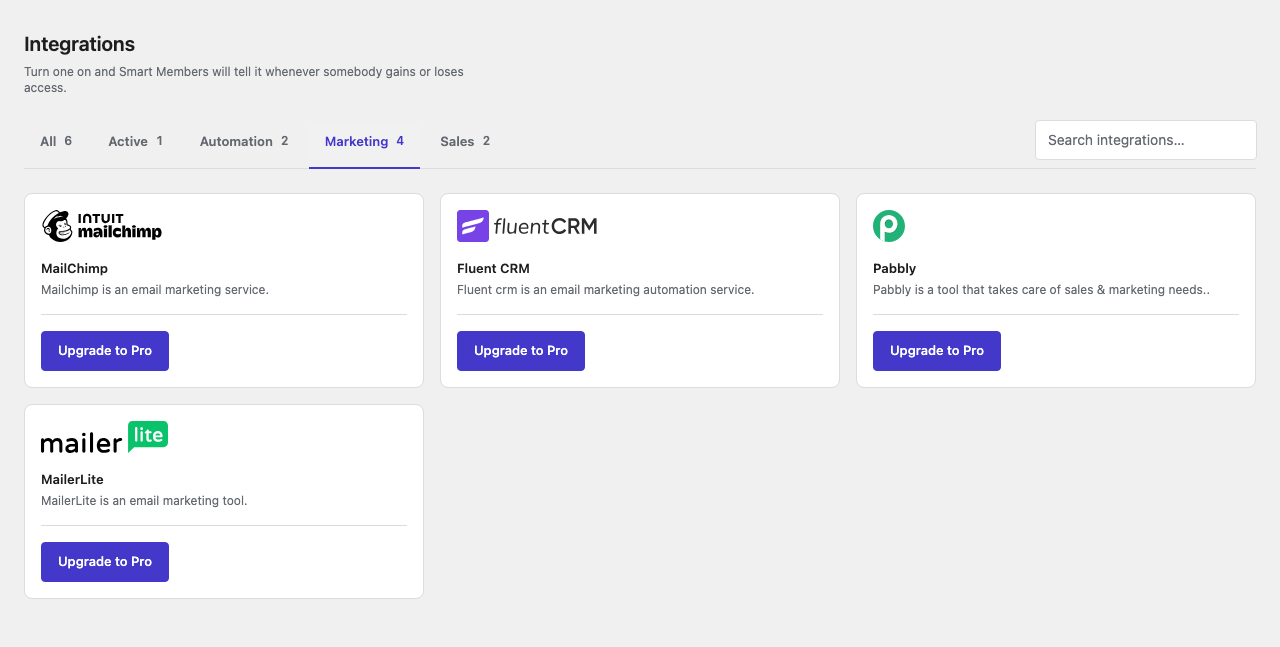
Go to Smart Members → Integrations, find MailerLite on the Marketing tab and flip its switch to Activated.
Until a key is saved, your dashboard shows Mailerlite API key was not set yet!
Paste the key and choose groups
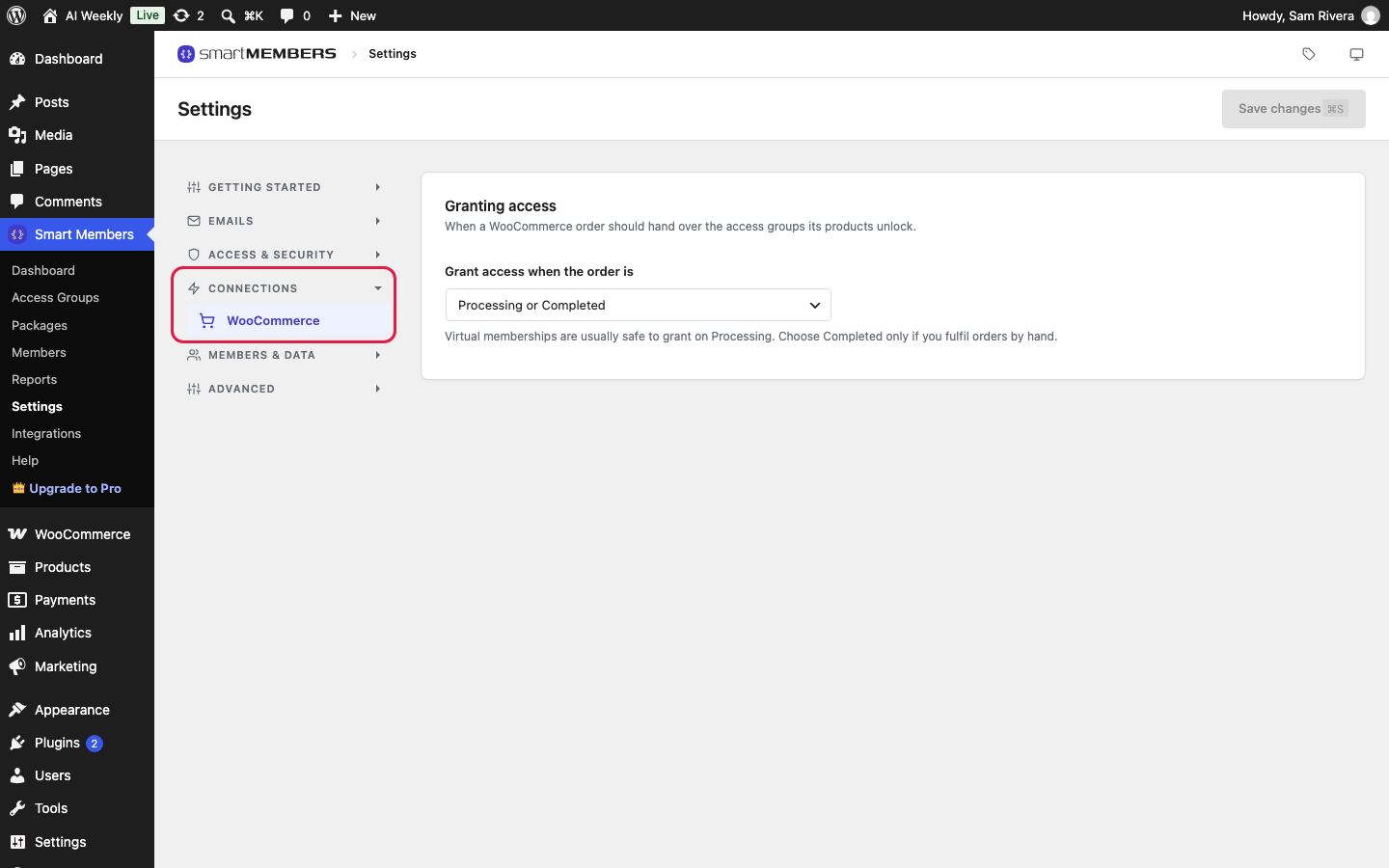
Click the gear icon on the card, or go to Smart Members → Settings → Connections → MailerLite. Paste the key into API key and click Save changes. The group pickers appear; choose your groups and save again.
Send a test
Add yourself to a group from Smart Members → Members, then check the group in MailerLite.
Warning: Anyone with the key can change your MailerLite subscribers. Keep it private, and delete it in MailerLite if it leaks.
The MailerLite settings
| Option | What it does | Example |
|---|---|---|
| API key | The key Smart Members uses to reach your MailerLite account. | A token named AI Weekly site |
| Groups to join on access | Groups a person joins when they gain access to any access group, and leaves when they lose their last one. | AI Weekly members |
| Groups to join when access ends | Groups a person joins when they lose their last access group. Left empty, they only leave the groups above. | Lapsed readers |
The group pickers appear once a working key is saved. Nothing is sent until the card is Activated, a key is saved and a group is chosen.
What happens in MailerLite
When Ben Sorensen buys AI Weekly — Reader, he is added as a subscriber, with his name, to AI Weekly members. If his order is refunded, he moves to Lapsed readers. Whether MailerLite emails him next depends on the automations you set for each group. Every access group uses the same MailerLite groups, and existing members are not sent.
If it doesn't work
No group pickers appear. Check the key was copied in full and your account has a group, then save the key again.
Members aren't reaching MailerLite. Check the card says Activated, a key is saved, a group is chosen and your Pro licence is active.