The Mailchimp integration adds people to your Mailchimp audience when they join an access group, and marks them unsubscribed when they lose their last access group.
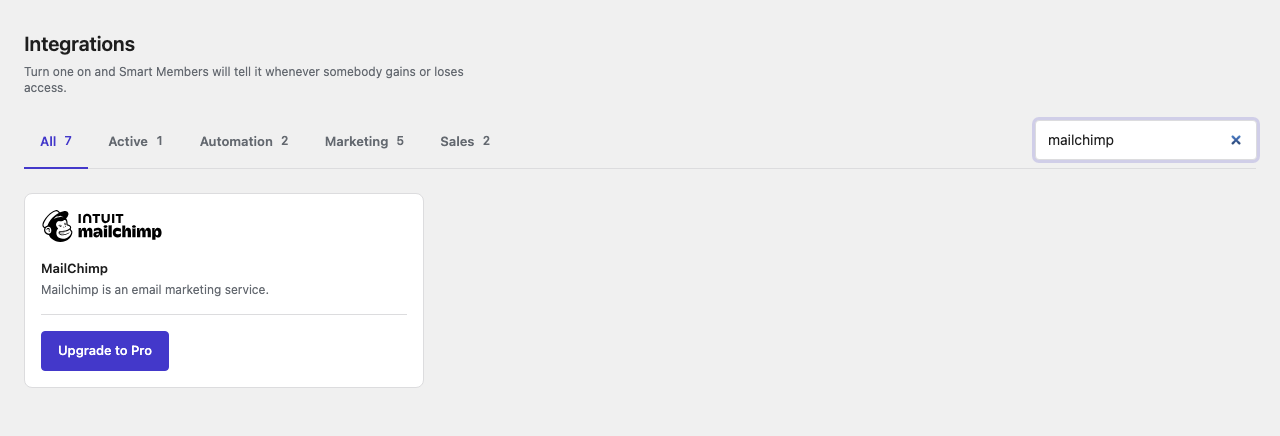
Pro: Needs Smart Members Pro. Without it, the card shows Upgrade to Pro.
You need a Mailchimp account with at least one audience (Mailchimp's word for a list). On AI Weekly, Maya uses AI Weekly members.
Set up Mailchimp
Get an API key from Mailchimp
In Mailchimp, go to Account → Extras → API keys, create a key and copy it. Mailchimp may show it only once.
Switch the MailChimp card on
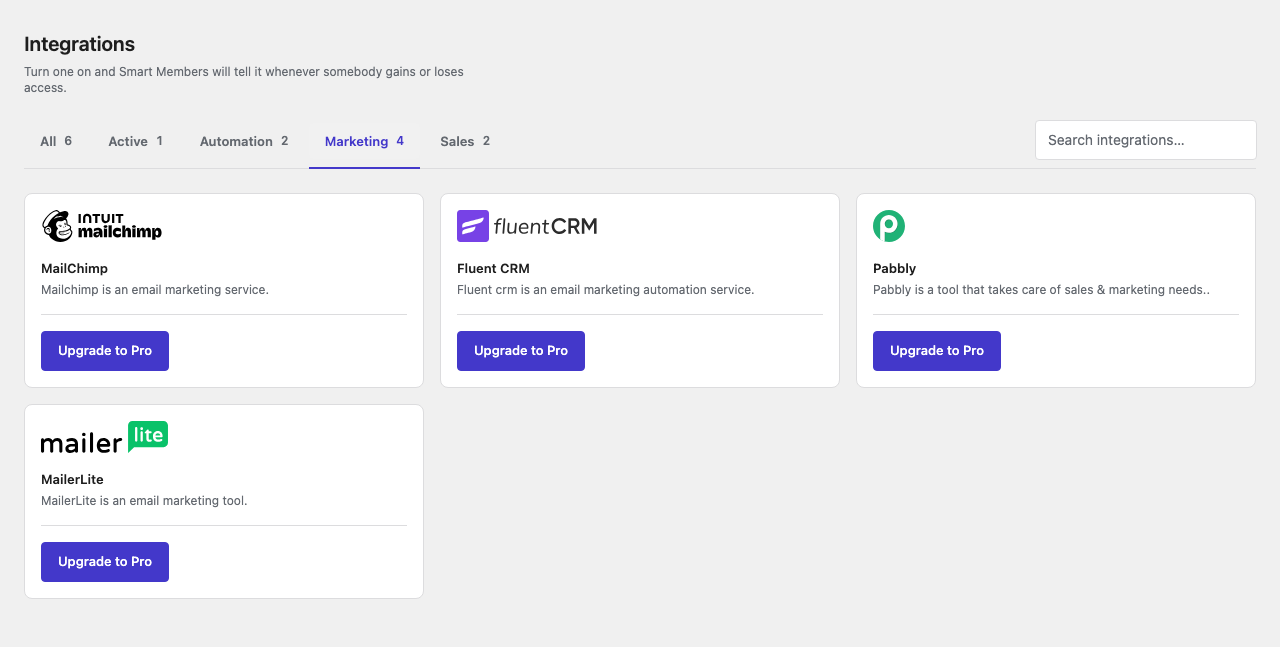
Go to Smart Members → Integrations, find MailChimp on the Marketing tab and flip its switch to Activated.
Until a key is saved, your dashboard shows MailChimp API key was not set yet!
Paste the key
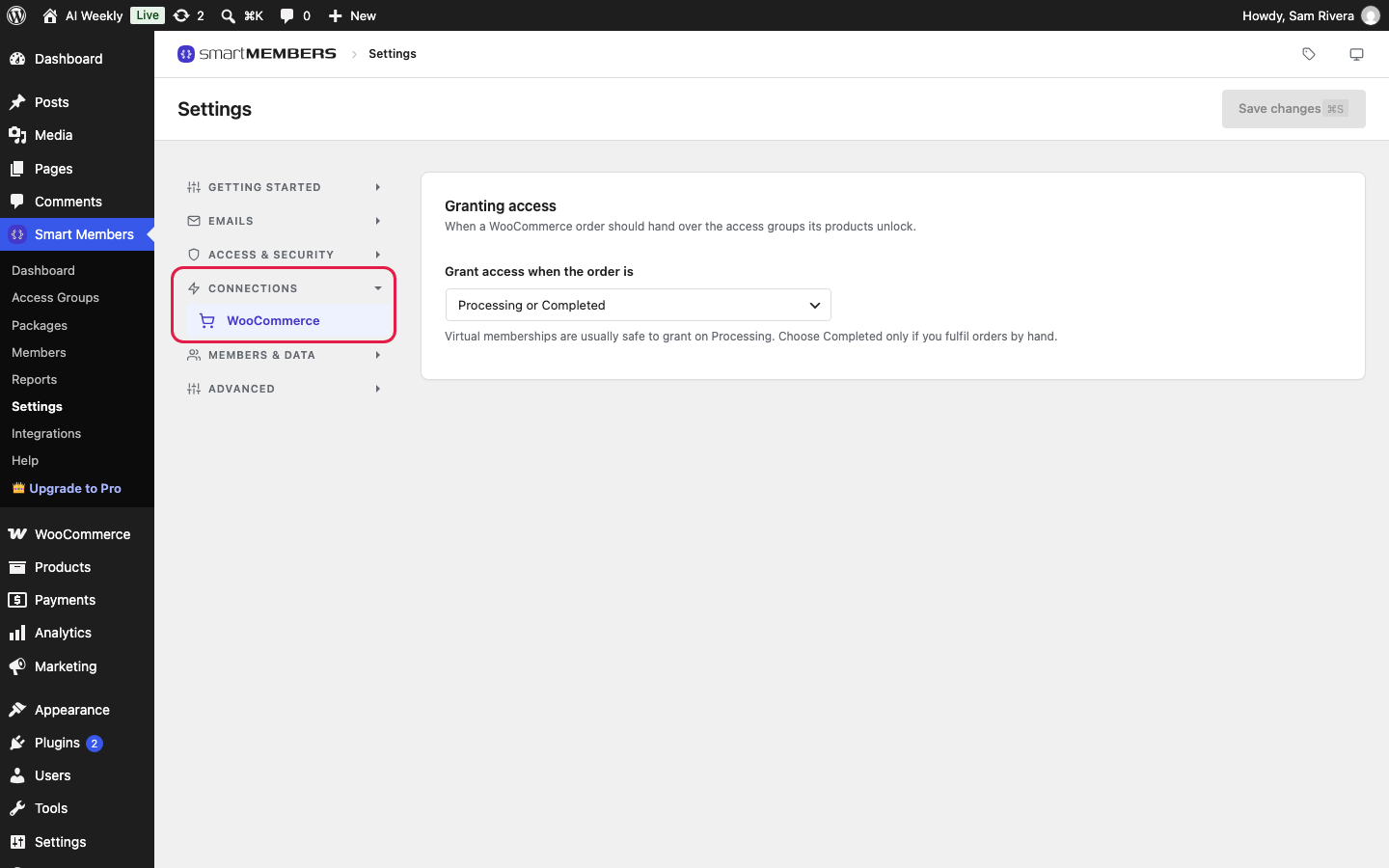
Click the gear icon on the card, or go to Smart Members → Settings → Connections → MailChimp. Paste the key into API key and click Save changes.
Choose your lists
The list picker appears as soon as the key is saved. Choose AI Weekly members under Lists to subscribe members to and click Save changes.
Send a test
Add yourself to a group from Smart Members → Members, then look for your address in the Mailchimp audience.
Warning: Anyone with your API key can use your Mailchimp account. If it leaks, delete it in Mailchimp and create a new one.
The MailChimp settings
| Option | What it does |
|---|---|
| API key | The key Smart Members uses to reach your account. It ends in a dash and a short code, such as -us21. |
| Lists to subscribe members to | The audiences members are added to. Appears once a working key is saved. |
Nothing is sent until the card is Activated, a key is saved and a list is chosen.
What happens in Mailchimp
| Membership change | In Mailchimp |
|---|---|
| Someone joins any access group | Added to each chosen list as subscribed, with first and last name. Someone already there is updated, not duplicated. |
| Someone loses their last access group | Set to unsubscribed on each chosen list. The contact and its history stay. Losing one group while holding another changes nothing. |
Mailchimp sends no "please confirm" email; Rosa gets whatever your audience sends new subscribers. Every group uses the same lists, so to split readers by group use FluentCRM or Zapier. Existing members are not sent; import them with Mailchimp's own tool.
If it doesn't work
The list drop-down doesn't appear. Check the key was copied in full and the account has an audience, then save the key again.
Members aren't reaching Mailchimp. Check the card says Activated, a key is saved, a list is chosen, your Pro licence is active and the member has an email address.