The Pabbly integration sends a member's details to a Pabbly Connect workflow each time they join or leave an access group. The workflow then adds a spreadsheet row, posts in Slack or updates another app.
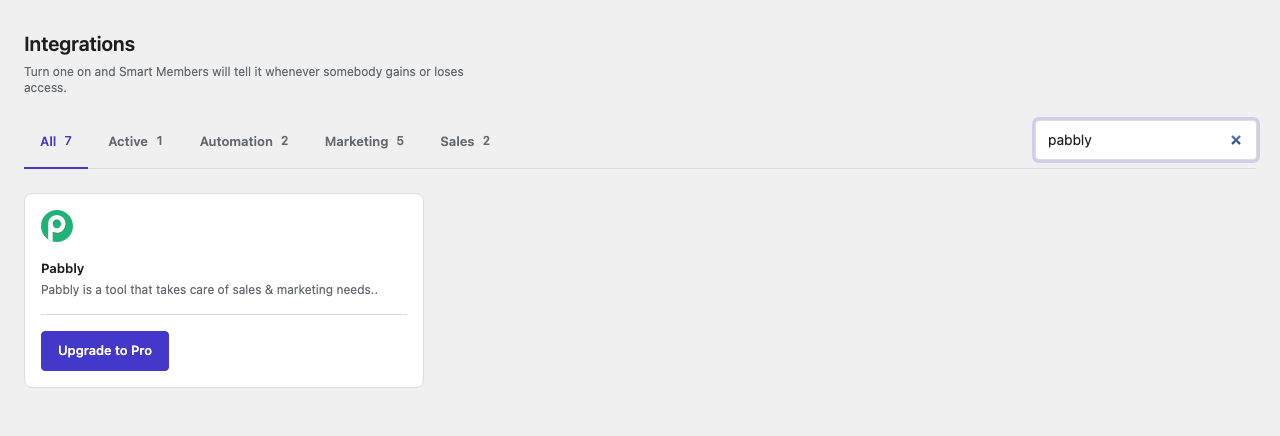
Pro: Needs Smart Members Pro. Without it, the card shows Upgrade to Pro.
Set up Pabbly Connect
Create a workflow with a webhook trigger
In Pabbly Connect, create a new workflow, choose Pabbly's webhook trigger and copy the web address it shows.
Switch the Pabbly card on
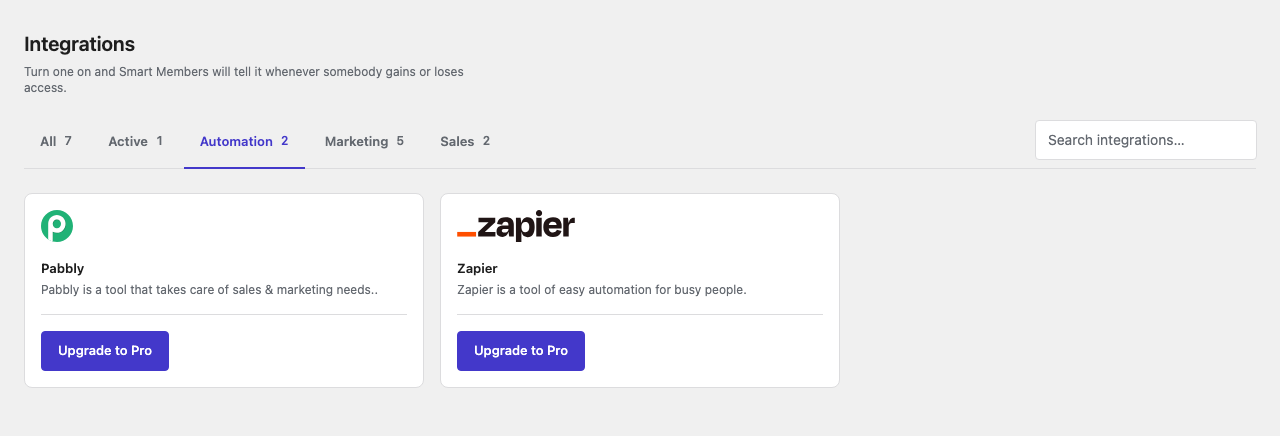
Go to Smart Members → Integrations, open the Automation tab and flip the Pabbly switch to Activated.
Until an address is saved, your dashboard shows Pabbly Webhook URL was not set yet!
Paste the address
Click the gear icon on the card, or go to Smart Members → Settings → Connections → Pabbly. Paste the address into Workflow URL and click Save changes.
Send a test
Add yourself to an access group from Smart Members → Members. In Pabbly, the trigger step shows what Smart Members sent and learns the field names from it.
Add your actions
Add the steps you want, such as a Google Sheets row, and save the workflow.
The Pabbly settings
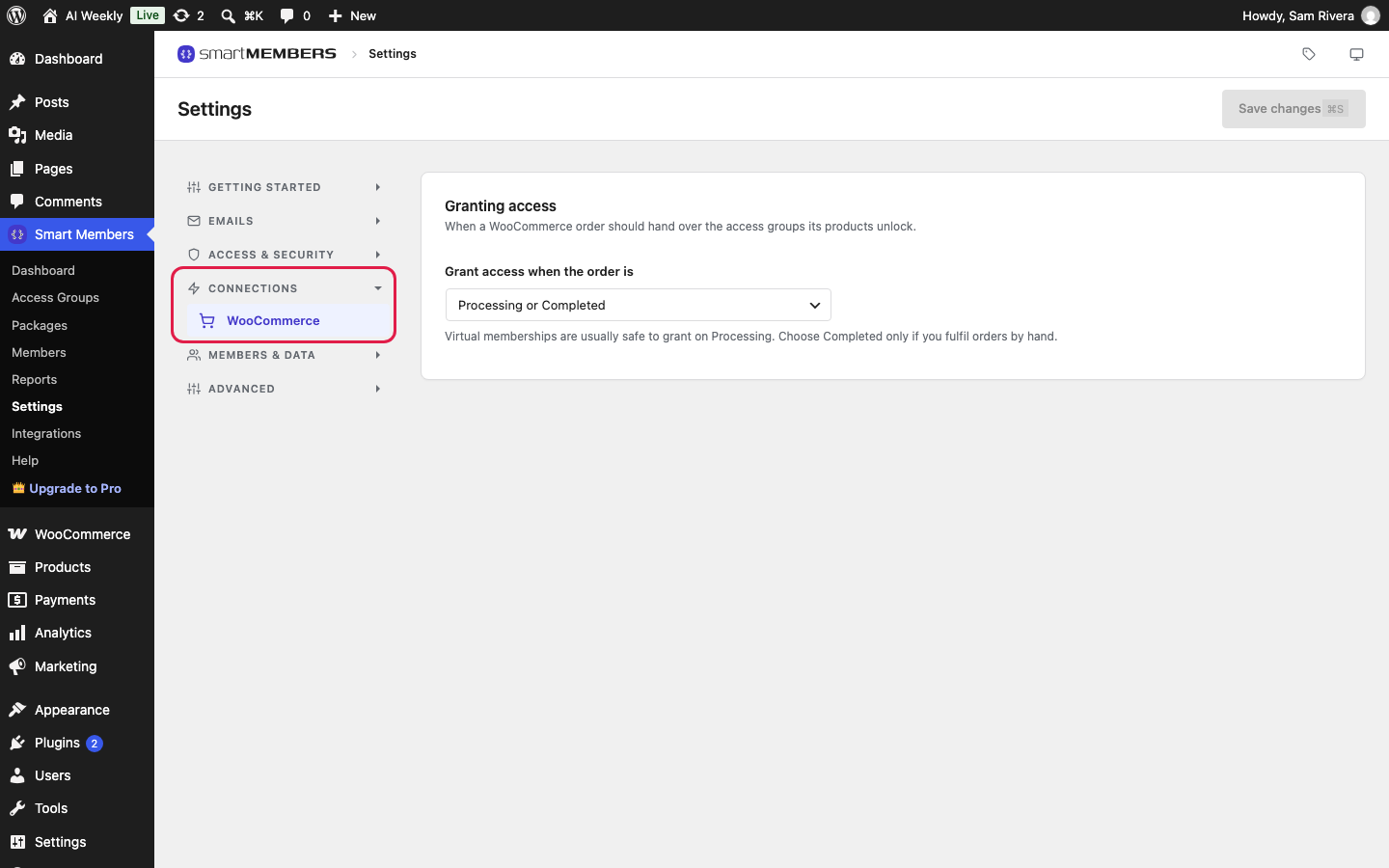
Workflow URL is the web address every change is sent to. Leave it empty and nothing is sent. To pause sending, switch the card to Disabled; the address stays saved.
What Smart Members sends
When Rosa Iqbal is added to AI Weekly — Reader by hand, Pabbly receives:
{
  "event": "joined",
  "user_id": 42,
  "email": "rosa.iqbal@example.com",
  "first_name": "Rosa",
  "last_name": "Iqbal",
  "full_name": "Rosa Iqbal",
  "group_id": 672,
  "group_name": "AI Weekly — Reader",
  "source": "manual",
  "expires_at": ""
}
event is joined or left. source says how access was given, such as woocommerce or registration. expires_at is the end date, or empty when access never ends.
Every group goes to the one address. To act on one group, add a Pabbly filter on group_name and event. Smart Members waits up to 10 seconds and does not retry; the member's access is never affected. Existing members are not sent.
If it doesn't work
Nothing arrives. Check the card says Activated, the address is saved in full, the workflow is active in Pabbly and your Pro licence is active.