The Redirections tab sets where members go after they sign in and out, and what visitors see by default when an access group refuses them.
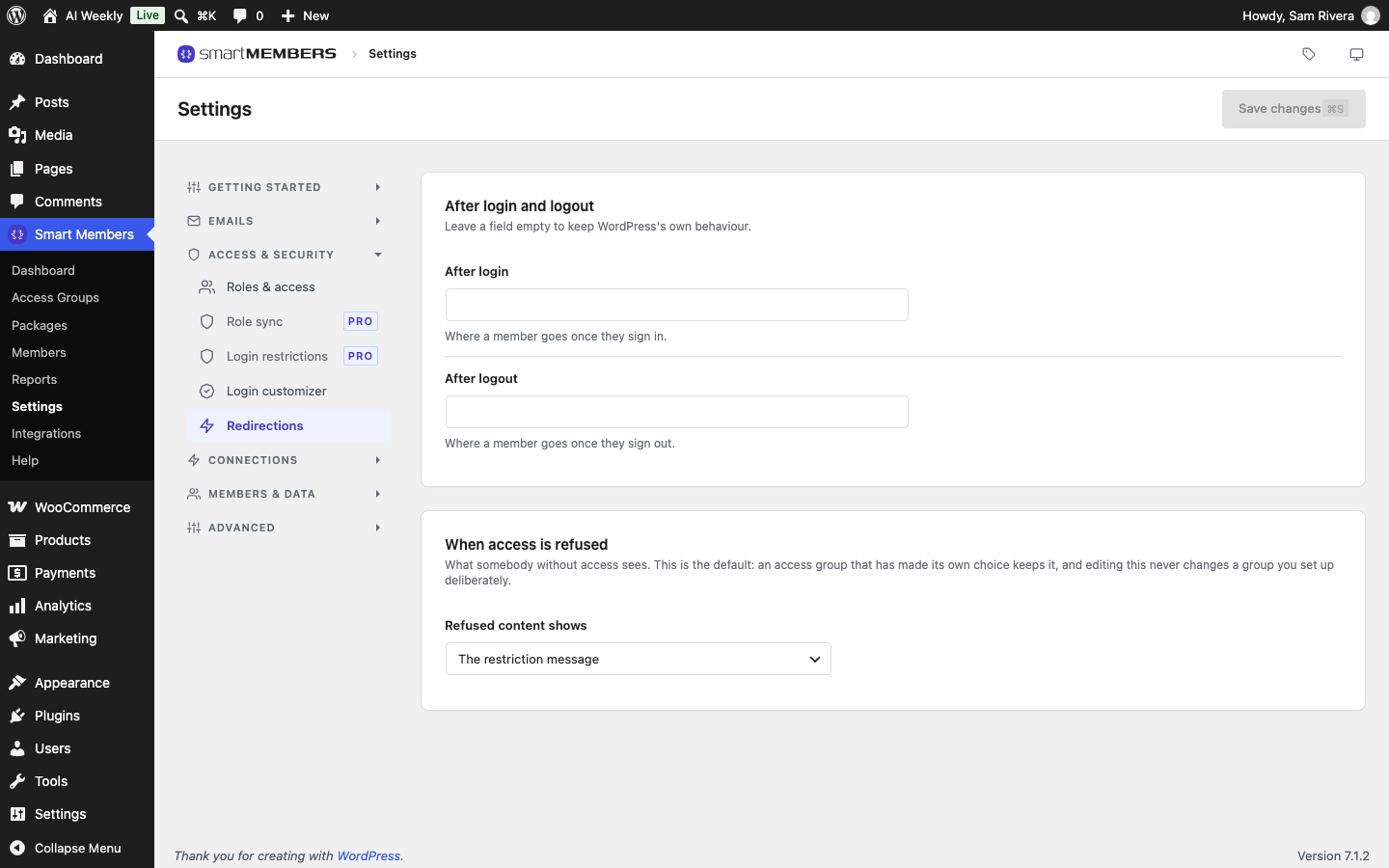
Find it at Smart Members → Settings → Access & security → Redirections.
After login and logout
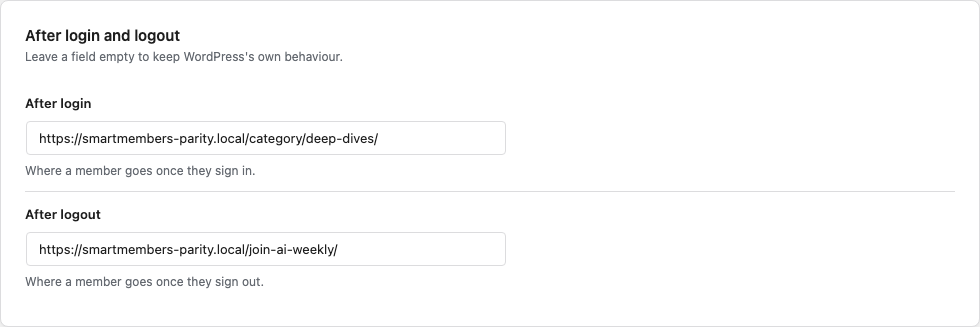
| Option | What it does | Example (AI Weekly) |
|---|---|---|
| After login | Where members go after signing in. | The Deep Dives category page. |
| After logout | Where members go after signing out. | The Join AI Weekly page. |
A page the member was already heading for still wins: Rosa clicks Log in on a Deep Dive and lands back on it. You and anyone else who can edit posts keep WordPress's normal behaviour.
When access is refused
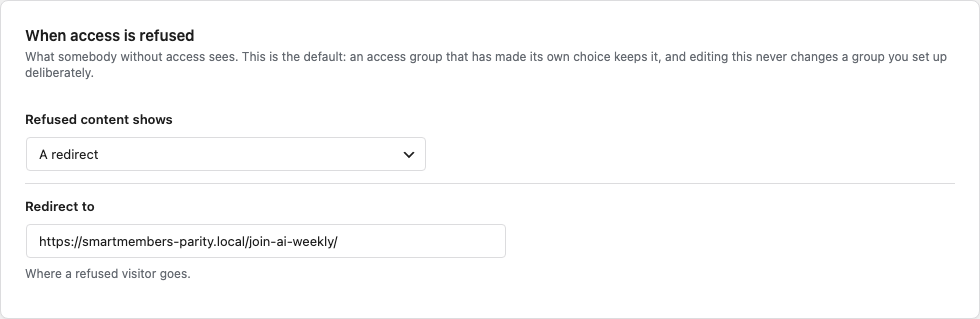
| Refused content shows | What the visitor gets |
|---|---|
| The restriction message (default) | A message in place of the content, on the same page. |
| A redirect | They are sent to the address in Redirect to, which must be on your own site. Empty shows the message. |
| Another page’s content | The page chosen in Show this page, such as Join AI Weekly. |
| A 404 | Your theme's "page not found" page. The post also drops out of blog and category lists for them. Only offered here. |
This is only a default for groups with no refusal choice of their own. In practice that is the setup wizard's group, until you save it in the editor. To change one group, use its Unauthorized Access panel.
What visitors see
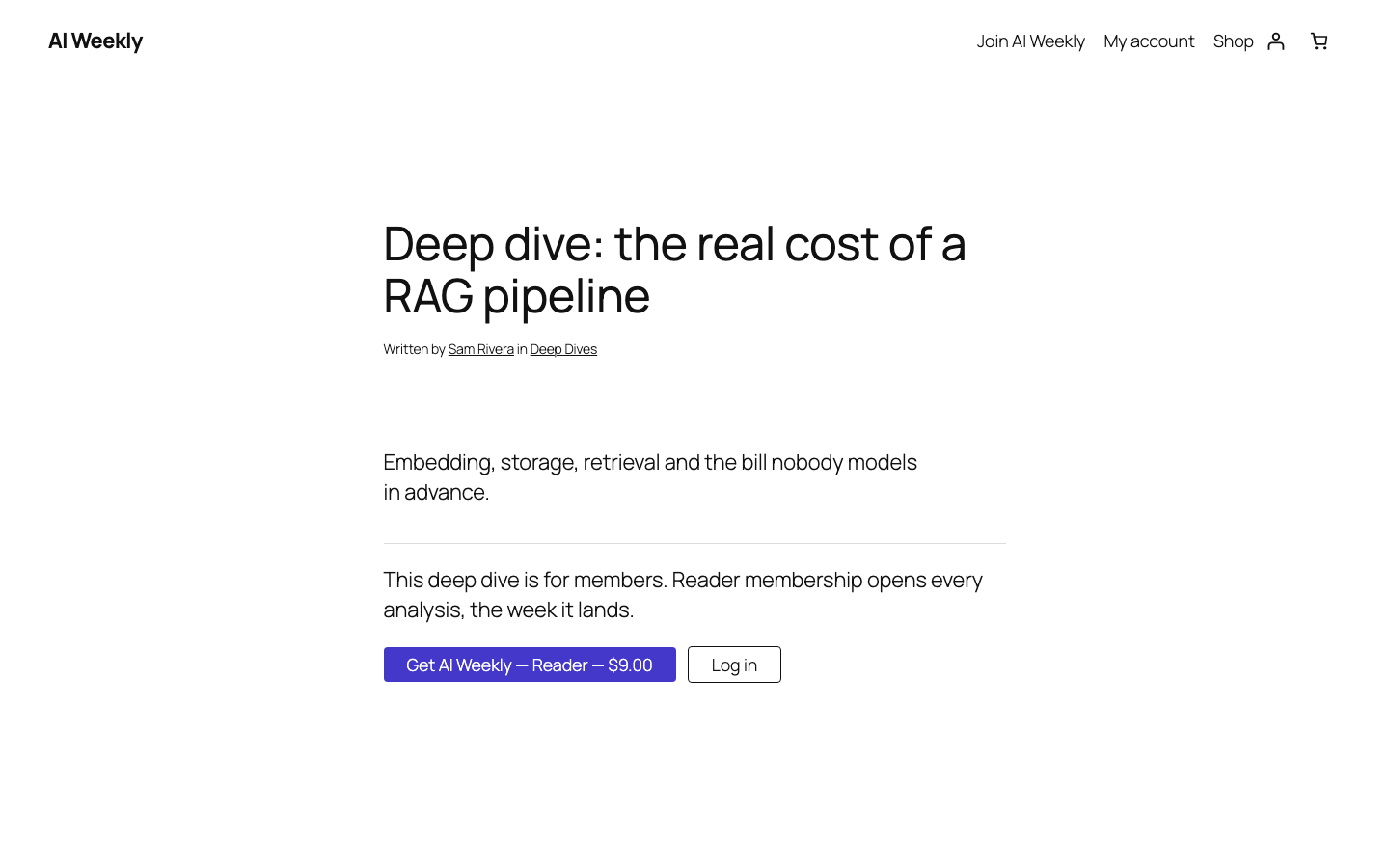
Members waiting on a drip are never redirected; they see when the lesson unlocks. Members whose access has ended are refused like any visitor.
Related articles
- Unauthorized access: what visitors see — the per-group version of the refusal setting.
- Login customizer — style the page members sign in on.
- Member area pages, shortcodes and directory — the dashboard members land on.
- Login & member area overview — how the pieces fit.